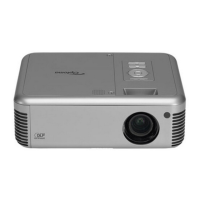
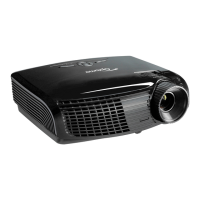
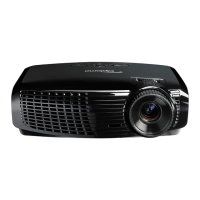
Delta Elec. Inc. EP7155i & EP1691i
Company Confidential Optoma_______________________ Delta____________
23
2010/01/11
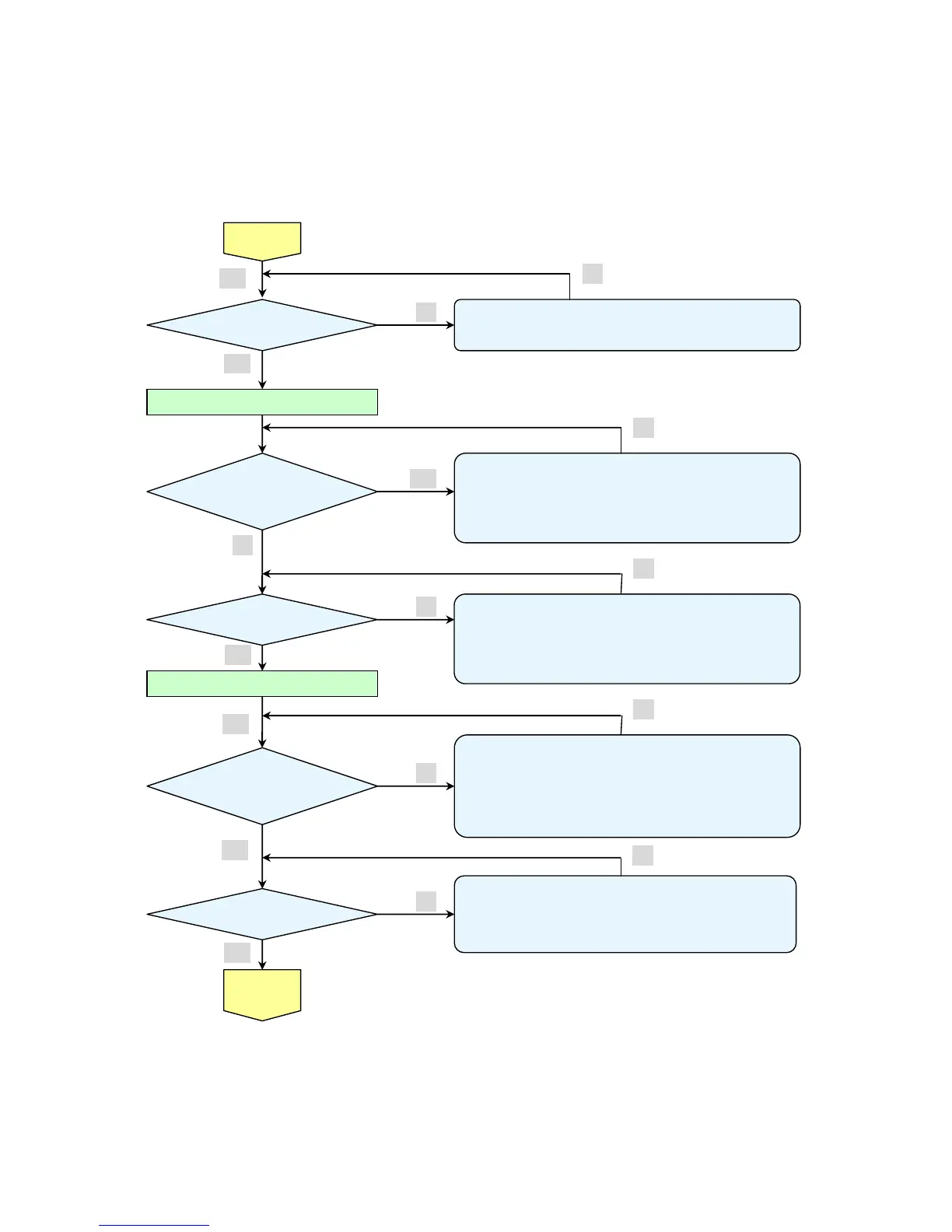
Confirmation with none-signal state
Yes
No
No
No
Yes
No
Yes
Projector logo
screen dis
Yes
• CW Sensor Board
Ass’y malfunction
• Main Board
Ass’y malfunction
• DMD Set malfunction
Still dark after the
lamp is on for more
than 1min
• Lamp deterioration (malfunction/usage time)
• Power Supply Unit malfunction
(No change occurs even after lamp replacement.)
• DMD Set malfunction
(No change occurs even after lamp replacement.)
Menu display
• Remote controller set malfunction, Low battery,
and outside operation rang
• Main Board Ass’y malfunction
• Connector (CN371)、(CN5 of MIS PWB) disconnected
• IR PWB Ass’y malfunction
• Check the pattern generator setting is wrong
• Main Board Ass’y malfunction
• DMD Set malfunction
• Setting on PC side(external output setting, resolution, etc.)
• Cable malfunction (disconnection and pins broken)
• Connector (CN300) disconnected
• Speaker Ass’y malfunction
• Audio Board Ass’y malfunction
• Main Board and Keypad Board Ass’y malfunction
Check the
projection
Screen
Image display
normally
Input each signal
Speaker work
normall



 To Next Page