Delta Elec. Inc. EP7155i & EP1691i
Company Confidential Optoma_______________________ Delta____________
72
2010/01/11
5-7.
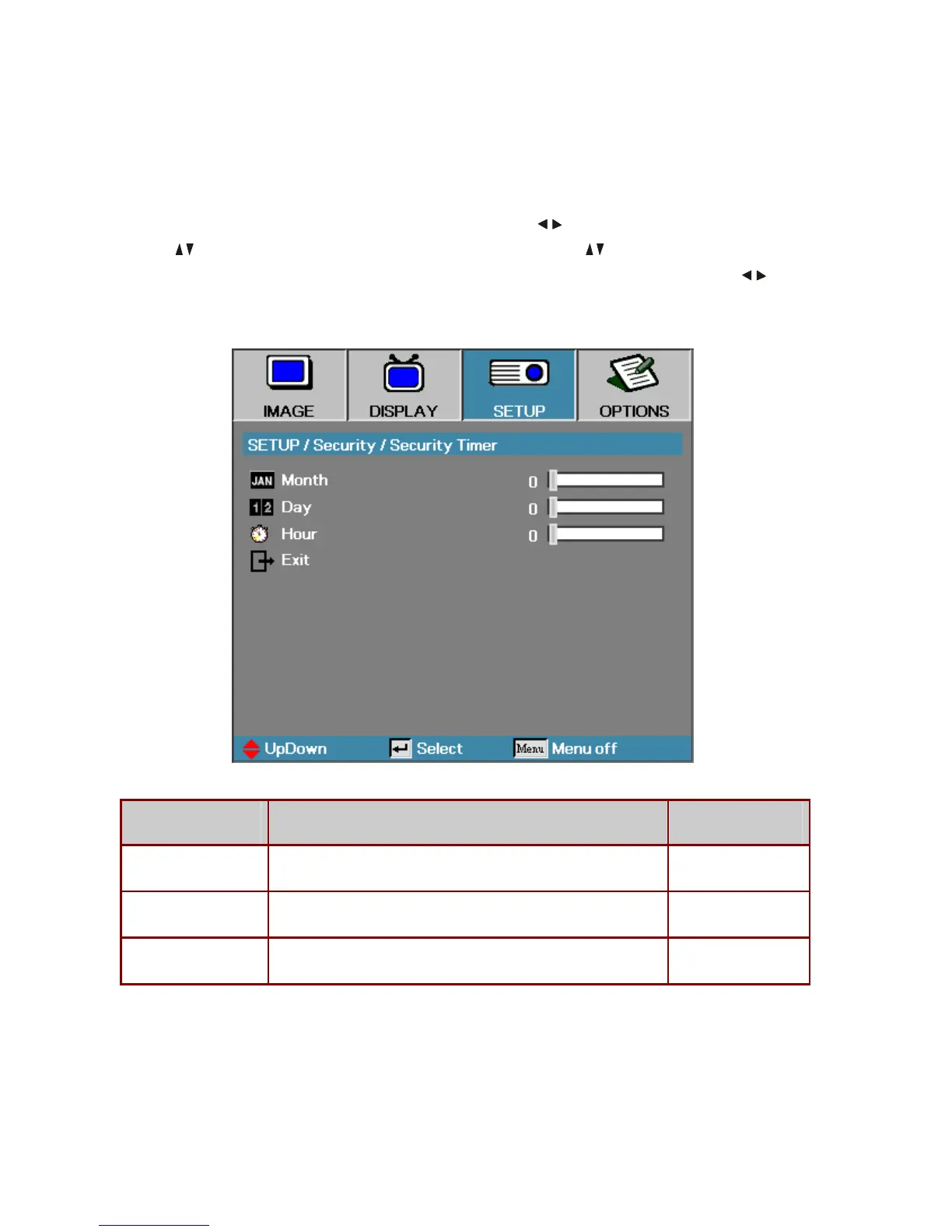
Security Timer
Press the Menu button to open the OSD menu. Press to move to the SETUP menu.
Press
to move up and down and select Security. Press to move up and down and
select
Security Timer. Press Enter to open the Security Timer submenu. Press to
change values for settings, and then press
Enter to confirm the new setting.
ITEM DESCRIPTION DEFAULT
Month Set the number of months the projector can be used. 0
Day Set the number of days for the projector to be active. 0
Hour Set the number of hours for the projector to be active. 0



 To Next Page