Delta Elec. Inc. EP7155i & EP1691i
Company Confidential Optoma_______________________ Delta____________
53
2010/01/11
Appendix-B
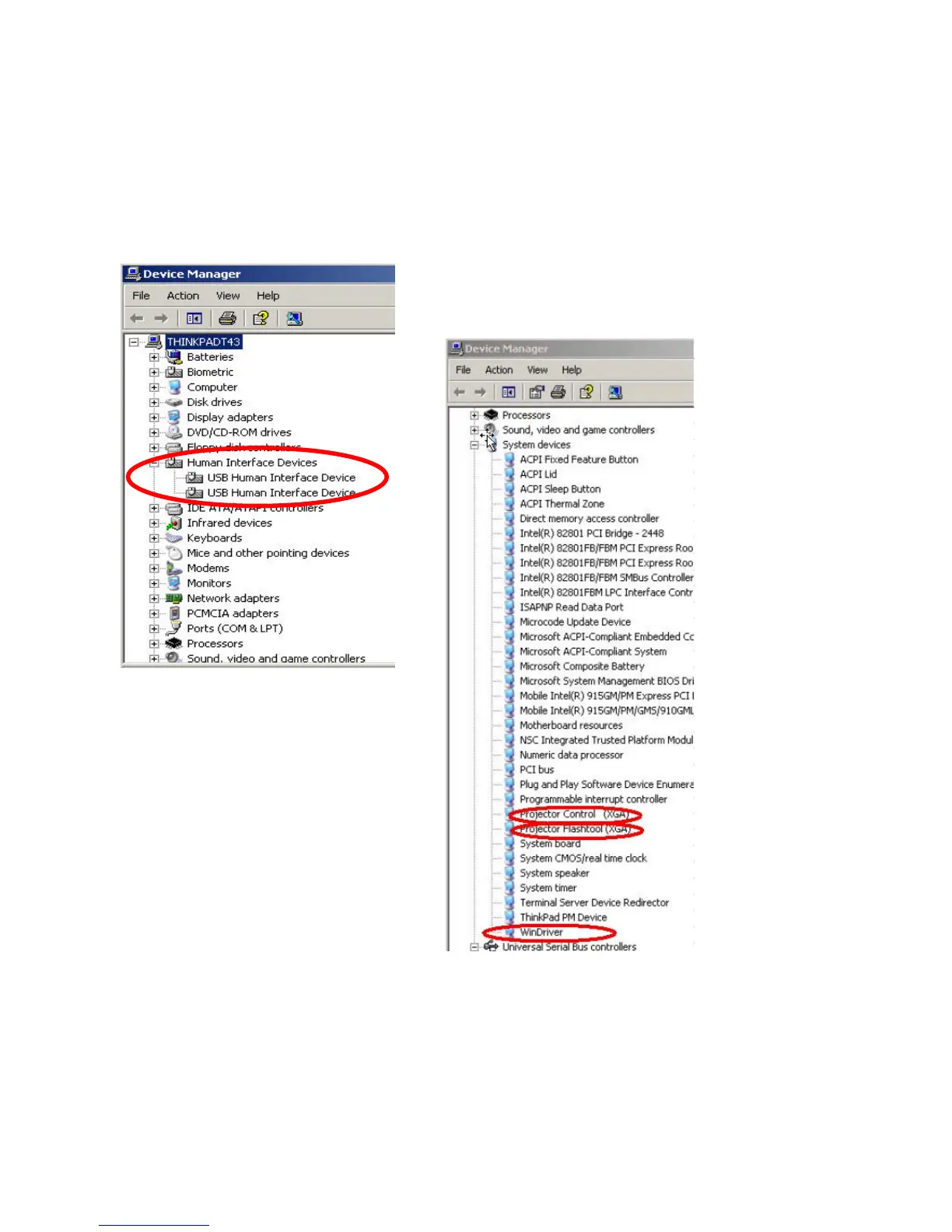
Projector USB status on Windows Device Manager
The USB HID device will be installed automatically via Windows' USB hot-plug mechanism.
The Projector Control will be dynamically installed after entering the maintenance mode
(Press <down>, <up>, <right>, <up> key in sequence); The Projector Flashtool will be
dynamically installed when starting the flash upgrading by Flashtool or FlashtoolBL utility.
The Windriver is the root driver for both Projector Control and Flashtool.



 To Next Page