Delta Elec. Inc. EP7155i & EP1691i
Company Confidential Optoma_______________________ Delta____________
82
2010/01/11
8-2.
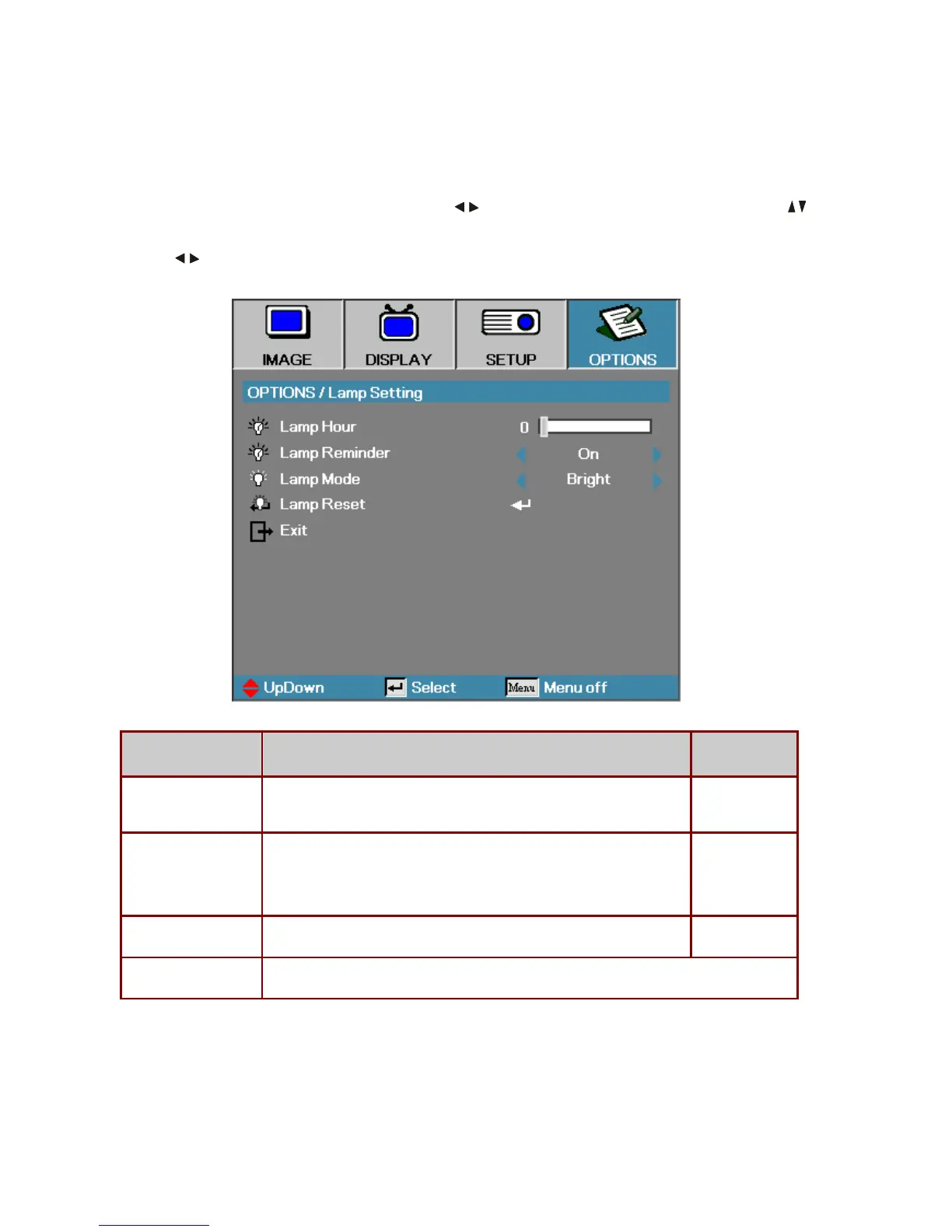
Lamp Setting
Press Menu to open the OSD menu. Press to move to the OPTIONS menu. Press to
move up and down in the
OPTIONS menu. Select Lamp Setting in the OPTIONS menu.
Press
to change values for settings, and then press Enter to confirm the new setting.
ITEM DESCRIPTION DEFAULT
Lamp Hour Set the number of hours for the lamp to be active. Standard and bright
counter are separated.
–
Lamp Reminder Show or hide the warning message
Note: The lamp reminder warning is only displayed when less than 30
hours remain.
On
Lamp Mode Select the lamp mode for higher or lower brightness to save lamp life. Bright
Lamp Reset
Press Enter to reset the lamp life hour after replacing the lamp.



 To Next Page