Delta Elec. Inc. EP7155i & EP1691i
Company Confidential Optoma_______________________ Delta____________
59
2010/01/11
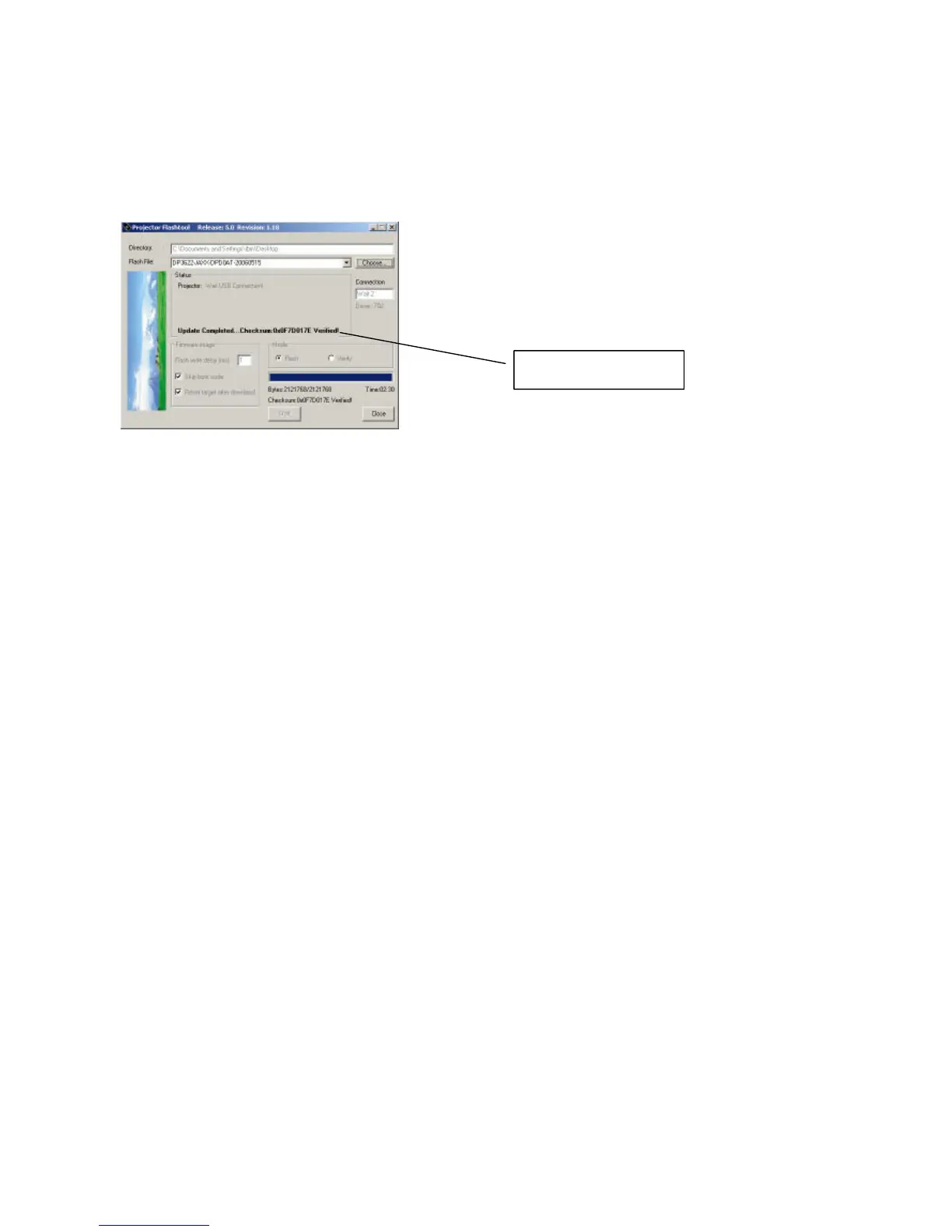
Note: After the new firmware is upgraded, the Flash-Tool will perform the final validation. The
dialog shows the checksum with a verification message!
Step 8: When the validation is completed, turn off the projector. Next time when the
projector is on, it will execute the new firmware.
Checksum verified.



 To Next Page