Delta Elec. Inc. EP7155i & EP1691i
Company Confidential Optoma_______________________ Delta____________
64
2010/01/11
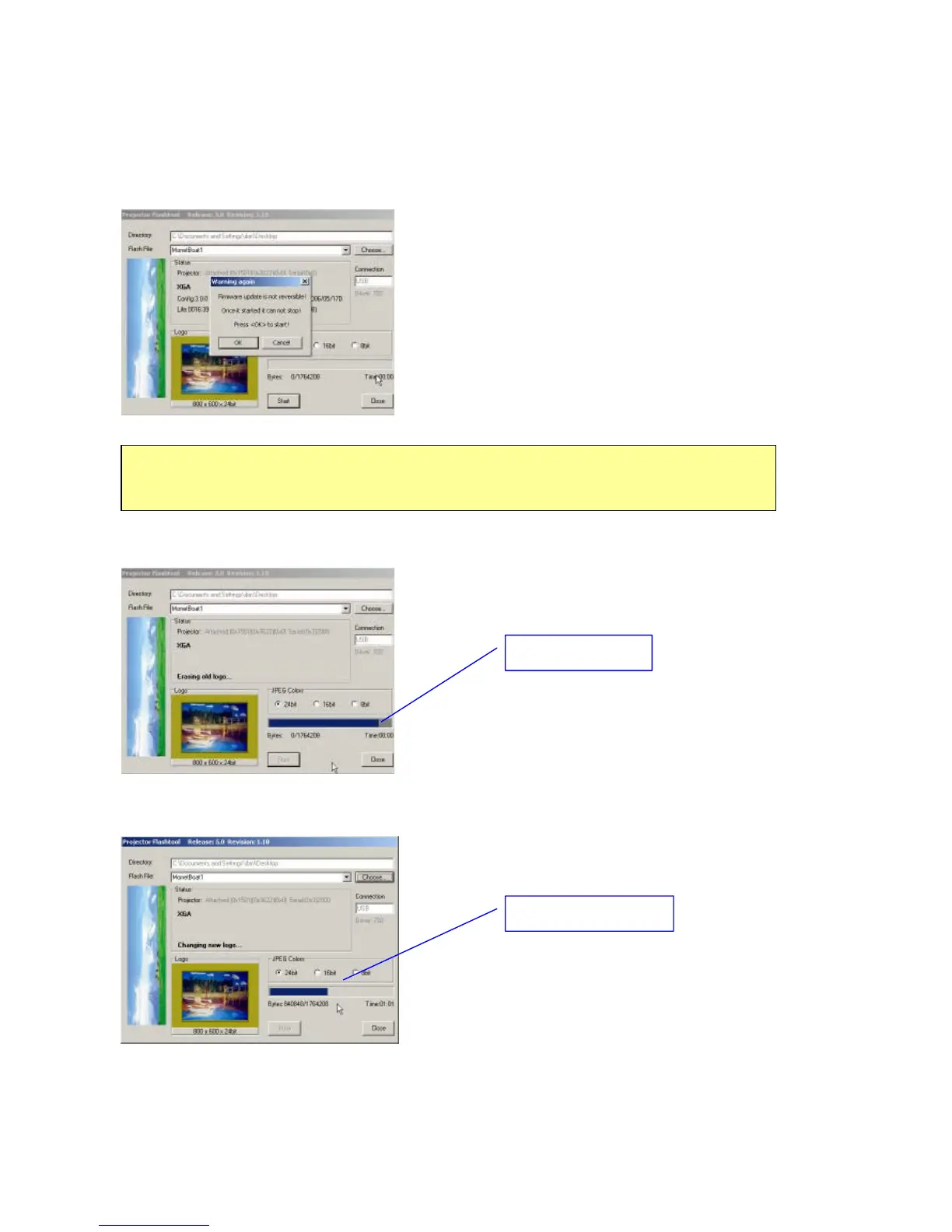
Step 8: When the last warning message box appears, this is the last chance to stop the
update.
Press “OK” button to start the firmware update.
Step 9: According to the Flash-ROM technology, Flash-Tool needs to erase the old splash logo
before adding the new one.
Step 10: After old logo erased, the new logo upgrading process will start.
Caution:
DO NOT install any USB driver when erasing or upgrading process started.
Erasing old logo
Changing new logo



 To Next Page