Delta Elec. Inc. EP7155i & EP1691i
Company Confidential Optoma_______________________ Delta____________
67
2010/01/11
4.
If more than one input device is
connected, press the
Source button
repeatedly to switch among devices.
(DVD and HDTV are supported
through the VGA connector)
5.
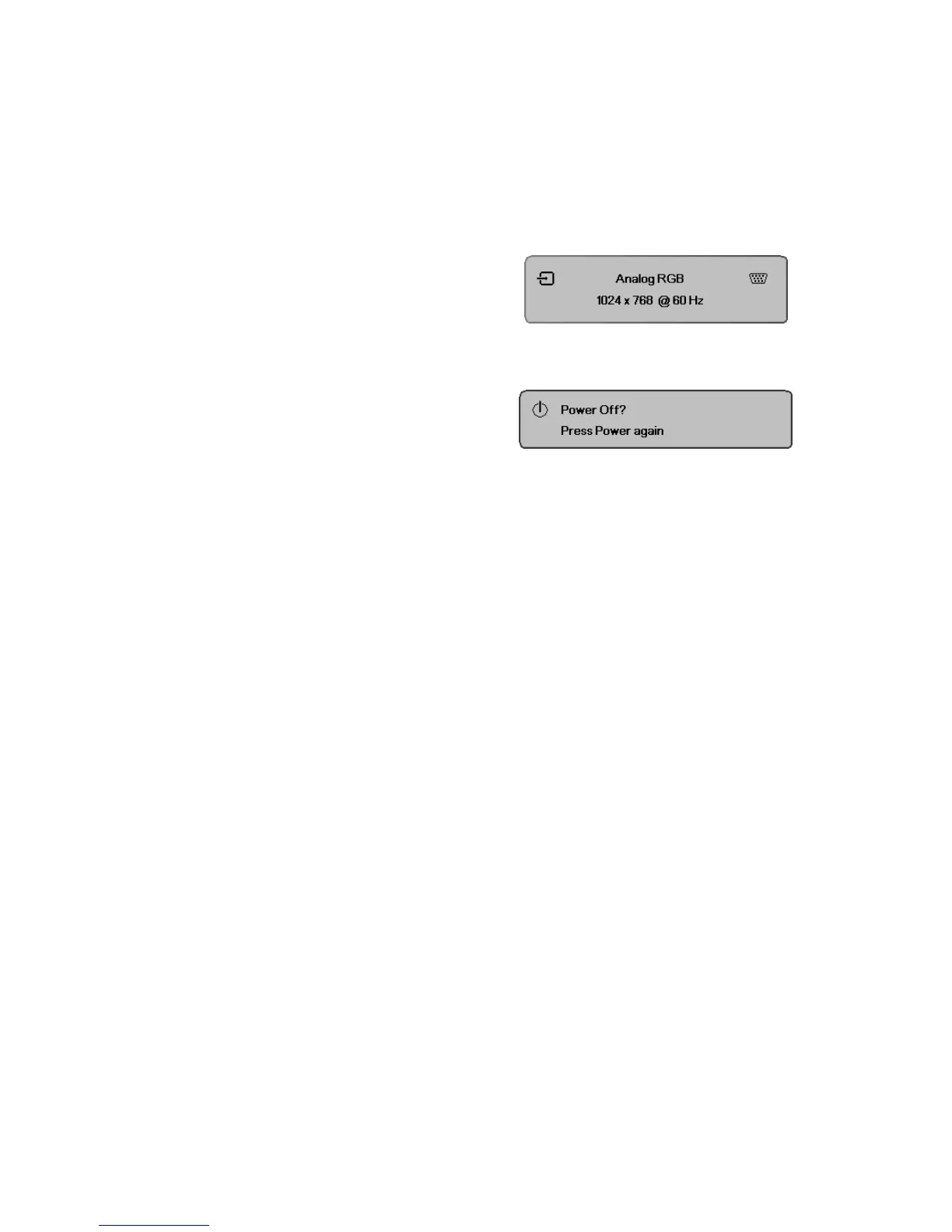
To turn off the projector, press the
power button. The
Power / Press
Power again
message appears.
Press the
Power button again to turn
off the projector.
Caution:
Do not unplug the power cord until the Lamp LED (on Cooling mode) stops flashing–indicating
the projector has cooled down.



 To Next Page