Oracle Field Service
Using Core Application
Chapter 2
Dispatcher Activities
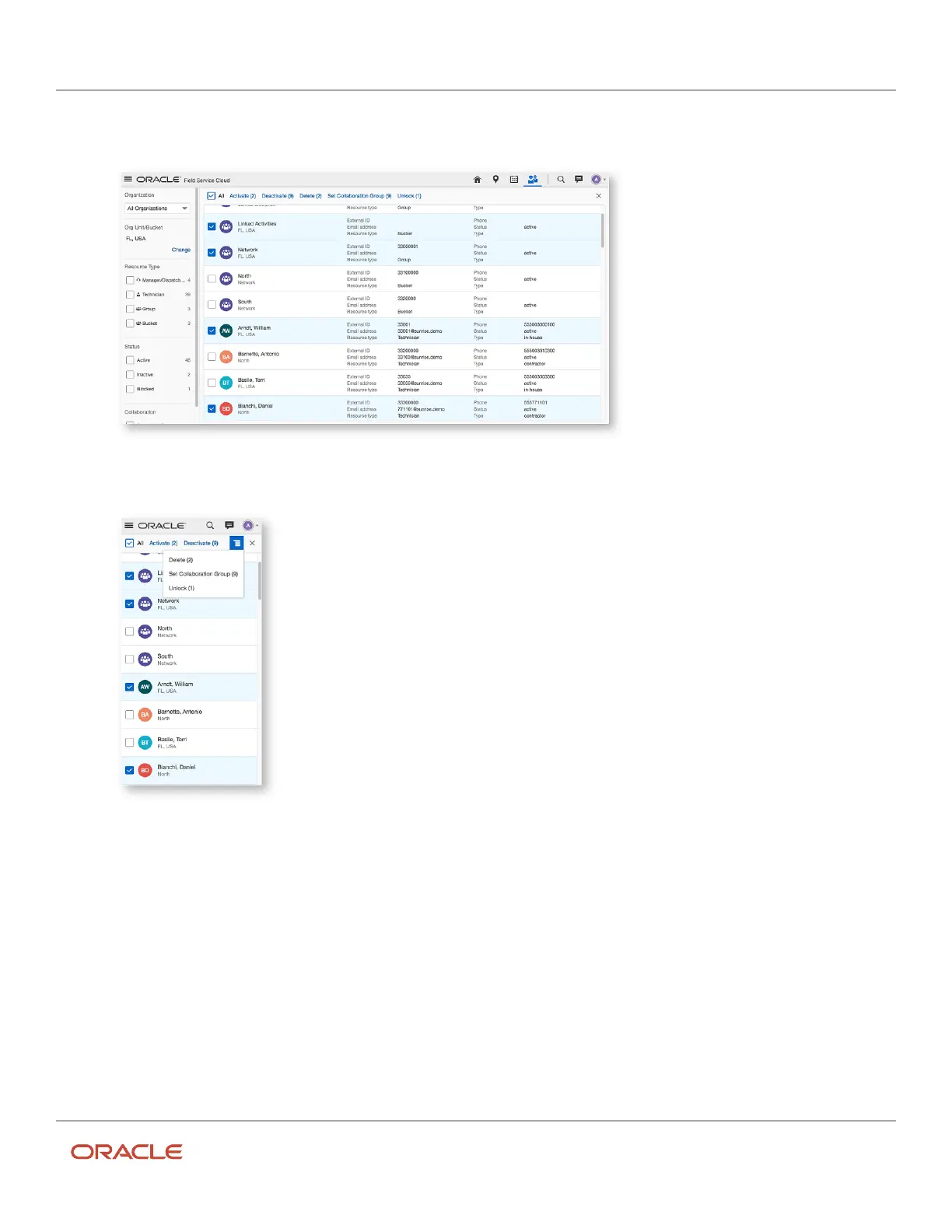
The options Activate, Deactivate, Delete, Set Collaboration Group, and Unlock are displayed at the top of the
list. This screenshot shows the desktop version of the Resources page:
This screenshot shows the mobile device version of the Resources page with these options:
4. Click the button of your choice.
A confirmation dialog appears with the count of resources selected for the action. This screenshot shows the
changes that are about to be applied for Collaboration groups:
137













 To Next Page