EasyManua.ls Logo

Oriental motor BMUD30-A2 - User Manual

Oriental motor BMUD30-A2
44 pages
Print Icon
To Next Page IconTo Next Page
Loading...
HM-5187-4
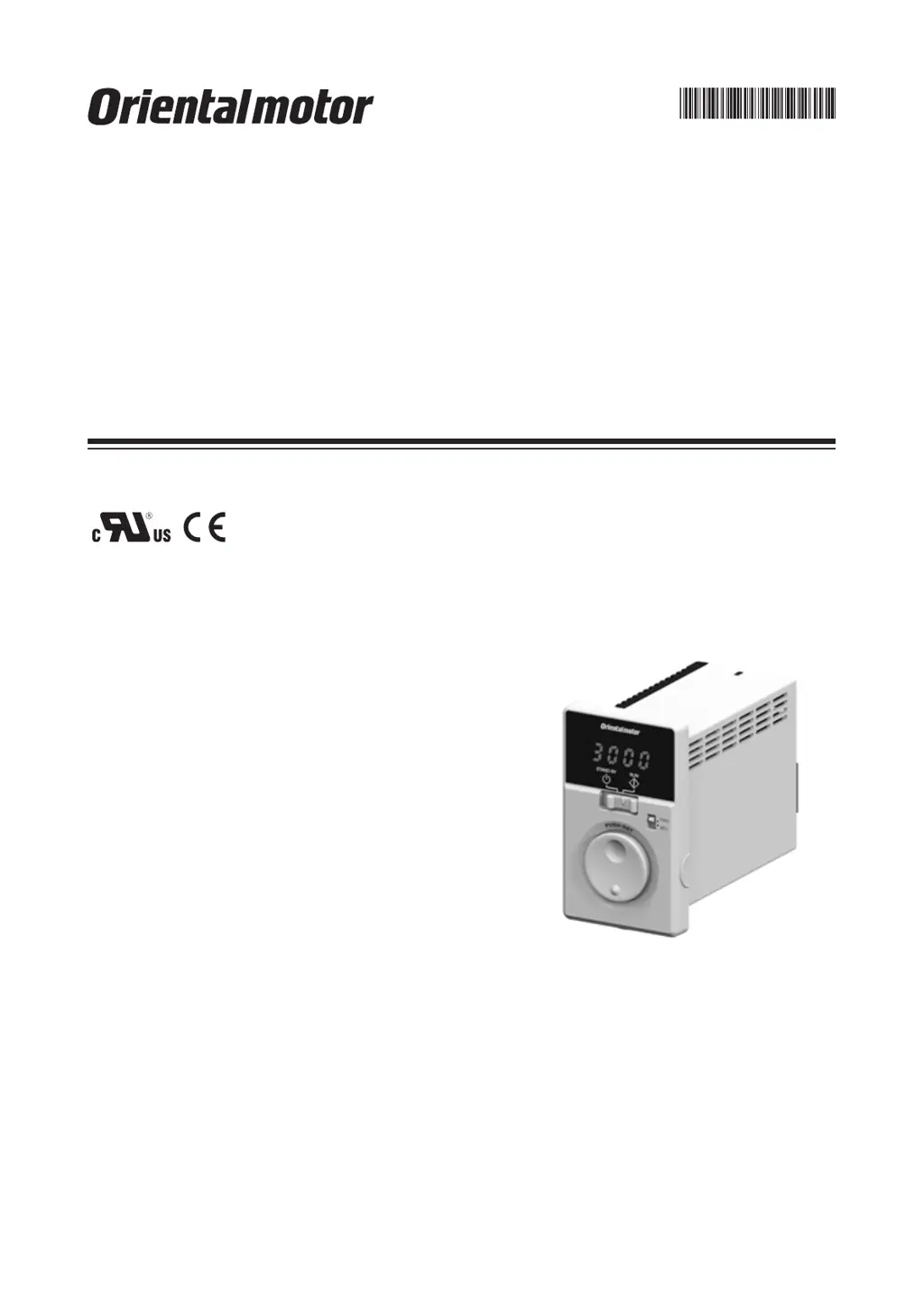
Brushless Motor
BMU
Series
30 W /
60 W / 120 W
OPERATING MANUAL
Thank you for purchasing an Oriental Motor product.
This Operating Manual describes product handling procedures and safety precautions.
Please read it thoroughly to ensure safe operation.
Always keep the manual where it is readily available.

Questions and Answers

  • V
    Victoria DuncanJul 25, 2025
    What to do if my Oriental motor Engine does not operate?
    • D
      diana19Jul 25, 2025
      If your Oriental motor Engine does not operate, several factors could be the cause. First, check the connections between the driver and the power supply to ensure they are correctly connected. Second, verify that the operation switch is set to the "RUN" side, not "STAND-BY". If operating the motor using the operation switch, ensure the "external operation signal input" parameter is set to "OFF" after setting the operation switch to the STAND-BY side. When using external signals, the "external operation signal input" parameter should be set to "ON" or "RE" after turning the input operation signal OFF. Also, make sure either the FWD or REV input is ON, but not both. Finally, check for any alarms and reset after addressing the cause.
  • D
    Donna GarnerJul 29, 2025
    Why is my Oriental motor BMUD30-A2 rotating in the wrong direction?
    • C
      chelseabarnesJul 29, 2025
      If your Oriental motor Engine rotates in the opposite direction to what you specified, there are a few potential causes. First, the FWD and REV inputs might be wrongly or not correctly connected; check these connections. Second, the gear ratio might be causing the gearhead output shaft to rotate in the opposite direction; consult the motor's operating manual for the gearhead output shaft's rotation direction. Also, check the rotation direction switch. Finally, if the rotation direction switch is set to REV, verify the setting of the "external operation signal input" parameter.
  • B
    bradleycunninghamAug 2, 2025
    What to do if the Oriental motor Engine operation is unstable or vibrating too much?
    • J
      Jeffery NormanAug 2, 2025
      If the operation of your Oriental motor Engine is unstable, or if the motor vibration is too great, there are a couple of things you should check. First, make sure that the motor and gearhead output shaft are correctly aligned with the load shaft. Second, check for electrical noise by testing the operation with only the essential equipment (motor, driver, and any other external equipment required for operation). If noise is present, try moving the unit away from noise sources, reviewing the wiring, changing to shielded signal cables, or installing ferrite cores.
  • S
    scott52Aug 7, 2025
    What to do if I cannot perform settings using the dial on my Oriental motor BMUD30-A2 Engine?
    • D
      Dorothy ChavezAug 7, 2025
      If the setting cannot be performed using the setting dial of your Oriental motor Engine, the lock function might be enabled. You should release the lock function.
  • L
    Lisa PadillaAug 11, 2025
    Why is the set rotation speed not saved on my Oriental motor BMUD30-A2 Engine?
    • J
      Jasmine LaneAug 11, 2025
      If the set rotation speed is not being saved on your Oriental motor Engine, ensure that you are confirming the speed by pressing the setting dial after you set it.
  • J
    Joel ChavezAug 16, 2025
    Why is the rotation speed not displayed on my Oriental motor BMUD30-A2 Engine?
    • T
      Taylor DixonAug 16, 2025
      If the rotation speed is not displayed on your Oriental motor Engine, the "panel initial view" parameter might not be set to show the rotation speed. Set the "panel initial view" parameter to the rotation speed.
  • J
    Julian RubioAug 20, 2025
    Why is my Oriental motor Engine not reversing with the rotation direction switch?
    • C
      Connie HendersonAug 20, 2025
      If your Oriental motor Engine is not reversed by the rotation direction switch, check the setting of the "external operation signal input" parameter. It may be set to "RE."

Summary

Safety Precautions

General Safety Guidelines

General safety guidelines for handling, installation, connection, and operation.

Installation Safety

Safety precautions during installation of the motor and driver.

Connection Safety

Safety guidelines for connecting the motor and driver.

Operation Safety

Safety precautions to be observed during motor operation.

Maintenance Safety

Safety precautions for maintenance and inspection procedures.

Repair and Modification Safety

Safety warnings regarding repair, disassembly, and modification.

Precautions for Use

Installation

Installation Location Requirements

Specifies environmental conditions and placement for driver installation.

Driver Installation Procedure

Details on installation direction, mounting methods, and clearance requirements.

Connection

Motor and Driver Connection

Instructions for connecting connector type motors and drivers, including cable procedures.

Cable Type Connection

Instructions for connecting cable type motors and drivers.

Grounding Procedures

Detailed instructions for grounding the motor and driver for safety and protection.

Protective Earth Terminal Connection

How to connect to the protective earth terminal using the grounding terminal.

Power Supply Connection

Instructions for connecting the power supply to the CN1 connector.

Power Supply Connection Method

Details on connecting lead wires and using crimp terminals for power supply.

I;O Signal Connection

Connecting I/O signals to the CN4 connector, including lead wire and terminal details.

Connection Diagrams

Illustrates connection examples for sink logic and external power supply.

Sink Logic Connection Example

Wiring example for sink logic using the built-in power supply.

External Power Supply Connection

Wiring example for external power supply.

Source Logic Connection Example

Wiring example for source logic using the external power supply.

I;O Signals and PLC Connection

Examples of connecting I/O signals with a transistor output PLC (Sink/Source Logic).

Operating the Motor

Operation Methods Overview

Overview of operating the motor via the front panel or a programmable controller.

Front Panel Operation

Instructions on how to operate the product using the front panel controls.

Basic Motor Operation

Steps for starting, adjusting speed, and stopping the motor using the front panel.

Programmable Controller Operation

Operating the motor using external signals from a programmable controller.

External Operation Signal Parameter

Configuring the parameter to enable external operation signals.

Multi-Speed Operation

How to set and operate the motor at up to 4 different speeds using external signals.

Convenient Functions

Parameter List and Settings

Detailed list of parameters, their descriptions, setting ranges, and factory defaults.

Operation Data Setting

Procedure for setting up to four types of operation data using M0/M1 inputs.

Acceleration;Deceleration Time Setting

Methods for setting acceleration and deceleration times.

Alarms and Warnings

Alarm Information

Explanation of how alarms are generated, displayed, and what they indicate.

Alarm Code List

Detailed list of alarm codes, their causes, and recommended remedial actions.

Alarm Reset Procedures

Methods for resetting alarms, including using ALARM-RESET input or monitor mode.

Warnings

Details on warning types, generation conditions, and corresponding actions.

Warning List and Actions

List of warnings, their causes, motor operation status, and remedial actions.

Troubleshooting and Remedial Actions

Troubleshooting: Motor Not Operating

Common causes and solutions when the motor fails to operate.

Maintenance and Inspection

Reference Information

Product Specifications

Detailed technical specifications for the driver and motors, including power, torque, and speed.

Oriental motor BMUD30-A2 Specifications

General IconGeneral
BrandOriental motor
ModelBMUD30-A2
CategoryEngine
LanguageEnglish

Related product manuals