EasyManua.ls Logo

Oriental motor BMU Series - User Manual

Oriental motor BMU Series
48 pages
Print Icon
To Next Page IconTo Next Page
Loading...
HM-5186-6
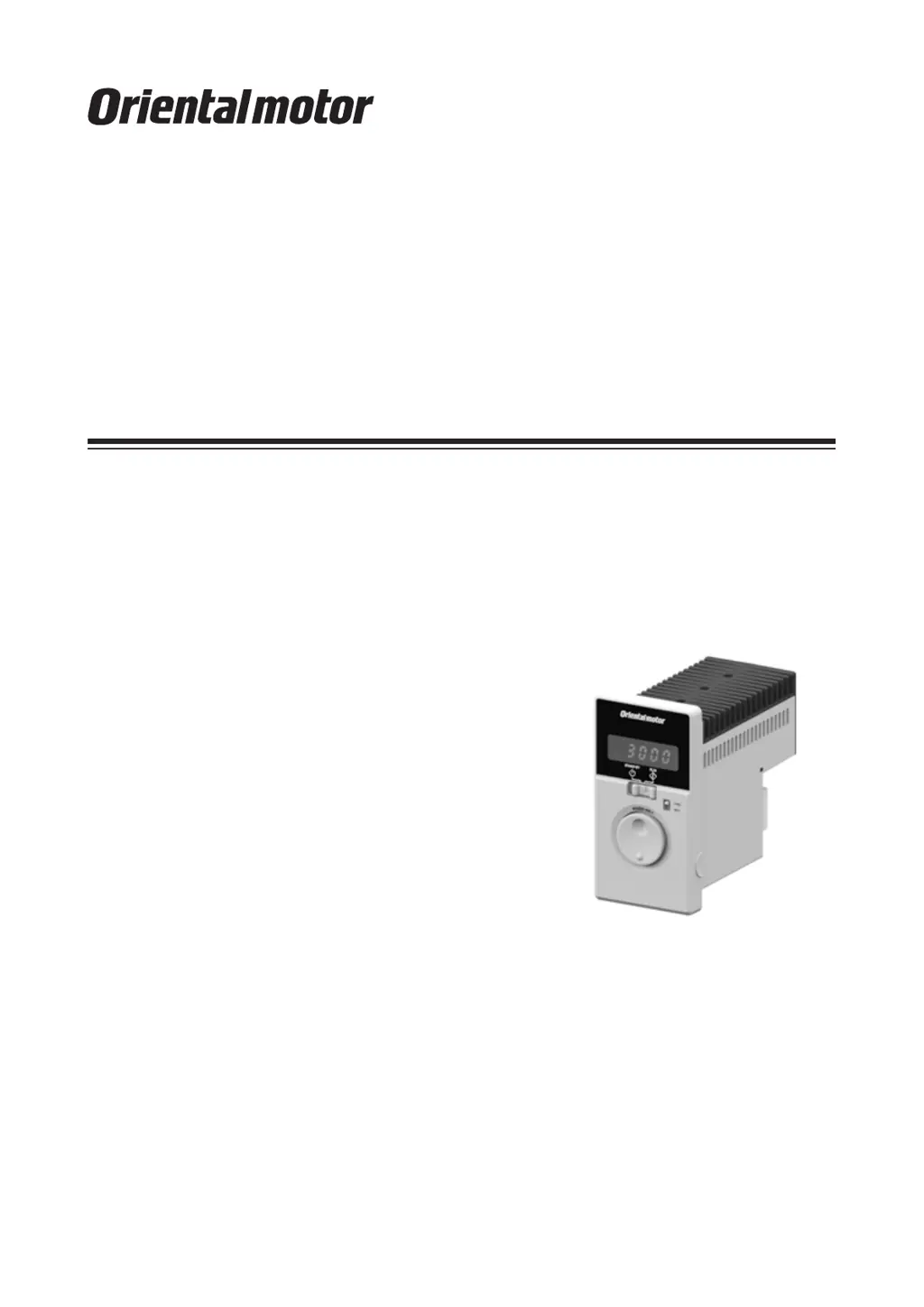
Brushless Motor
BMU
Series
200 W / 300 W / 400 W
OPERATING MANUAL
Thank you for purchasing an Oriental Motor product.
This Operating Manual describes product handling procedures and safety precautions.
Please read it thoroughly to ensure safe operation.
Always keep the manual where it is readily available.

Other manuals for Oriental motor BMU Series

Questions and Answers

  • L
    Laura OwensAug 19, 2025
    What to do if my Oriental motor BMU Engine does not operate?
    • K
      Katherine SparksAug 19, 2025
      If your Oriental motor Engine does not operate, several factors could be the cause. First, check the connections between the driver and the power supply to ensure they are correctly connected. Second, verify that the operation switch is set to the "RUN" side, not "STAND-BY". If operating the motor using the operation switch, ensure the "external operation signal input" parameter is set to "OFF" after setting the operation switch to the STAND-BY side. When using external signals, the "external operation signal input" parameter should be set to "ON" or "RE" after turning the input operation signal OFF. Also, make sure either the FWD or REV input is ON, but not both. Finally, check for any alarms and reset after addressing the cause.
  • K
    Kathryn BarnettAug 21, 2025
    Why is my Oriental motor BMU rotating in the wrong direction?
    • M
      Madeline GallowayAug 21, 2025
      If your Oriental motor Engine rotates in the opposite direction to what you specified, there are a few potential causes. First, the FWD and REV inputs might be wrongly or not correctly connected; check these connections. Second, the gear ratio might be causing the gearhead output shaft to rotate in the opposite direction; consult the motor's operating manual for the gearhead output shaft's rotation direction. Also, check the rotation direction switch. Finally, if the rotation direction switch is set to REV, verify the setting of the "external operation signal input" parameter.
  • S
    Seth JensenAug 25, 2025
    What to do if the Oriental motor BMU operation is unstable or vibrating too much?
    • J
      Joe GrantAug 25, 2025
      If the operation of your Oriental motor Engine is unstable, or if the motor vibration is too great, there are a couple of things you should check. First, make sure that the motor and gearhead output shaft are correctly aligned with the load shaft. Second, check for electrical noise by testing the operation with only the essential equipment (motor, driver, and any other external equipment required for operation). If noise is present, try moving the unit away from noise sources, reviewing the wiring, changing to shielded signal cables, or installing ferrite cores.
  • B
    Brooke Ferguson DDSAug 26, 2025
    What to do if I cannot perform settings using the dial on my Oriental motor BMU?
    • G
      gabriellehernandezAug 26, 2025
      If the setting cannot be performed using the setting dial of your Oriental motor Engine, the lock function might be enabled. You should release the lock function.
  • E
    Elizabeth VasquezAug 27, 2025
    Why is the set rotation speed not saved on my Oriental motor BMU?
    • S
      Sarah McneilAug 27, 2025
      If the set rotation speed is not being saved on your Oriental motor Engine, ensure that you are confirming the speed by pressing the setting dial after you set it.
  • J
    Jade DouglasAug 29, 2025
    Why is the rotation speed not displayed on my Oriental motor Engine?
    • T
      Thomas GonzalezAug 30, 2025
      If the rotation speed is not displayed on your Oriental motor Engine, the "panel initial view" parameter might not be set to show the rotation speed. Set the "panel initial view" parameter to the rotation speed.
  • C
    colemanlorraineAug 31, 2025
    Why is my Oriental motor BMU not reversing with the rotation direction switch?
    • B
      Benjamin MillerAug 31, 2025
      If your Oriental motor Engine is not reversed by the rotation direction switch, check the setting of the "external operation signal input" parameter. It may be set to "RE."
  • J
    johndaughertySep 2, 2025
    Why is my Oriental motor Engine rotating in the opposite direction?
    • P
      Patrick CarlsonSep 2, 2025
      If your Oriental motor Engine rotates in the opposite direction, several factors could be the cause. First, check the connection of the FWD input and REV input to ensure they are correctly connected. Also, verify the gear ratio, ensuring the gearhead output shaft rotates in the same direction as the motor. Check the rotation direction switch to ensure it is properly set. Lastly, if the rotation direction switch is set to REV, verify the setting of the "external operation signal input" parameter.
  • J
    Jesus CollierSep 4, 2025
    How to fix unstable operation and excessive vibration in my Oriental motor BMU?
    • C
      Christopher SkinnerSep 4, 2025
      Unstable operation and excessive vibration in your Oriental motor Engine can stem from a few issues. Check the coupling condition of the motor, gearhead output shaft, and the load shaft to ensure proper alignment. Also, check for electrical noise by testing the motor with only essential equipment. If noise is present, consider moving the unit away from noise sources, reviewing the wiring, changing signal cables to shielded types, or installing ferrite cores.
  • M
    Melinda MartinezSep 6, 2025
    How to display rotation speed on Oriental motor BMU?
    • S
      Stephanie CarterSep 6, 2025
      If the rotation speed isn't displayed on your Oriental motor Engine, ensure the "panel initial view" parameter is set to the rotation speed.

Summary

Safety Precautions

Warning and Cautionary Statements

Instructions for handling that may result in serious injury, death, or property damage.

Graphic Symbols and Notes

Explanation of graphic symbols and important notes for safe product use.

Names and Functions of Driver Parts

Installation

Electrical Connection

Connecting Motor and Driver

Steps for connecting connector-type motors and drivers, including cable extensions.

Cable Type Motor Connection

Instructions for connecting cable-type motors to the driver.

Grounding Procedures

Essential steps for grounding the motor and driver for safety and performance.

Power Supply Connection

Methods for connecting the driver to single-phase and three-phase power supplies.

I;O Signal Connection and Pin Assignments

Details on connecting I/O signals and CN4 pin configurations.

Connection Diagrams

Operating the Driver

Operation Overview and Front Panel Operation

Methods for operating the motor and using the front panel controls.

Operating with Programmable Controller

Operation with External Signals

How to operate the motor using external signals from a programmable controller.

Setting and Operating with Multiple Speeds

Data Settings for Multi-Speed Control

Configuring and using multiple operation data settings for speed control.

Switching Motor Rotation Direction

Setting Items and Panel Displays

Parameter Mode Navigation

Accessing and Modifying Parameters

Detailed guide to accessing and modifying driver parameters.

Parameter List Overview

Driver Parameter Descriptions

Comprehensive list of driver parameters, their settings, and factory defaults.

Output Function Assignments and Settings

Conveyor Speed and Alarm Display

Setting Acceleration and Deceleration Times

Adjusting Time Parameters

Methods for adjusting acceleration and deceleration time parameters.

Data Locking and Speed Range Limits

Load Holding and Alarms

Alarm Details

Alarm List and Causes

Comprehensive list of alarm codes, their causes, and remedial actions.

Alarm Reset Procedures

Methods for resetting alarms after their cause is removed.

Warning Information

Troubleshooting

Motor Operation Issues

Solutions for problems like motor not operating or incorrect rotation.

Speed and Setting Issues

Troubleshooting tips for speed display, setting, and saving problems.

Vibration and Stability Issues

Addressing unstable operation and excessive motor vibration.

EMC Conformity

Mains Filter and External Power Supply

Installing filters and using compliant power supplies for EMC.

Grounding, Shielding, and Ferrite Cores

Methods for grounding, shielding, and using ferrite cores for EMC.

Oriental motor BMU Series Specifications

General IconGeneral
Motor TypeBrushless DC Motor
SeriesBMU Series
Insulation ClassClass B
Frame Size60mm, 80mm
Output Power15 W, 400 W
Power SupplySingle-Phase 100-120 VAC, Single-Phase 200-240 VAC, Three-Phase 200-240 VAC
Control MethodSpeed control, Torque control, Position control
Gear TypePlanetary gear, Spur gear
EncoderIncremental encoder (optional)
ProtectionOvervoltage Protection
Voltage100VAC, 200VAC

Related product manuals