EasyManua.ls Logo

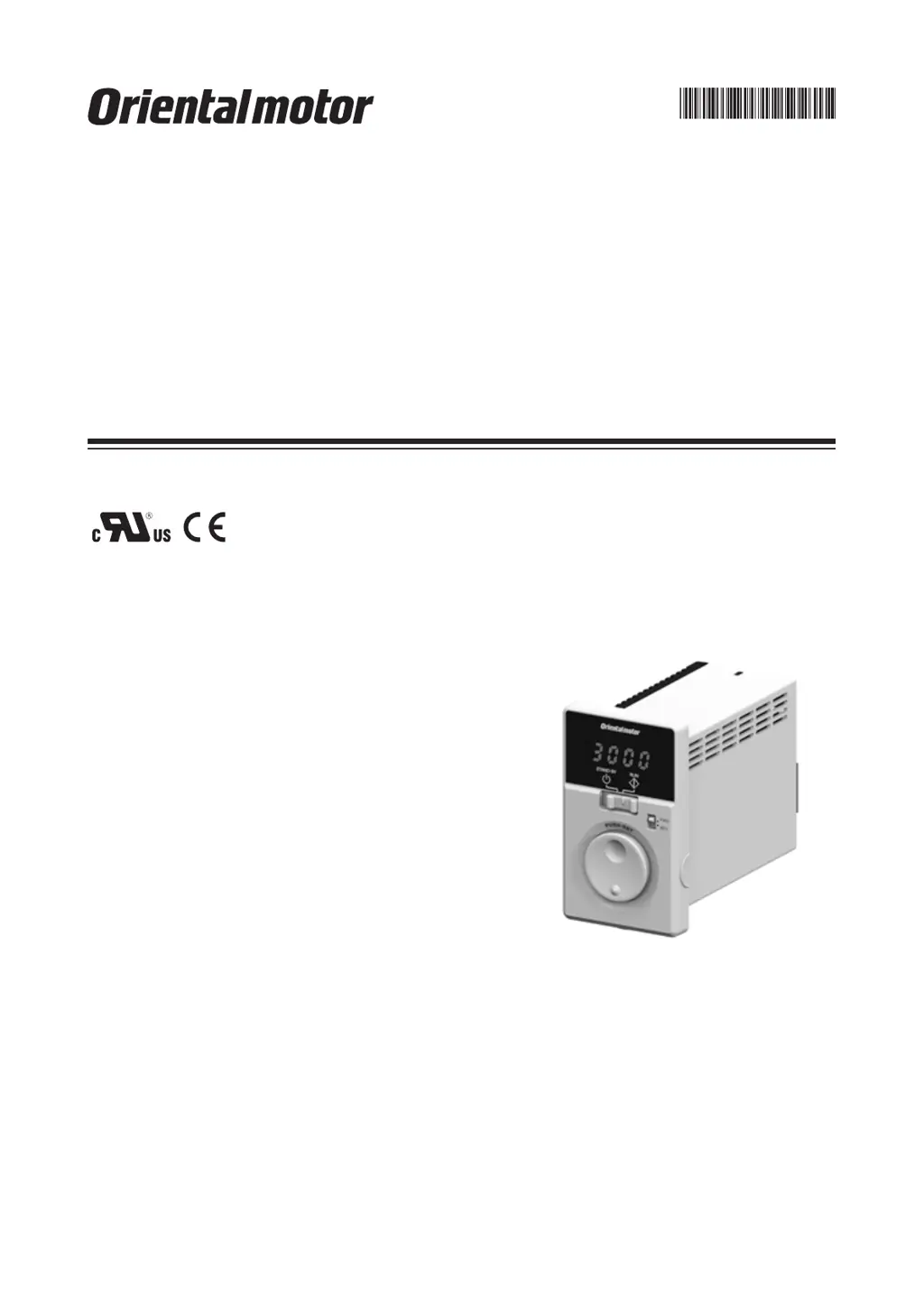
Oriental motor BMUD60-A2 - User Manual

Oriental motor BMUD60-A2
44 pages
Print Icon
To Next Page IconTo Next Page
Loading...
HM-5187-4
Brushless Motor
BMU
Series
30 W /
60 W / 120 W
OPERATING MANUAL
Thank you for purchasing an Oriental Motor product.
This Operating Manual describes product handling procedures and safety precautions.
Please read it thoroughly to ensure safe operation.
Always keep the manual where it is readily available.

Questions and Answers

  • C
    clarktylerJul 25, 2025
    What to do if my Oriental motor BMUD60-A2 does not operate?
    • B
      Briana Ferguson DVMJul 25, 2025
      If your Oriental motor Engine does not operate, several factors could be the cause. First, check the connections between the driver and the power supply to ensure they are correctly connected. Second, verify that the operation switch is set to the "RUN" side, not "STAND-BY". If operating the motor using the operation switch, ensure the "external operation signal input" parameter is set to "OFF" after setting the operation switch to the STAND-BY side. When using external signals, the "external operation signal input" parameter should be set to "ON" or "RE" after turning the input operation signal OFF. Also, make sure either the FWD or REV input is ON, but not both. Finally, check for any alarms and reset after addressing the cause.
  • S
    Sandra BowmanJul 29, 2025
    Why is my Oriental motor Engine rotating in the wrong direction?
    • G
      Gregory WalkerJul 29, 2025
      If your Oriental motor Engine rotates in the opposite direction to what you specified, there are a few potential causes. First, the FWD and REV inputs might be wrongly or not correctly connected; check these connections. Second, the gear ratio might be causing the gearhead output shaft to rotate in the opposite direction; consult the motor's operating manual for the gearhead output shaft's rotation direction. Also, check the rotation direction switch. Finally, if the rotation direction switch is set to REV, verify the setting of the "external operation signal input" parameter.
  • E
    Emily BrewerAug 2, 2025
    What to do if the Oriental motor BMUD60-A2 operation is unstable or vibrating too much?
    • J
      jamesterryAug 2, 2025
      If the operation of your Oriental motor Engine is unstable, or if the motor vibration is too great, there are a couple of things you should check. First, make sure that the motor and gearhead output shaft are correctly aligned with the load shaft. Second, check for electrical noise by testing the operation with only the essential equipment (motor, driver, and any other external equipment required for operation). If noise is present, try moving the unit away from noise sources, reviewing the wiring, changing to shielded signal cables, or installing ferrite cores.
  • E
    Erin WoodAug 7, 2025
    What to do if I cannot perform settings using the dial on my Oriental motor BMUD60-A2?
    • M
      Michael BullockAug 7, 2025
      If the setting cannot be performed using the setting dial of your Oriental motor Engine, the lock function might be enabled. You should release the lock function.
  • A
    Andrea LutzAug 11, 2025
    Why is the set rotation speed not saved on my Oriental motor Engine?
    • J
      John JonesAug 12, 2025
      If the set rotation speed is not being saved on your Oriental motor Engine, ensure that you are confirming the speed by pressing the setting dial after you set it.
  • T
    Teresa JacobsonAug 15, 2025
    Why is the rotation speed not displayed on my Oriental motor BMUD60-A2 Engine?
    • B
      bthompsonAug 15, 2025
      If the rotation speed is not displayed on your Oriental motor Engine, the "panel initial view" parameter might not be set to show the rotation speed. Set the "panel initial view" parameter to the rotation speed.
  • T
    timothy47Aug 20, 2025
    Why is my Oriental motor BMUD60-A2 not reversing with the rotation direction switch?
    • X
      xjonesAug 20, 2025
      If your Oriental motor Engine is not reversed by the rotation direction switch, check the setting of the "external operation signal input" parameter. It may be set to "RE."

Summary

Safety Precautions

General Safety Guidelines

Covers general safety, installation, connection, operation, and maintenance precautions.

Warning Labels and Specific Cautions

Important cautions for handling, installation, operation, and warning labels.

Precautions for Use

Electrical and Operational Safety

Guidelines for power protection, vertical drive, SSR use, testing, leakage current, and noise.

Connection, Handling, and Data Management

Precautions for connecting components, handling semiconductors, and saving data.

Preparation and Installation

Product Preparation and Identification

Verifying product, identifying models, and listing compatible products.

Installation Procedures

Selecting locations and procedures for installing the driver.

Connection Procedures

Motor, Power, and I;O Connections

Steps for connecting motor, driver, power supply, and I/O signals.

Grounding and EMC Wiring

Essential grounding procedures and wiring for EMC compliance.

Driver Operation

Operation Modes and Control

Overview of operating via front panel or external signals, including multi-speed and direction control.

Convenient Functions

Function Lists and Panel Displays

Lists available functions, panel displays, and graphic symbols.

Parameter and I;O Signal Settings

Parameter list, I/O signal descriptions, and driver display items.

Operation Data and Time Settings

Setting operation data, acceleration/deceleration times, and speed limits.

Advanced Features and Load Holding

Data locking, speed range limiting, and load holding at standstill.

Alarms, Warnings, and Troubleshooting

Alarm and Warning Management

Information on alarms, warnings, their causes, and reset procedures.

Troubleshooting Common Issues

Solutions for common motor operation, display, and setting problems.

Maintenance, Accessories, and Reference

Maintenance and Product Information

Inspection recommendations, warranty, disposal, and accessories.

Technical Standards and Specifications

Compliance standards, EMC directive, specifications, and pin assignments.

Oriental motor BMUD60-A2 Specifications

General IconGeneral
Motor TypeBrushless DC Motor
Frame Size60 mm
Rated Output Power60 W
Rated Speed3000 rpm
Power Supply Voltage24 VDC

Related product manuals