EasyManua.ls Logo

Orisec CK-20 - User Manual

Default Icon
56 pages
Print Icon
To Next Page IconTo Next Page
Loading...
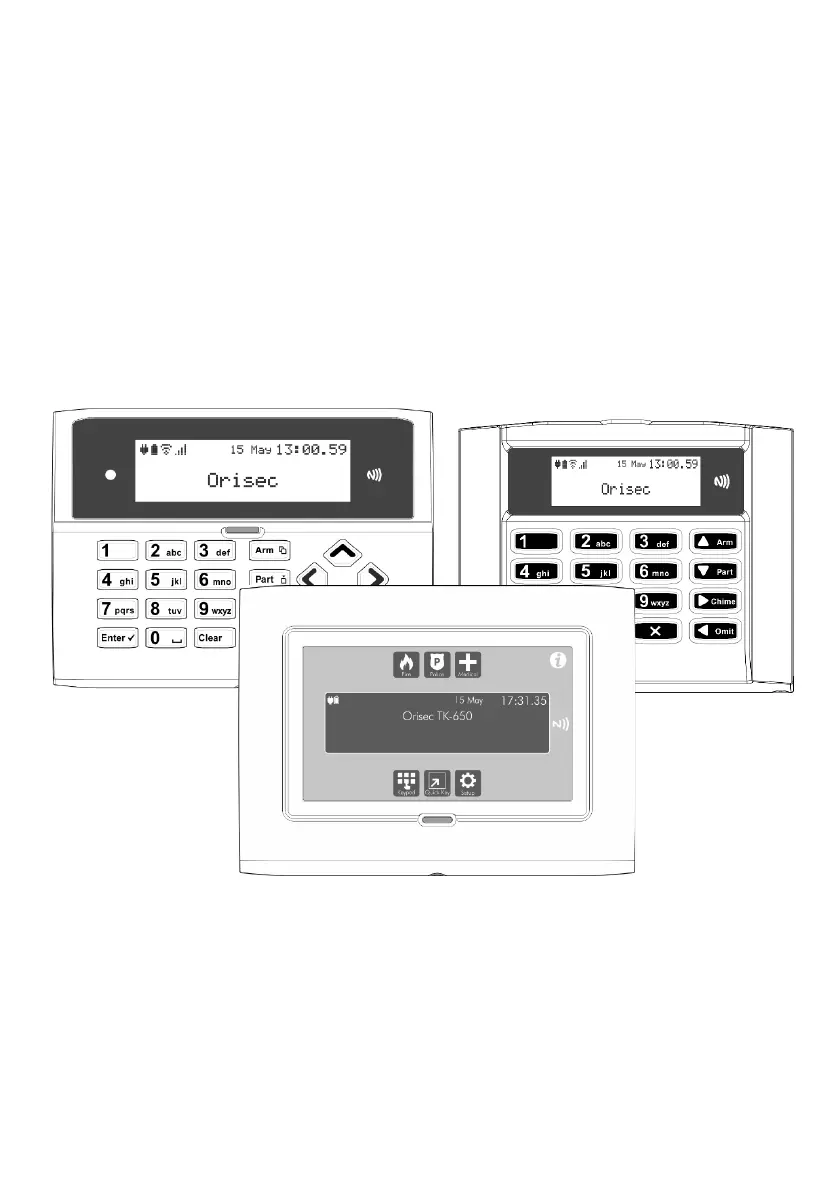
Master User Guide
CK-10, CT-10, CP-10, CK-20, CT-20, CP-20,
CP-30, CP-50, CK-60, CT-60, CP-60, CP-100 & CP-200
Designed and Manufactured
in the United Kingdom

Other manuals for Orisec CK-20

Questions and Answers

  • N
    nathansullivanSep 9, 2025
    What to do if Orisec CK-20 Intercom System shows Zone 01 Alarm?
    • G
      Gregory RomeroSep 9, 2025
      If your Orisec Intercom System displays 'Zone 01 Alarm', it means the zone has recently been alarmed and is awaiting a reset. To resolve this, enter your user code and select ‘Reset Alarms’.
  • T
    Timothy FloresSep 12, 2025
    How to fix a tamper error on my Orisec CK-20 Intercom System?
    • D
      Daniel MclaughlinSep 12, 2025
      If your Orisec Intercom System shows a tamper error for the bell, panel lid, aux, keypad, or expander, it means the device's lid isn't making proper contact. Check the lid of the device to ensure it is securely fastened.
  • M
    Meghan DeanSep 13, 2025
    What does 'Zone 01 Active' mean on my Orisec CK-20 Intercom System?
    • B
      Bridget PatelSep 13, 2025
      If your Orisec Intercom System displays 'Zone 01 Active', it indicates that the zone is reporting an open state to the main control panel. Check the device to ensure it is not a door or window that has been left open.
  • N
    Nicholas HerreraSep 15, 2025
    What does 'Zone 01 Tamper' mean on my Orisec Intercom System?
    • J
      jamesrodriguezSep 15, 2025
      If your Orisec Intercom System displays 'Zone 01 Tamper', it indicates that the zone's lid is not making a tight connection. Check the lid of the device to ensure it is securely fastened.
  • B
    Brian GarciaSep 17, 2025
    What to do if Orisec CK-20 Intercom System shows 'Confirm Devices'?
    • K
      Kaitlyn JonesSep 17, 2025
      If your Orisec Intercom System displays 'Confirm Devices', it means a networked device on the security system has been removed. Contact the installation company.

Summary

About your Security System

Alarm Transmission System

Describes the system's communication with an Alarm Receiving Centre (ARC).

Zones and Areas

Defines zones as inputs and areas as groupings of zones for arming.

Access Code

Explains the function and types of access codes for system operation.

Keypads

NFC Tags

How NFC tags function as access codes on compatible keypads.

Status Icons

Emergency Keys

Introduces the keypad's three emergency functions.

Operating Your Security System

Full Arming Your Security System

Instructions for putting the system into full arm mode.

Part Arming your Security System

Instructions for putting the system into part arm mode.

Disarming your security system

Steps to disarm the security system.

Resetting after an alarm

Procedure to reset the system after an alarm event.

Resetting after a Fault Condition

Procedure to reset the system after a fault condition.

Changing Your Code

Steps to change a user's access code.

System Tests

Change Settings

Add;Delete Users

Managing system users and their access levels.

Troubleshooting

Zone Faults and Tamper

Troubleshooting zone-specific faults and tamper conditions.

System Faults

Troubleshooting general system faults like AC fail or battery.

Touch-Tone Remote Control

Orisec CK-20 Specifications

General IconGeneral
BrandOrisec
ModelCK-20
CategoryIntercom System
LanguageEnglish

Related product manuals