18
Resetting after an alarm
To reset after an alarm has occurred, please proceed as follows:
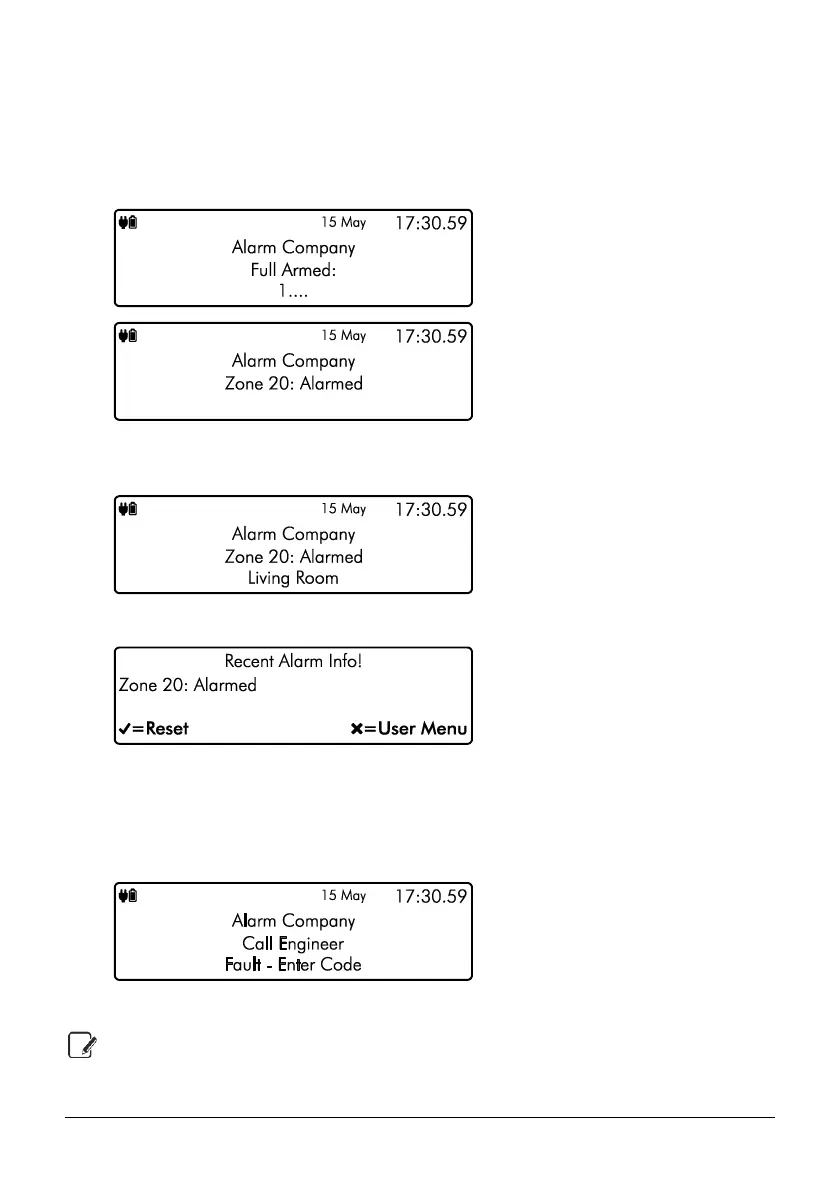
1. If your system has gone into an alarm condition, the screen will alternate between the
following two displays:
2. Enter your code or present tag to silence any internal and external sounders. The reason
for the alarm will then be displayed on the keypad screen. For example:
3. Enter your code or present the tag again:
4. If you are aware of the cause of the alarm condition, press E or k to reset the alarm
condition and return the security system back to normal operation.
5. If after pressing E or k to reset the alarm condition the following screen appears,
please contact your alarm installation company for further assistance:
6. Press E or k again to exit and return to the user menu.
Alarms can also be reset manually in the user menu, use the arrow keys to scroll down
to ‘Reset Alarms’ and press E or k



 To Next Page