Effect
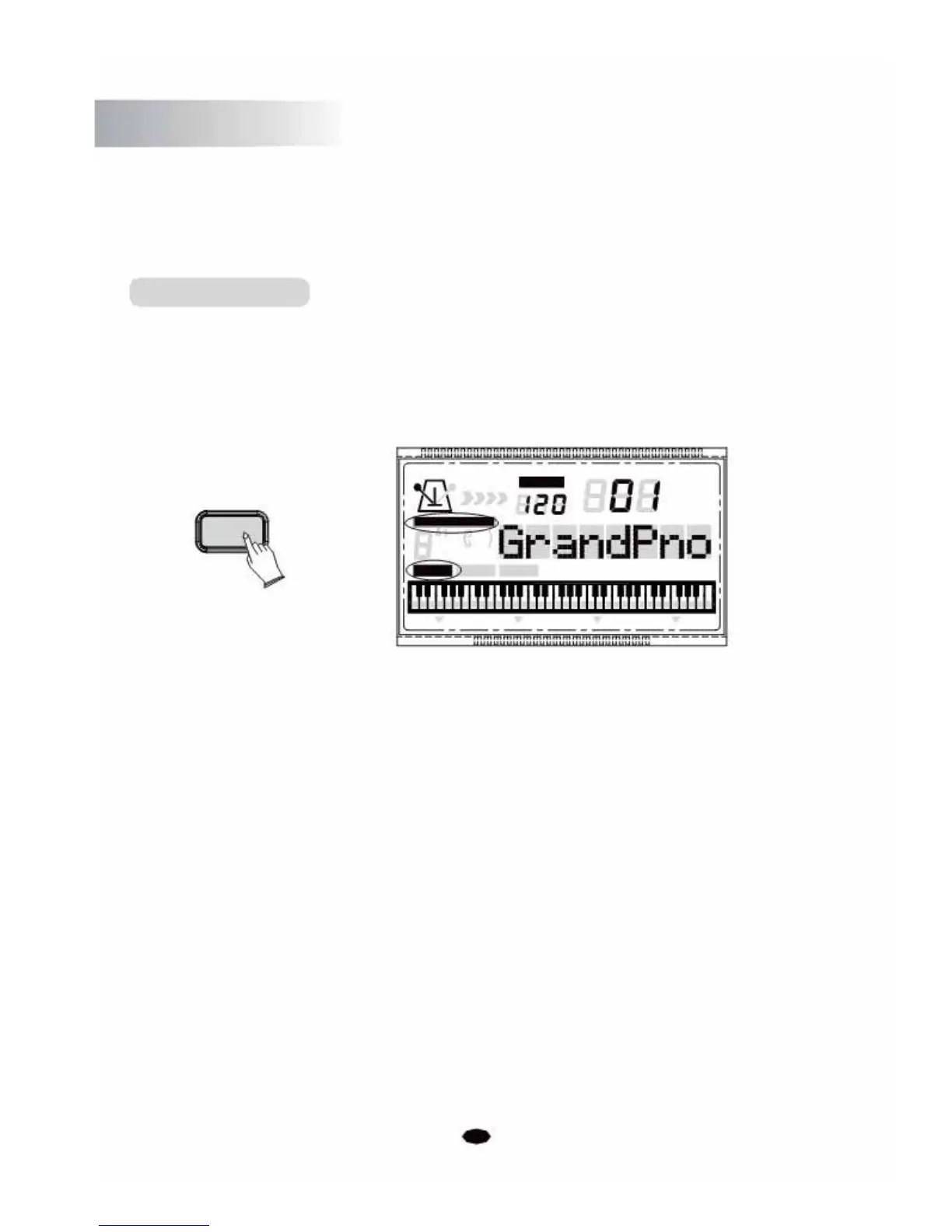
Press the [EFFECT] button again to exit the effect function and and its indicator icon will be
invisible.
Chord Button
Press the [CHORD] button to enter the Chord function and its indicator icon will be invisible. The
left hand side of the keyboard from the lowest note, and up to the split point is used to play the
Auto Accompaniment. The various chord types are detected from the notes played, and exciting
and vibrant accompaniment patterns produced.
CHORD
CHORD TYPE
dim
6119
513
mM7
augsus4
CHORD SPLIT
TEMPO
VOICE
STYLE
SONG
DUAL TOUCH EFFECT SUSTAIN VIBRATO
Press the [CHORD] button repeatedly to exit the Chord function and its indicator icon will
be invisible.
14



 To Next Page