Effect
Digital Effect
This instrument has a high quality DSP (Digital Signal Processor) on board which adds
added realism to the keyboard's sound.
Reverb
This function allows you to add reverb to the overall sound, thereby adding a spatial effect
similar to natural room spaces, such as Hall, Stage, Room etc. etc.
There are 8 reverb types to be selected. (Default:02)
Press the [SETUP] button repeatedly to enter Reverb mode. (See P27)
Adjust the Reverb Depth
To adjust the Reverb Depth, Please refer to the Reference: Reverb Depth . (See P27)
Chorus
There are 8 chord types to choose from. (Default:00)
Shimmering, thickening effect. Press the [SETUP] button repeatedly to enter chorus mode
(See P28)
Adjust the Chorus Depth
To adjust the Chorus Depth, Please refer to the Reference: Chorus Depth . (See P28)
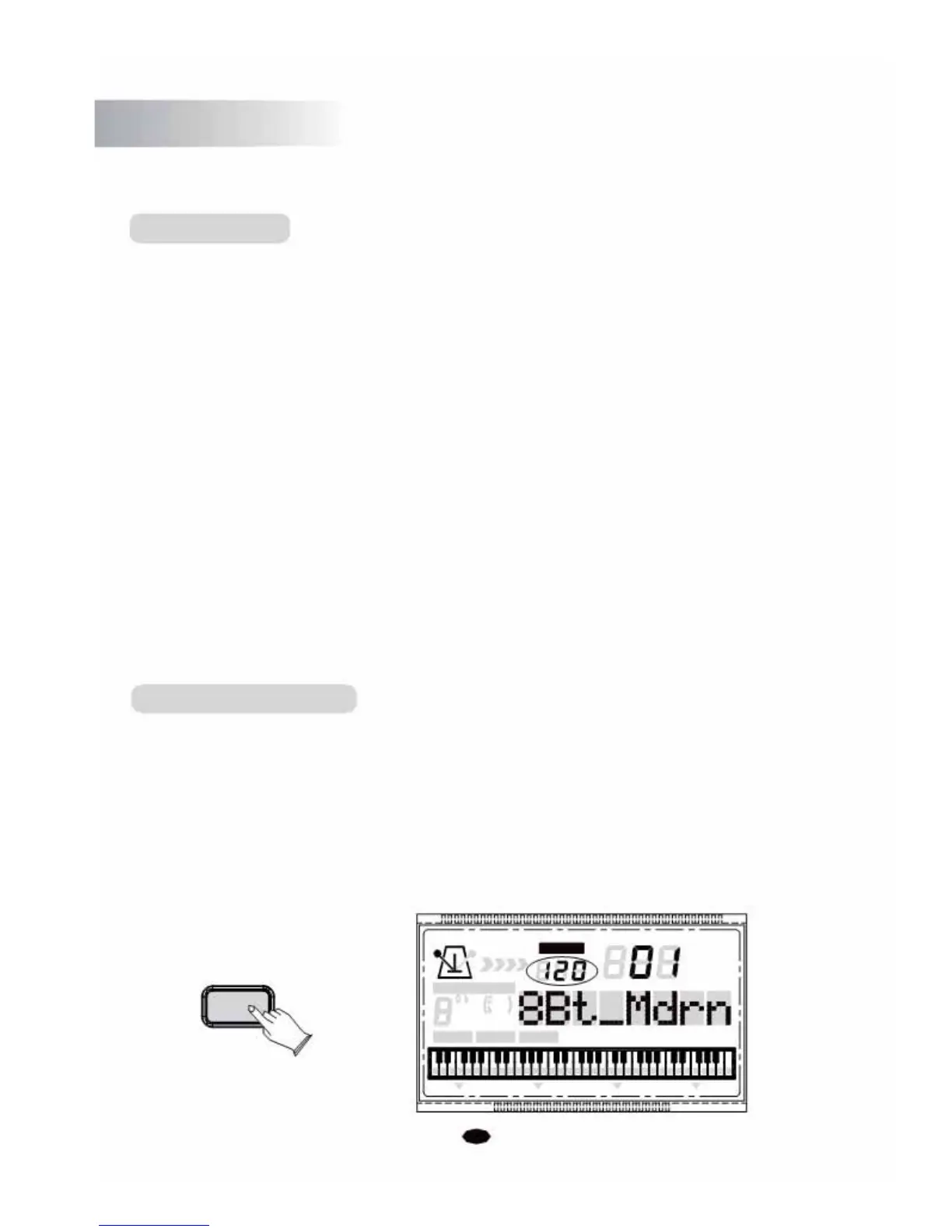
Tempo Control Button
The [TEMPO] button is used to control the tempo of Auto Accompaniment, Demo as
well as your recording.
Press the [TEMPO] button to set the desired tempo value (20-280). The tempo (beats per
minute) will appear on the LCD.
Press the [+] and [-] buttons simultaneously in order to restore the default tempo settin
You can
use the [+] and [-] buttons or the numeric buttons to select the desired tempo.
TEMPO
VOICE
STYLE
TEMPO SONG
CHORD TYPE
dim 6
119
513
m
M
7
augsus4
CHORD SPLIT DUAL TOUCHEFFECT SUSTAIN VIBRATO
10



 To Next Page