Voices
Select a Dual Voice
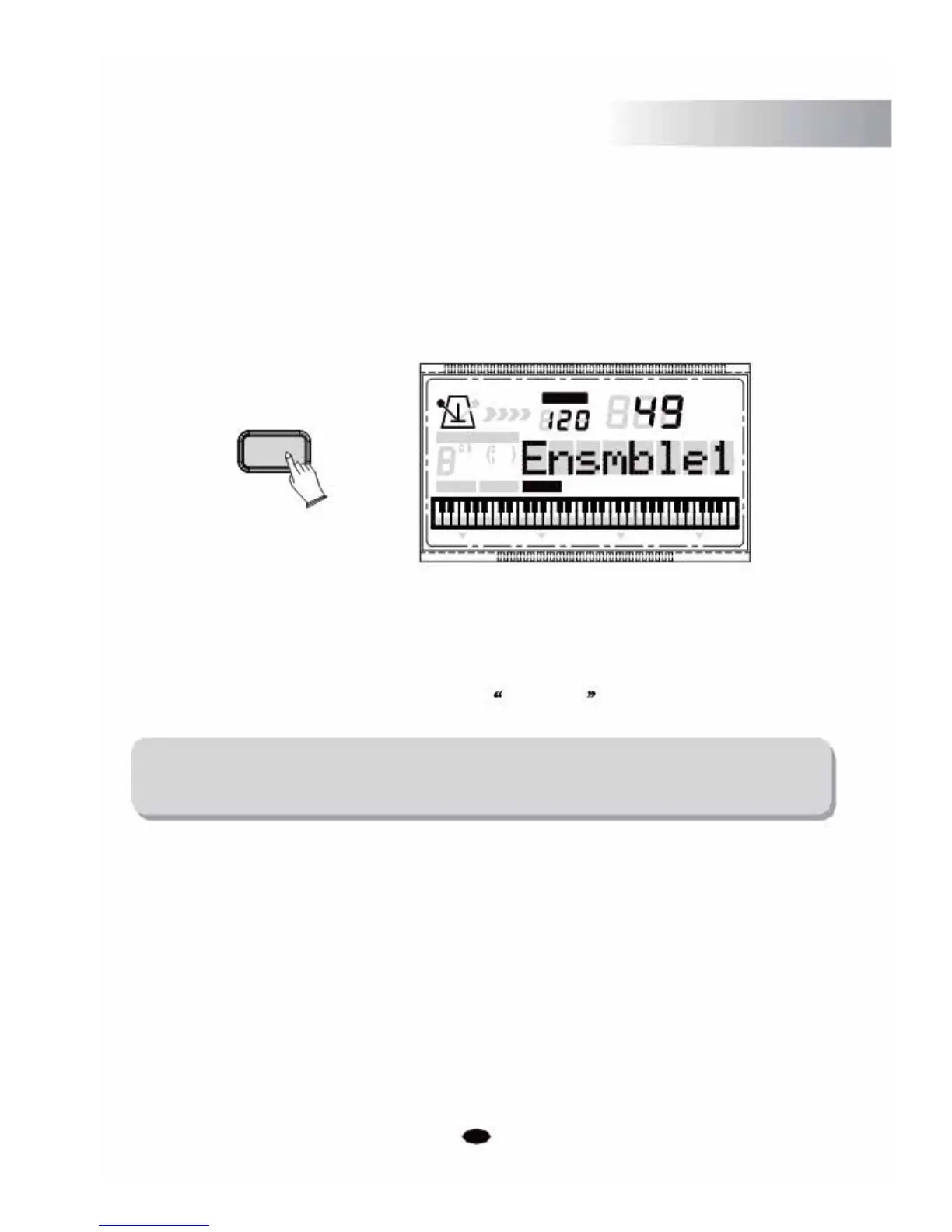
Press the [KBD.MODE] button twice to enter the Dual Voice mode, the Dual voice number
and name will display on the LCD message area. You can use the [+] and [-] buttons or the
numeric buttons to select the desired dual voice number (01 through 129).
Now, two different sounds can be played at the same time when pressing one key.
TEMPO
VOICE
KBD.MODE
STYLE
CHORD TYPE
SONG
dim 6
119
513
m
M
7
augsus4
CHORD SPLIT DUAL TOUCHEFFECT SUSTAIN VIBRATO
Press the [KBD.MODE] button repeatedly to exit the Dual Voice mode and its indicator
icon will be invisible.
Adjust the Dual Voice Volume
Press the [SETUP] button repeatedly to select D .Volume . (See P22)
NOTE:
If you don't press any button within 3 seconds of entering the Split/Dual setting
mode, it will exit this menu automatically.
9



 To Next Page