Basic Operation
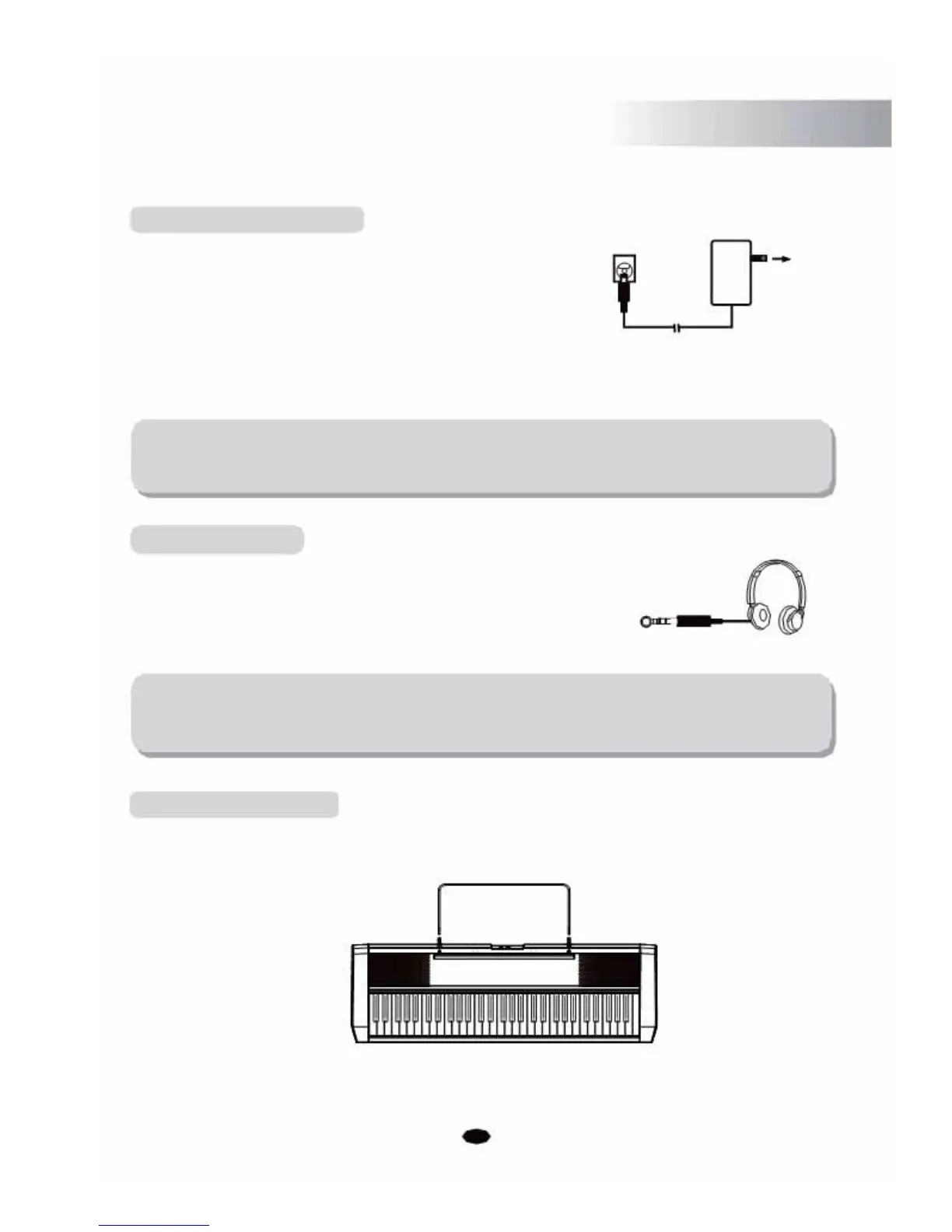
Turning On the Power
1. Ensure the keyboard is turned off when connecting and
DC POWER
disconnecting the power, and turn the volume control to the
minimum level.
2. Connect the adaptor to the AC mains wall outlet and plug the cord into
the keyboard, then turn the power on.
NOTE:
When the keyboard is not in use, or during a thunderstorm, please
disconnect the power for safety purposes.
Headphone jack
Plug a set of stereo headphones into the phones jack, the
internal speaker system will automatically shut off when
the headphones are plugged in.
PHONES
NOTE:
Never use headphones at a high volume, as high volume levels could cause
permanent hearing damage.
Setting Music Rest
Please set up the music rest as per the instructions below:
5



 To Next Page