Auto Accompaniment
The keyboard has a total of 100accompaniment styles which can be used to provide
Fully-orchestrated Auto Accompaniment. When the Auto Accompaniment function is
turned on, this instrument creates fully-orchestrated rhythm , bass and chord accompaniment
based on chord s that you play with the left hand, in the Auto Accompaniment section of the
keyboard (i.e. all keys to the left of the Auto Accompaniment split point). The right-hand
section of the keyboard is available for normal playing.
The default Auto Accompaniment split point is the F
#2 key. The Auto Accompaniment section
of the keyboard consists of all keys to its left.
Selecting a Style
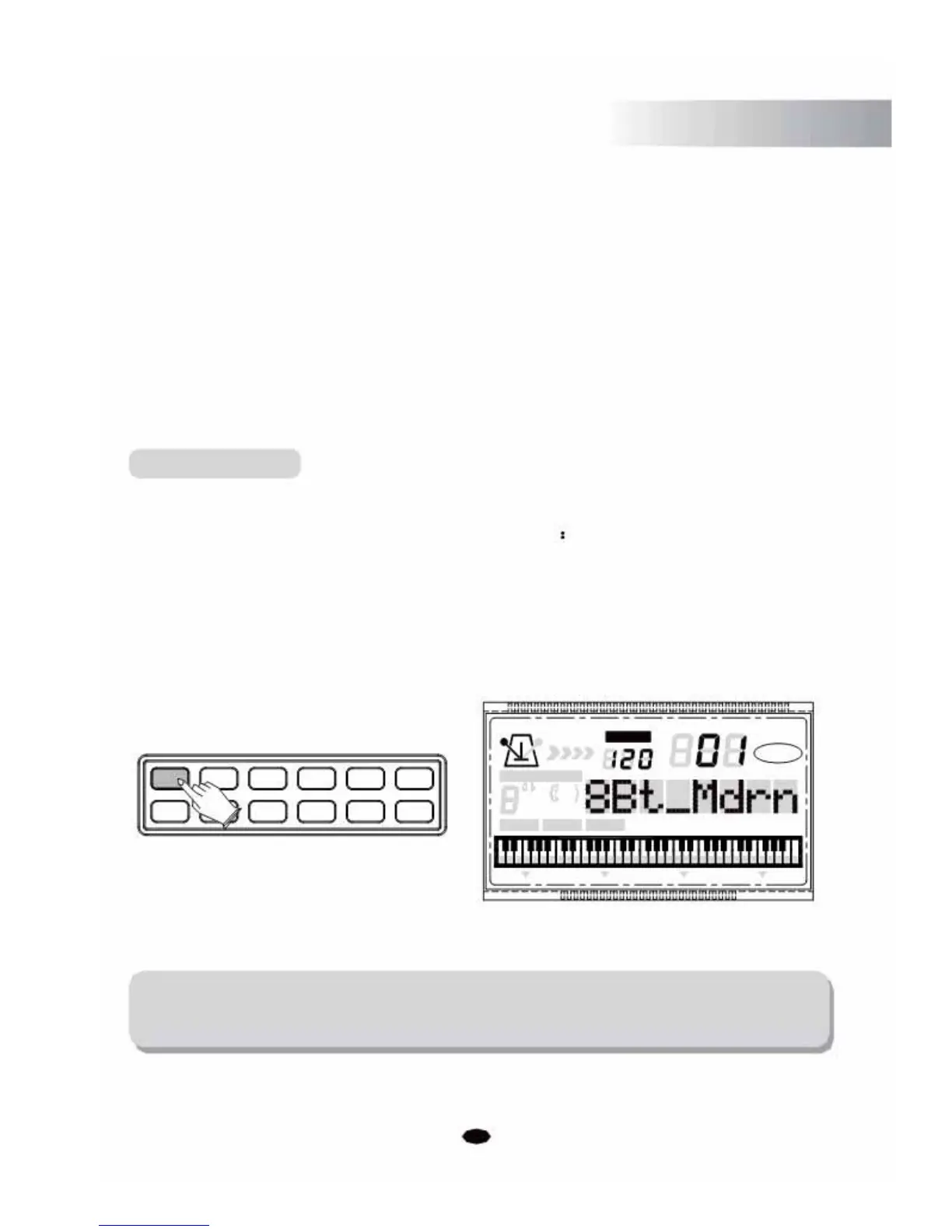
Press the [VOICE/STYLE] button, then the LCD will display: STYLE, then you can use the [+] and
[-] buttons or the number buttons to select styles
01~09 style: press 01~09.
10~99 style: press 10~99.
100 style: hold the [1] button till the LCD displays: 1_ , then enter the tens digit
and single digits. Values outside the range of style number can't be entered.
+0123
-5678
TEMPO
VOICE
STYLE
SONG
4 CHORD TYPE 119
dim
6
513
mM7
augsus4
9
CHORD SPLIT DUAL TOUCH EFFECT SUSTAIN VIBRATO
NOTE:
By pressing the [VOICE/STYLE] button, you can switch between the Voice and Style
mode (Reference P7:Voice/Style Button).
15



 To Next Page