individual notes of the chord.
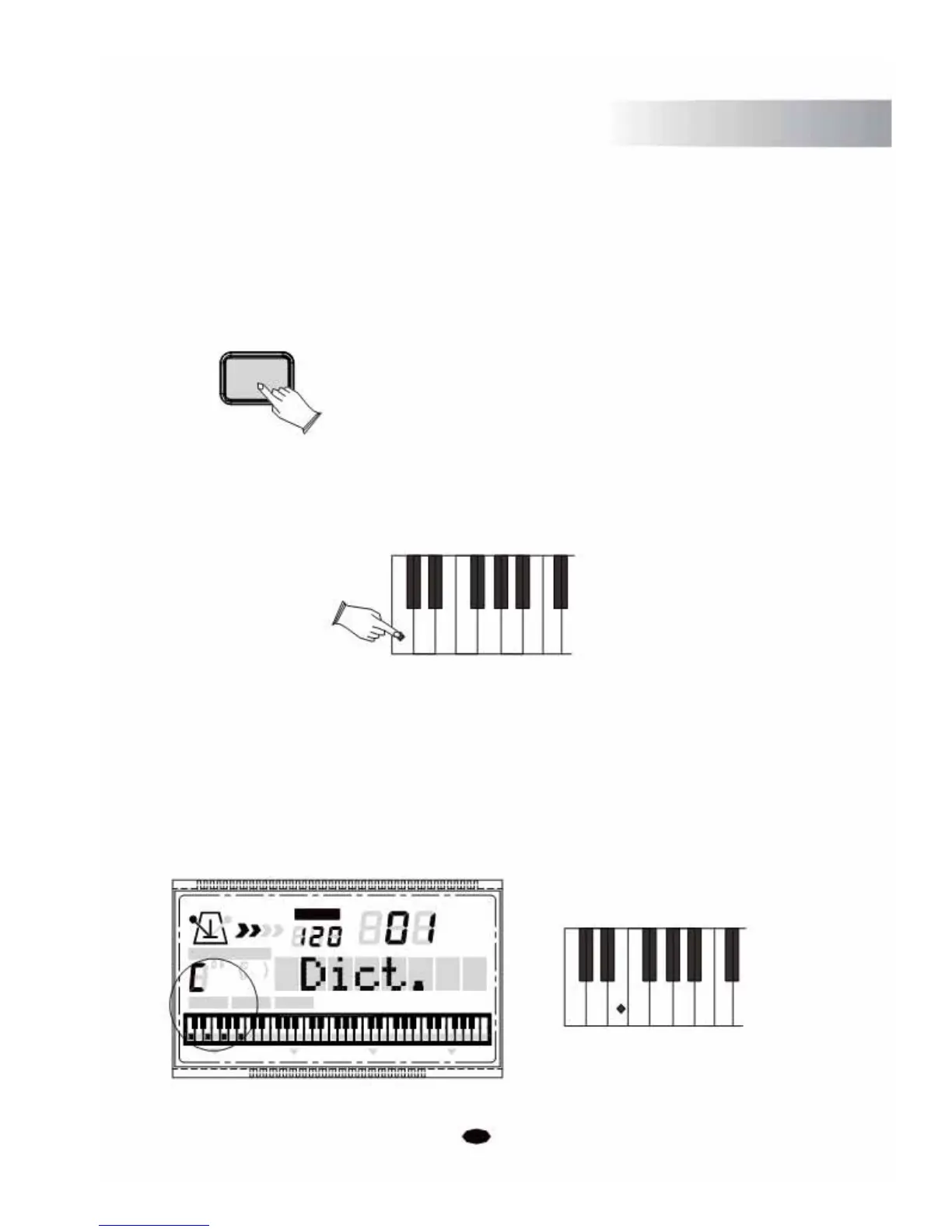
Press the [CHORD DICTIONARY] Button
CHORD
DICTIONARY
Select the Chord Root
Press the root note of the Chord you want to look up. This needs to be in the Chord Root
section of the keyboard. For examle:
C#/Db D#/Eb F#/GbG#/AbA#/Bb
CDEFGAB
Select the Chord Type
After pressing the Chord Root, select the Chord Type you want to look up in the Chord Type
section of the keyboard. The Chord Type includes Major Triad, Minor Triad and Seventh
Chord. Then the LCD will display the Chord Type and key position you
currently want to look up. If you press the correct key as the notes shown on the LCD, the
beep will sound.
TEMPO
VOICE
M(9) mM7 m(9)
m7
(9) m
7b5
STYLE
CHORD TYPE
SONG
dim 6
119
513
m
M
7
augsus4
CHORD SPLIT DUAL TOUCHEFFECTSUSTAIN VIBRATO
MM6
M7
Mm6m77
33



 To Next Page