Voices
Your instrument has 129 (
including 128 GM standard voices (patches 01~128)) voices
that you can select and play. (See voice list: p36)
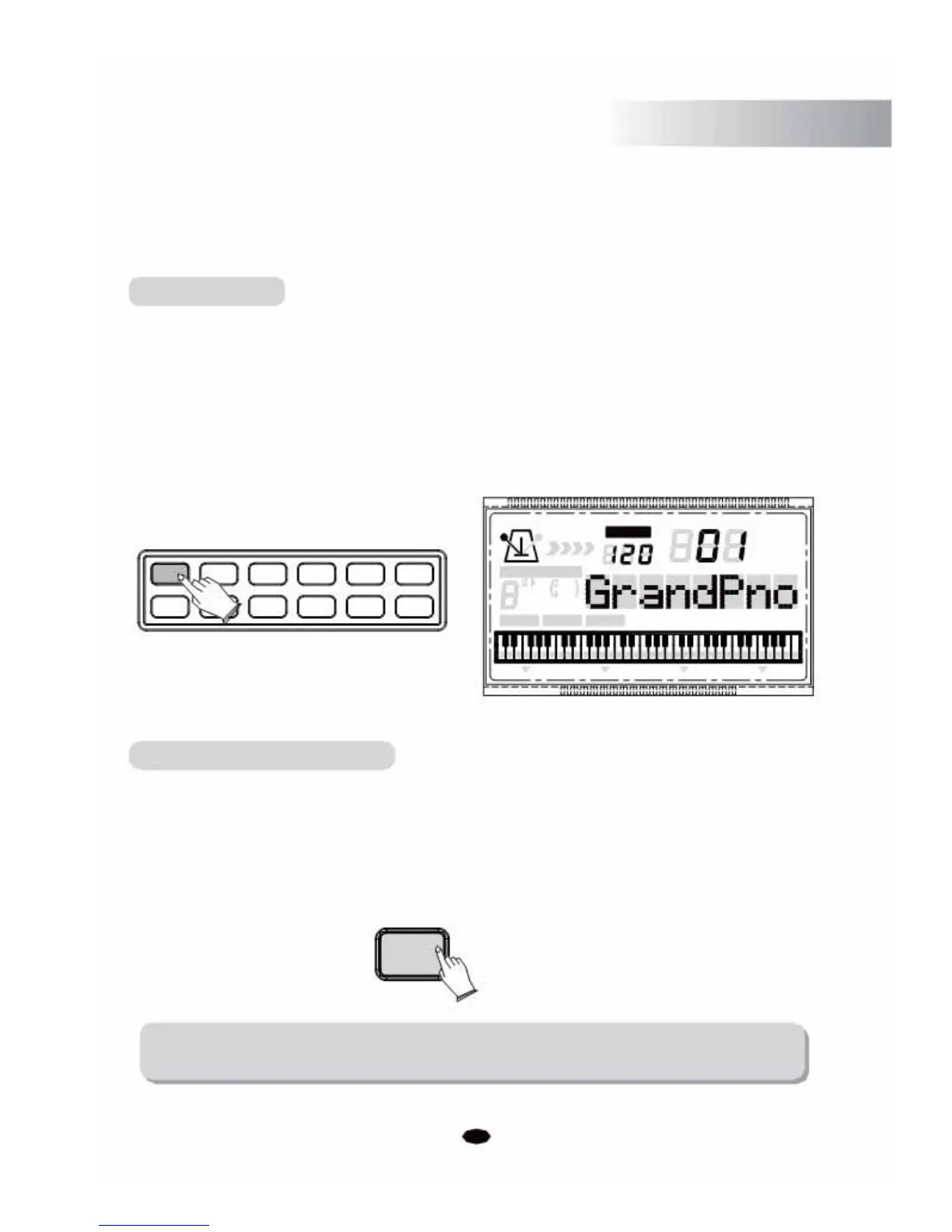
Select a Voice
You can use [+] and [-] buttons or numeric buttons to select the desired voices.
1~9 voice: press 01~09.
10~99 voice: press 10~99.
100~129 voice: hold the [1] button till the LCD displays: 1_ , then enter the tens digit
and single digits.
+0123
-5678
Voice/Style Button
TEMPO
VOICE
STYLE
SONG
4 CHORD TYPE 119
dim
6
513
mM7
augsus4
9
CHORD SPLIT DUAL TOUCH EFFECT SUSTAIN VIBRATO
Press the [VOICE/STYLE] button to switch between the Voice and Style
mode.
In the "3 Steps" mode, press the [VOICE/STYLE] button to switch between Left or Right
part.
VOICE/STYLE
LEFT/RIGHT
NOTE:
Please read the display on the LCD when pressing [VOICE/STYLE] button.
7



 To Next Page