Voices
KBD.Mode Button
1) Split Mode
Your keyboard can be split into two sections, which means that different voices can be played
by the left and right hands at the same time.
Select a Split Voice
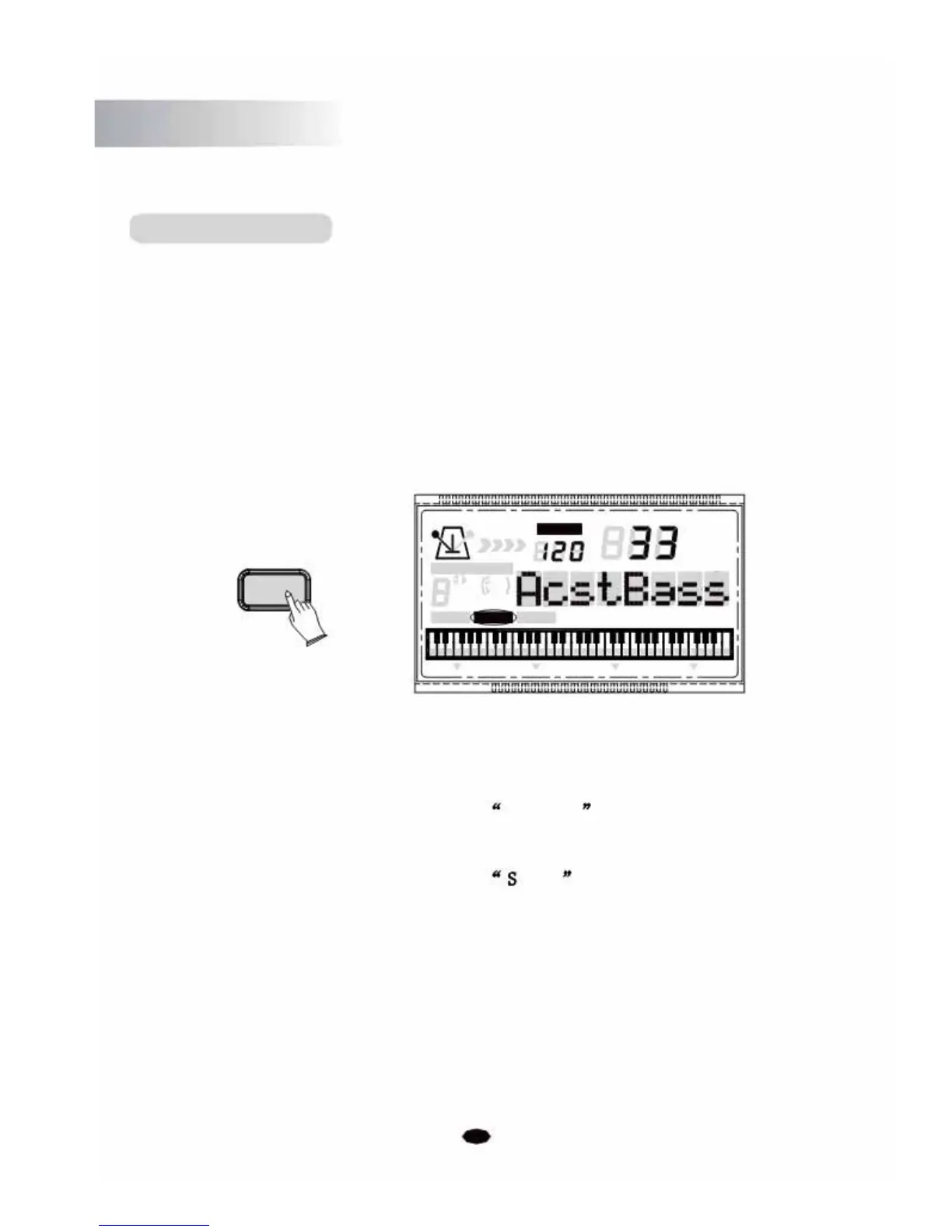
Press the [KBD.MODE] button to enter the Split mode, the split voice number and name
displays on the LCD message area.
Use the [+] and [-] buttons or the numeric buttons to select the desired split voice number
(01 though 129).
TEMPO
VOICE
STYLE
KBD.MODE
SONG
CHORD TYPE
dim 6
119
513
m
M
7
augsus4
CHORD SPLIT DUAL TOUCHEFFECTSUSTAIN VIBRATO
Press the [KBD.MODE] button repeatedly until its indication icon is not showing.
Adjust the Split Voice Volume
Press the [SETUP] button repeatedly to select S.Volume . (See P21)
Change the Split Point
Press the [SETUP] button repeatedly to select .Point (See P26)
2) Dual
This function allows two voices to be combined, so that they play at the same time, producing a
layered sound. This is useful for creating rich orchestral sounds, for example, the layering of Piano
and Strings. When the dual function is off, the voice indicated is VOICE R1.
When the dual function is on, the voice indicated is VOICE R2.
8



 To Next Page