Effect
Transpose Button
The Transpose function allows you to change the key of the instrument in semitone steps,
up to a maximum setting of 12 semitones (a maximum of one octave up or down).
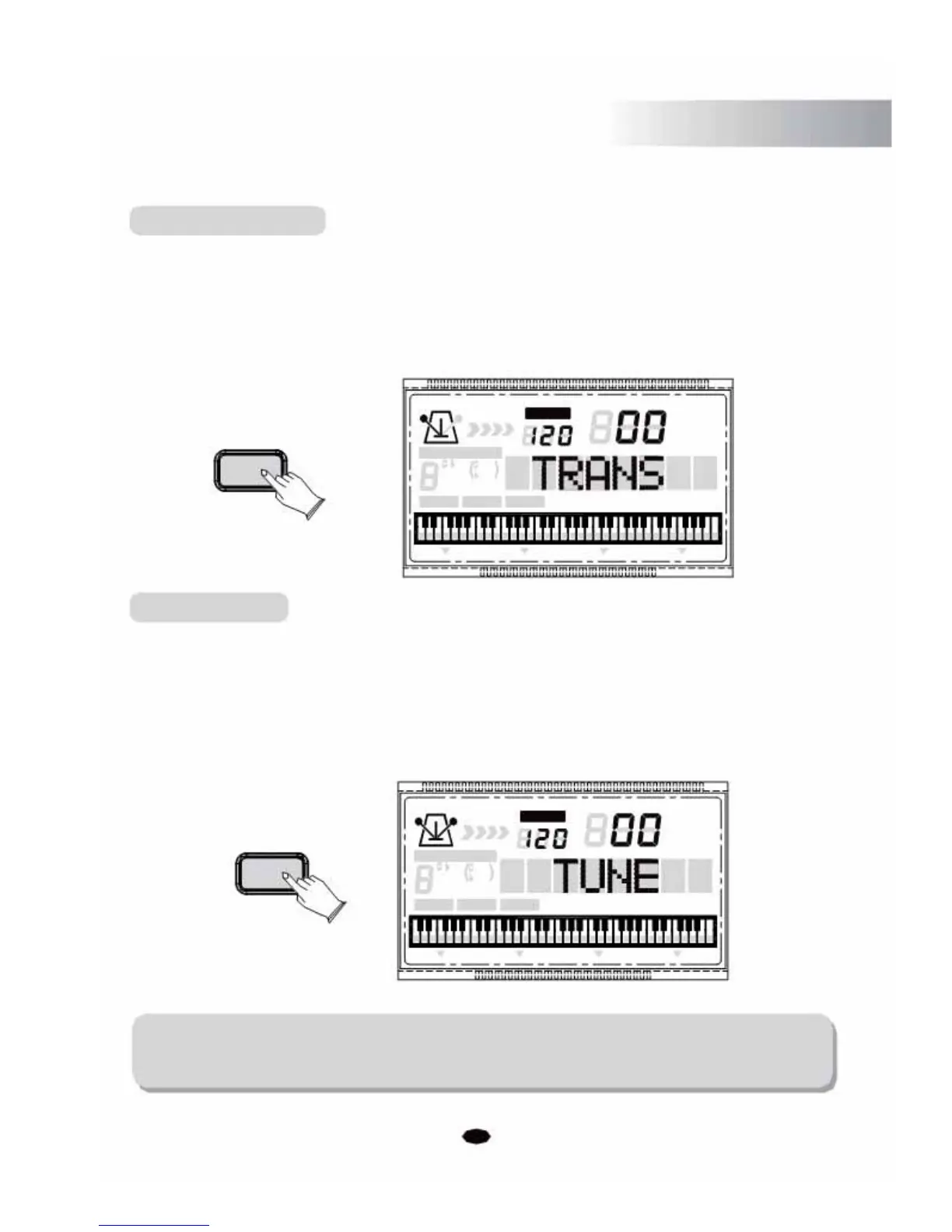
Press the [TRANS./TUNE] button the LCD will display: TRANS, then you can use the [+]
and [-] buttons or the numeric buttons to select the desired transpose value. (Default:00)
TEMPO
VOICE
STYLE
TRANS/TUNE
SONG
CHORD TYPE
dim 6
119
513
m
M
7
augsus4
CHORD SPLIT DUAL TOUCHEFFECT SUSTAIN VIBRATO
Tune Button
This function makes it possible to tune the pitch of your instrument to match other instruments
Tuning can be set over a 50 cent range. (that's 100 cents total, or one semitone) in 128 (-64~63) step
(approximately 0.8 cents per step).
Press the [TRANS./TUNE] button twice, the LCD will display: TUNE, then you can use the
[+] and [-] buttons or the numeric buttons to select the desired tune value. (Default:00)
TEMPO
VOICE
STYLE
TRANS/TUNE
SONG
CHORD TYPE
dim 6
119
513
m
M
7
augsus4
CHORD SPLIT DUAL TOUCHEFFECT SUSTAIN VIBRATO
NOTE:
If you don't press any button within 3 seconds of entering the Transpose / Tune
setting mode, it will exit this menu automatically.
11



 To Next Page