SETUP
Your instrument allows you to record and play back complete songs, including chord
sequences created by using the Auto Accompaniment feature and melody.
Record
Start Recording
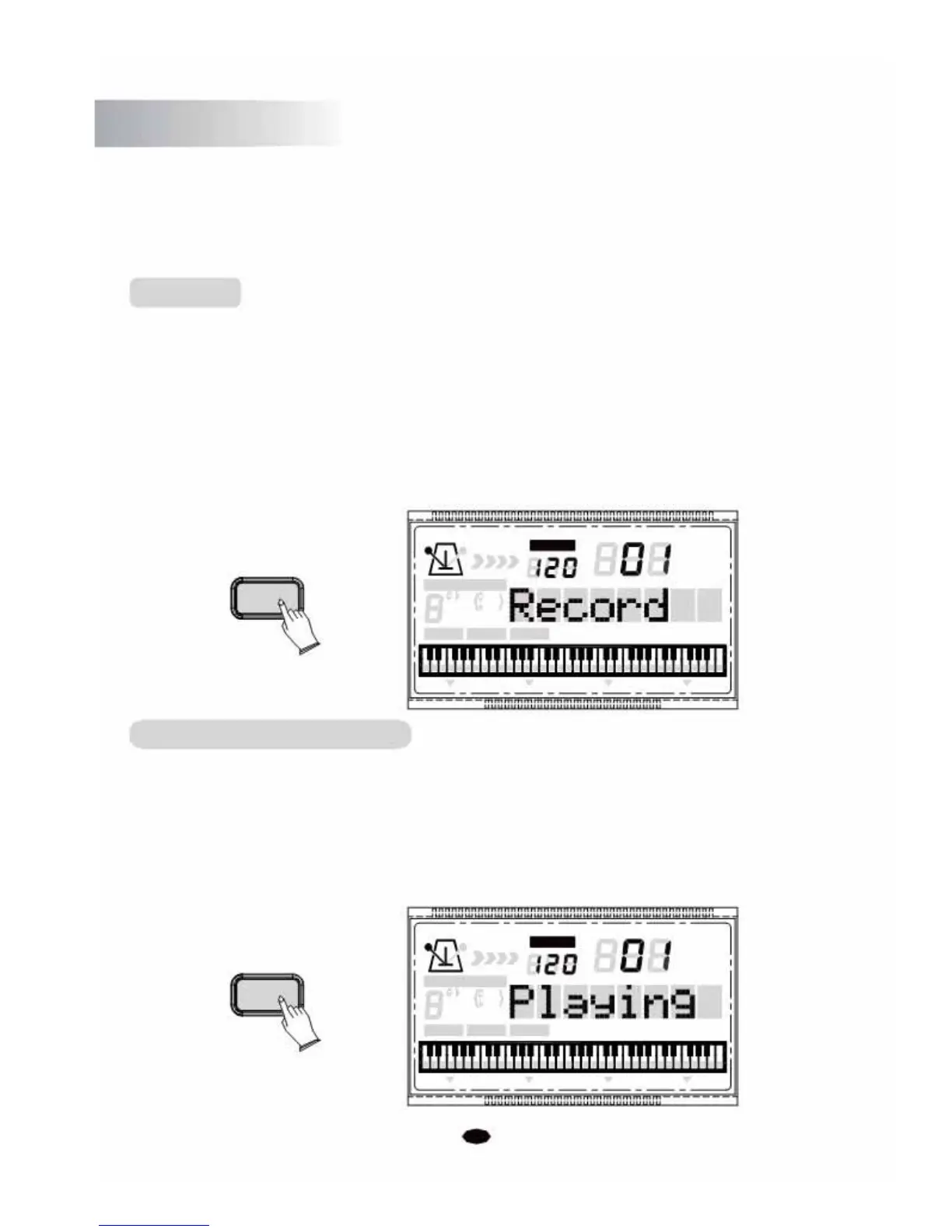
Press the [RECORD] button, the LCD will display:
Record
. Then play any key on
the keyboard to start recording.
Stop Recording
Press the [RECORD] button again to stop recording, then the LCD will display:
End
.
TEMPO
VOICE
RECORD
STYLE
CHORD TYPE
SONG
dim 6
119
513
m
M
7
augsus4
CHORD SPLIT DUAL TOUCHEFFECT SUSTAIN VIBRATO
Listening to Your Recording
Press the [PLAY] button to start playback and the LCD will display:
Playing
.
Accompaniment and melody playback will stop automatically when all recorded data
has been played back.You can also stop playback at any time by pressing the [PLAY]
button again.
TEMPO
VOICE
PLAY
STYLE SONG
CHORD TYPE
dim 6
119
513
m
M
7
augsus4
CHORD SPLIT DUAL TOUCHEFFECT SUSTAIN VIBRATO
30



 To Next Page