Effect
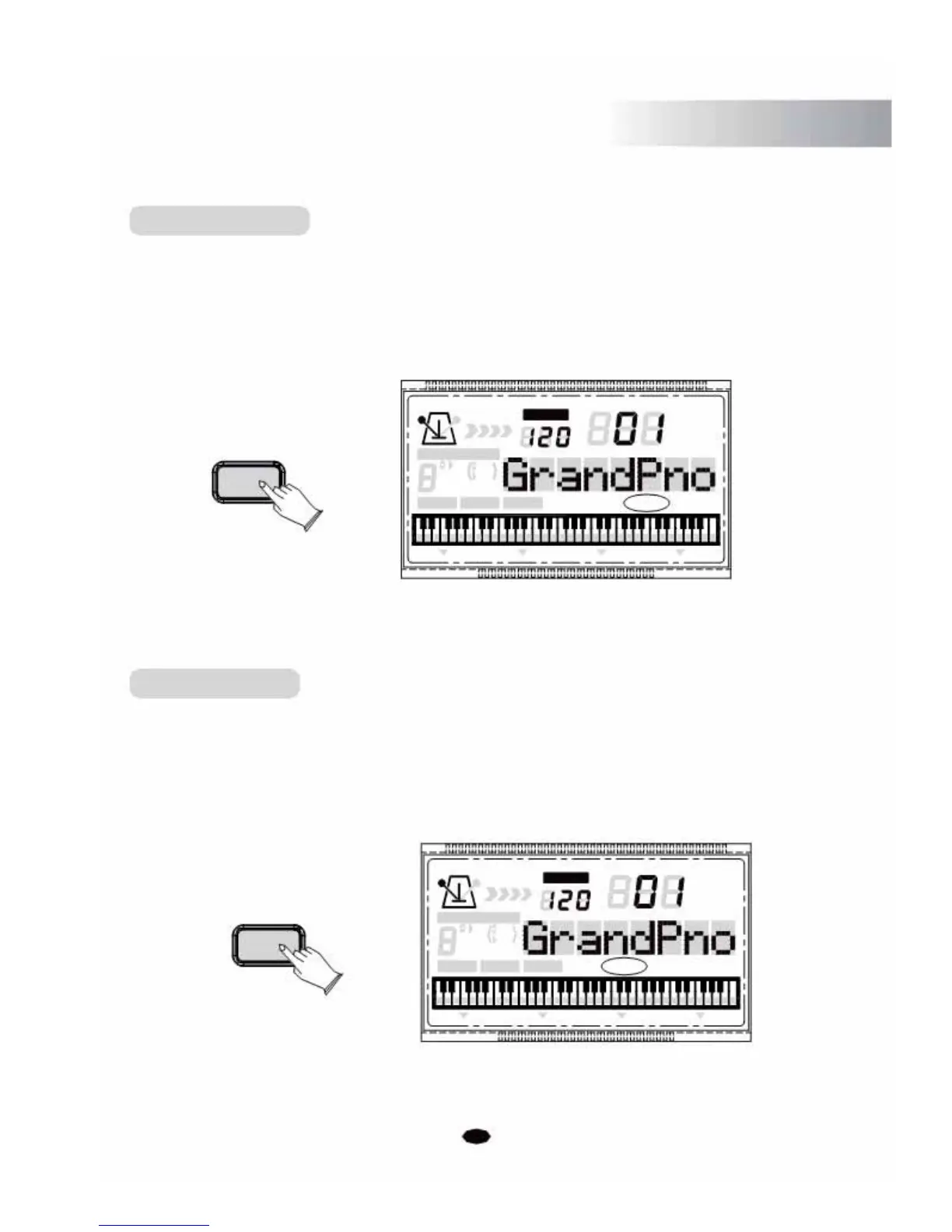
Sustain Button
The sustain function has the same effect as a damper pedal. Notes will linger on after the
player has removed their fingers from the notes.
Press the [SUSTAIN] button to enter Sustain function and its indicator light will be
on. It can be used as a damper pedal. Turn sustain on to sustain notes after the keys are
released.
TEMPO
VOICE
STYLE
SUSTAIN CHORD TYPE
SONG
dim 6
119 513
m
M
7
augsus4
CHORD SPLIT DUAL TOUCHEFFECT SUSTAIN VIBRATO
Press the [SUSTAIN] button again to exit the Sustain function and its indicator light will
be out.
Effect Button
The function allows you to activate or deactivate the Reverb and Chorus.
When the instrument is in the powered-on state, the default effect is on and the LCD will
display:
EFFECT
. You can adjust the Reverb and Chorus effect when the Effect function
is enabled.
EFFECT
CHORD TYPE
dim 6
119
513
mM7
augsus4
CHORD SPLIT
13
TEMPO
VOICE
STYLE
SONG
DUAL TOUCH EFFECT SUSTAIN VIBRATO



 To Next Page