11.
SETUP
C
1
h
orus
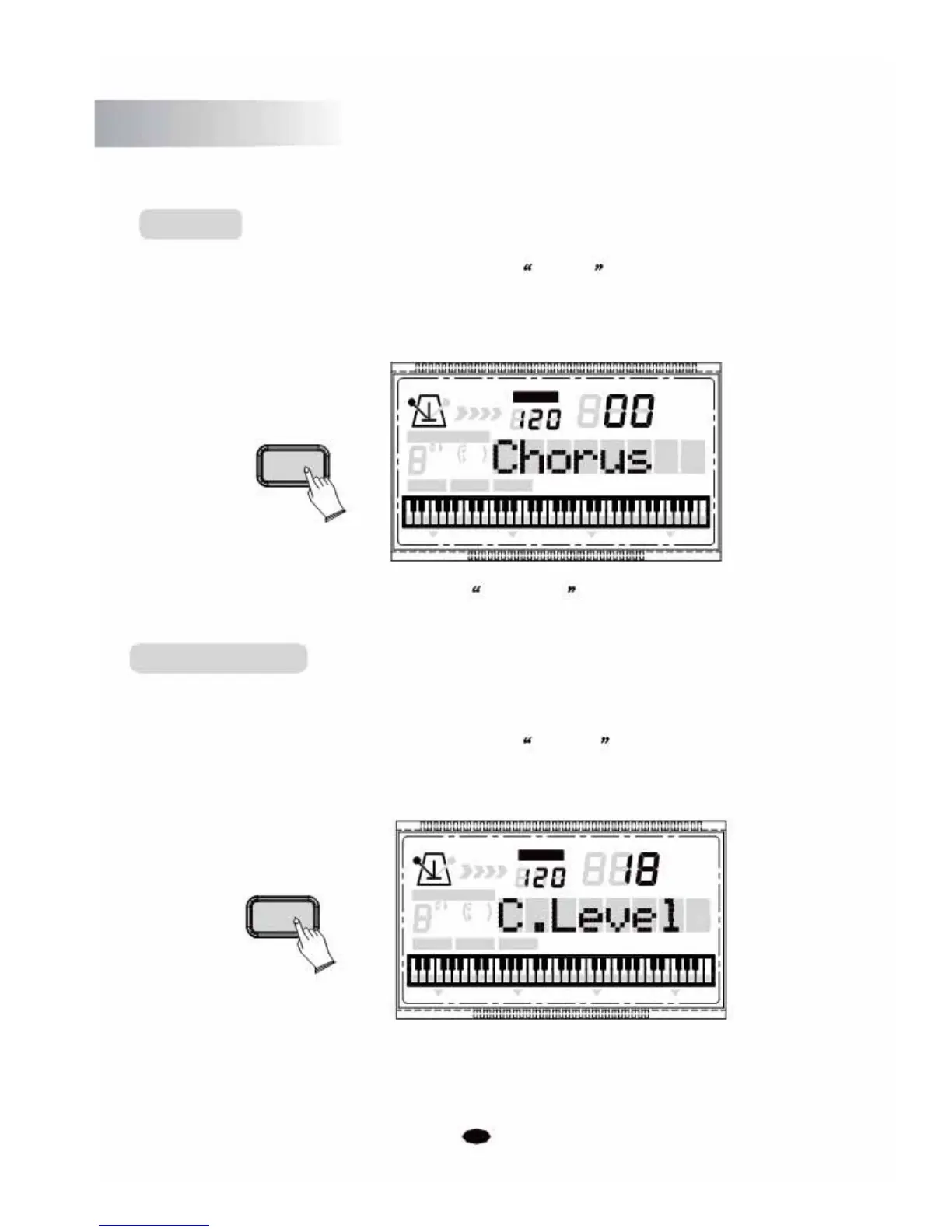
Press the [SETUP] button repeatedly to select Chorus , then use [+] and [-] buttons
or the n
umeric buttons to set the value. Range:0~8. (Default:00)
SETUP
TEMPO
VOICE
STYLE
SONG
CHORD TYPE
dim
6119
513
mM7
augsus4
CHORD SPLIT DUAL TOUCH EFFECT SUSTAIN VIBRATO
No chorus is produced when you select 00 Chorus
Chorus Depth
This function allows you to adjust the chorus depth for the voice section.
Press the [SETUP] button repeatedly to select C.Level , then use [+] and [-] buttons
or
the numeric buttons to adjust the value. Range: 0-127. (Default:36)
TEMPO
VOICE
STYLE
SETUP SONG
CHORD TYPE
dim 6
119
513
m
M
7
augsus4
CHORD SPLIT DUAL TOUCHEFFECTSUSTAIN VIBRATO
28



 To Next Page