SETUP
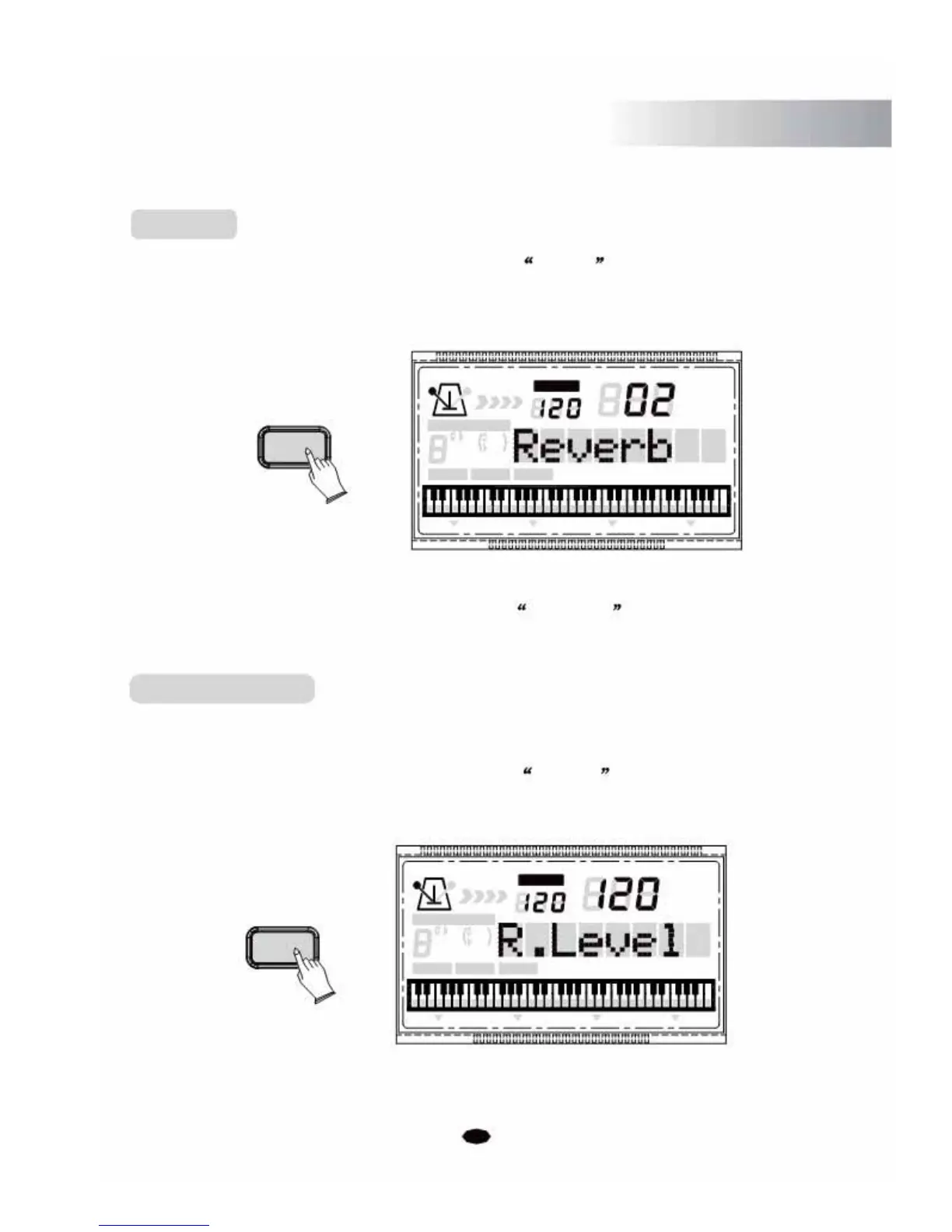
Reverb
Press the [SETUP] button repeatedly to select Reverb , then use [+] and [-] buttons
or the n
umeric buttons to set the value. Range: 0~8. (Default:02)
TEMPO
VOICE
STYLE
SETUP
SONG
CHORD TYPE
dim 6
11
9
513
m
M
7
augsus4
CHORD
SPLIT
DUAL TOUCHEFFECT
SUSTAIN VIBRATO
No reverb effect is produced when you select 00 Reverb
R
1
e
verb Depth
This function allows you to adjust the reverb depth for the voice section.
Press the [SETUP] button repeatedly to select R.Level , then use [+] and [-] buttons
or the numeric buttons to adjust the value.
SETUP
Range : 0-127 . (Default:80)
TEMPO
VOICE
STYLE
SONG
CHORD TYPE
dim 6
119
513
m
M
7
augsus4
CHORD SPLIT DUAL TOUCHEFFECTSUSTAIN VIBRATO
27



 To Next Page