SETUP
Tick
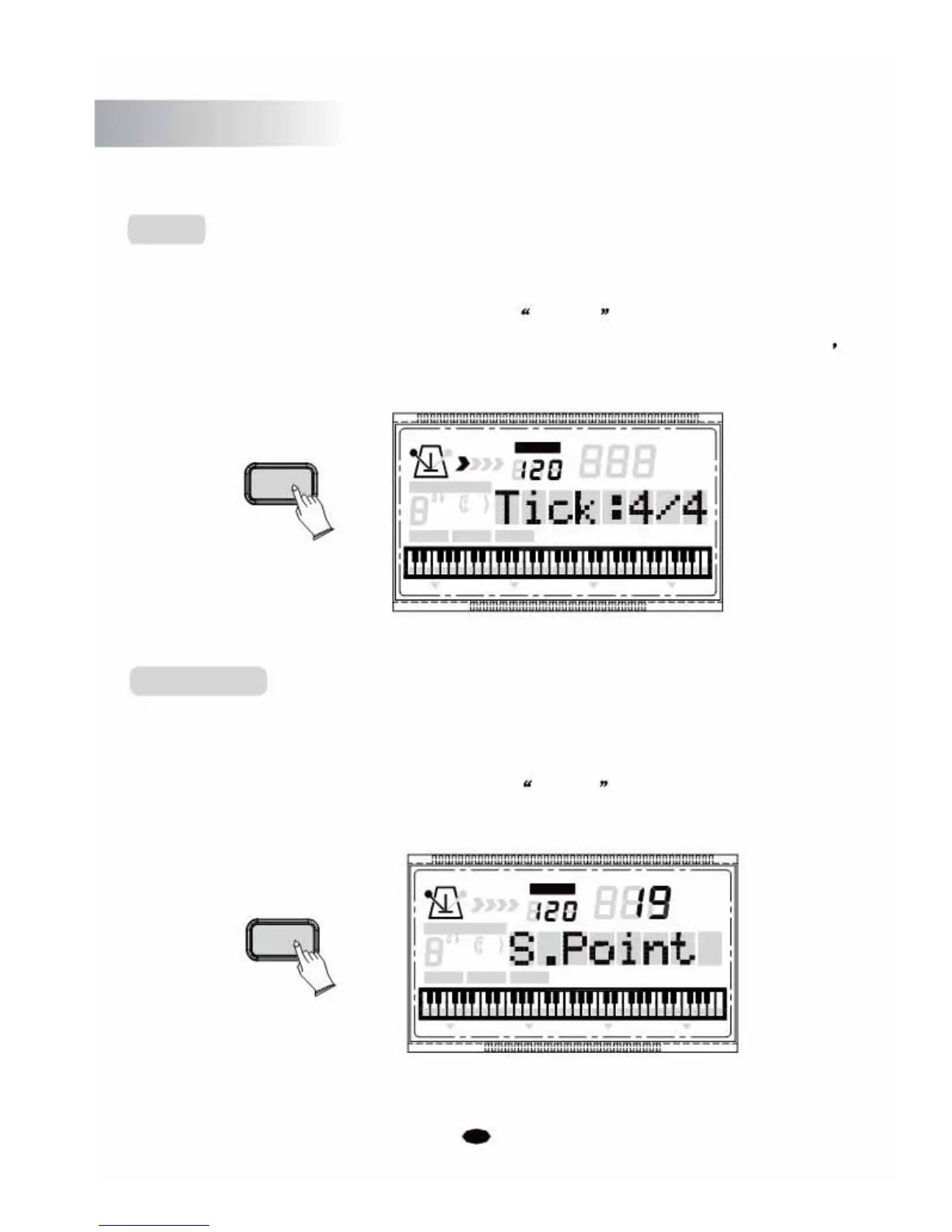
In this function you can change the time signature
Press the [SETUP] button repeatedly to select Tick 4/4 , then use [+] and [-] buttons
or
the numeric buttons to select the time signature:2/2, 1/4, 2/4, 3/4, 4/4, 5/4, 6/4, 3/8
6/8, 7/8, 9/8, 12/8. (Default: 4/4)
SETUP
TEMPO
VOICE
STYLE
CHORD TYPE
SONG
dim 6
119
513
m
M
7
augsus4
CHORD SPLIT DUAL TOUCHEFFECTSUSTAIN VIBRATO
1
Sp
lit Point
Allows you to set the split point between the left hand and right hand sides, for when
your keyboard is in Split mode.
Press the [SETUP] button repeatedly to select S. Point , then use [+] and [-]
buttonsorthe numeric buttons to change the split point. Range:0~60. (Default:19)
TEMPO
VOICE
SETUP
STYLE
CHORD TYPE
SONG
dim 6
119
513
m
M
7
augsus4
CHORD SPLIT DUAL TOUCHEFFECT SUSTAIN VIBRATO
26



 To Next Page