SETUP
Dual Voice Otave
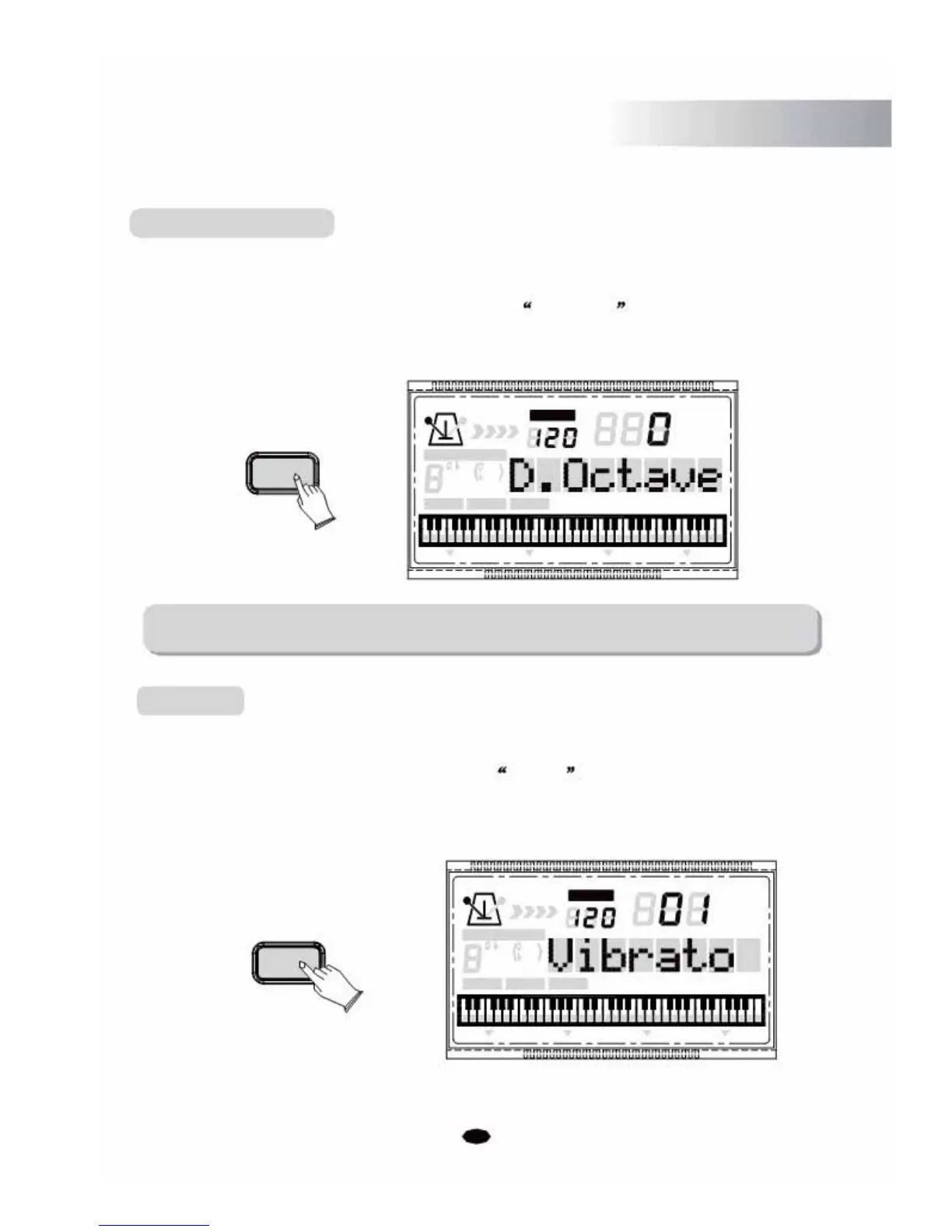
This function allows you to set the Dual voice octave.
Press the [SETUP] button repeatedly to select D. Octave , then use [+] and [-]
buttonso rthe numeric buttons to set the value. Range:-3~2. (Default:00)
SETUP
CHORD TYPE
dim
6119
513
mM7
augsus4
CHORD SPLIT
NOTE:
TEMPO
VOICE
STYLE
SONG
DUAL TOUCH EFFECT SUSTAIN VIBRATO
The numbers ranging from -3 to -1 cannot be selected by the numeric buttons.
Vibrato
The function allows you to switch the Vibrato on/off.
Press the [SETUP] button
r epeatedly
to select Vibrato , then use [+] and [-] buttons to
control to switch it on or off (Default:OFF). The Vibrato function will produce different
tremolo or vibrato Effect to your performance.
TEMPO
VOICE
STYLE
SETUP CHORD TYPE
SONG
dim 6
119 513
m
M
7
augsus4
CHORD SPLIT DUAL TOUCHEFFECT SUSTAIN VIBRATO
25



 To Next Page