Basic Operation
Adjusting the Main Volume
Use MASTER VOLUME control to adjust the volume to your
desired level.
MIN MAX
Demo Play
There are 10 preset demo songs and 100 learning songs that you can play individually.
Here's how you can select and play the songs.
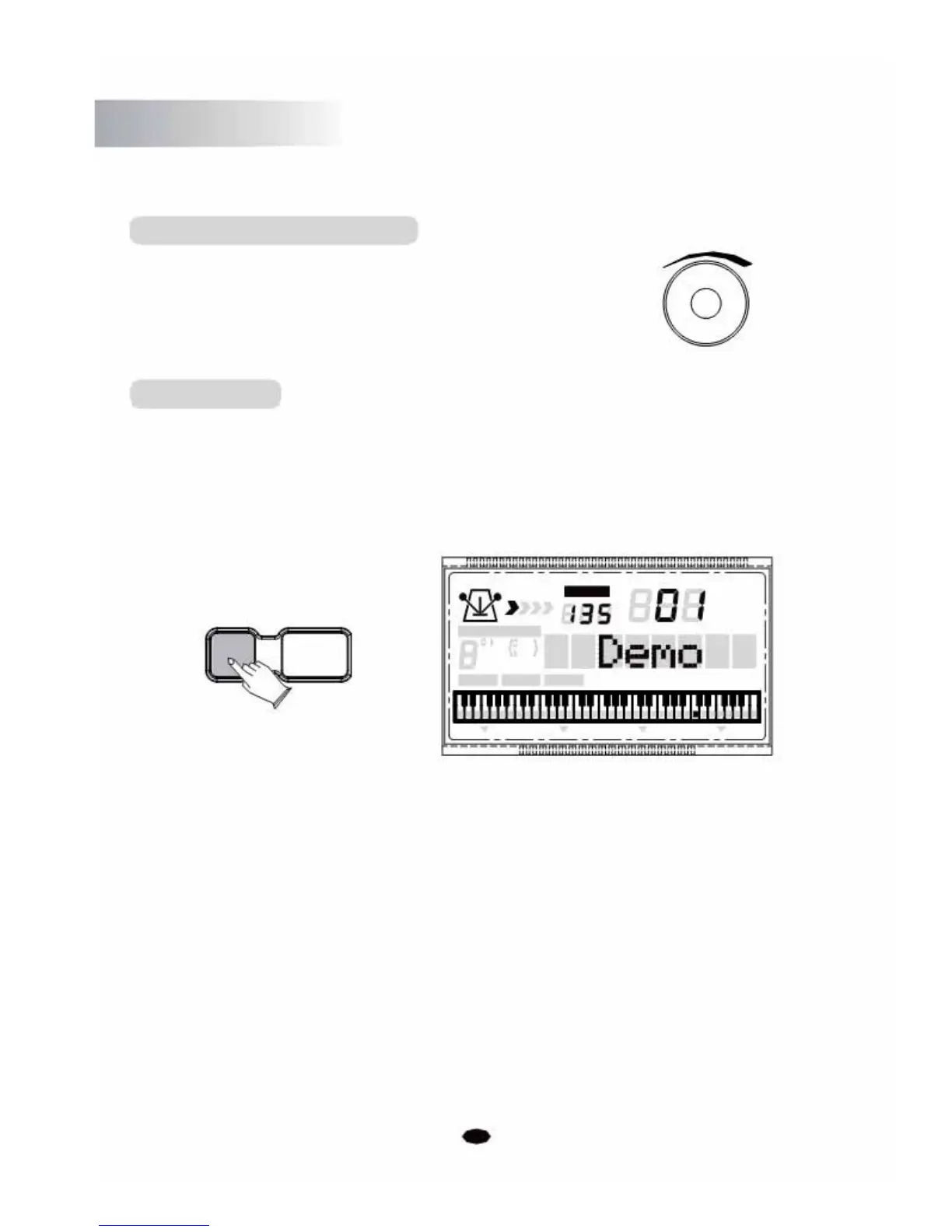
1. Press the [DEMO/PLAY] button, then the demo songs will play in sequence.
TEMPO
VOICE
STYLE
DEMO/PLAY 3 STEPS
SONG
CHORD TYPE
dim 6
119
513
m
M
7
augsus4
CHORD SPLIT DUAL TOUCHEFFECTSUSTAIN VIBRATO
2. Press the [0] ~ [9] numeric buttons or [+/-] buttons to select the demo songs.
01~09 demo: press 01~09
10~99 demo: press 11~99
100~110 demo: hold the [1] button till the LCD displays: 1_ , then enter the tens and units
digits.
3. Press the [DEMO/PLAY ] button again to stop playing.
6



 To Next Page