Teaching Function
Learn 3
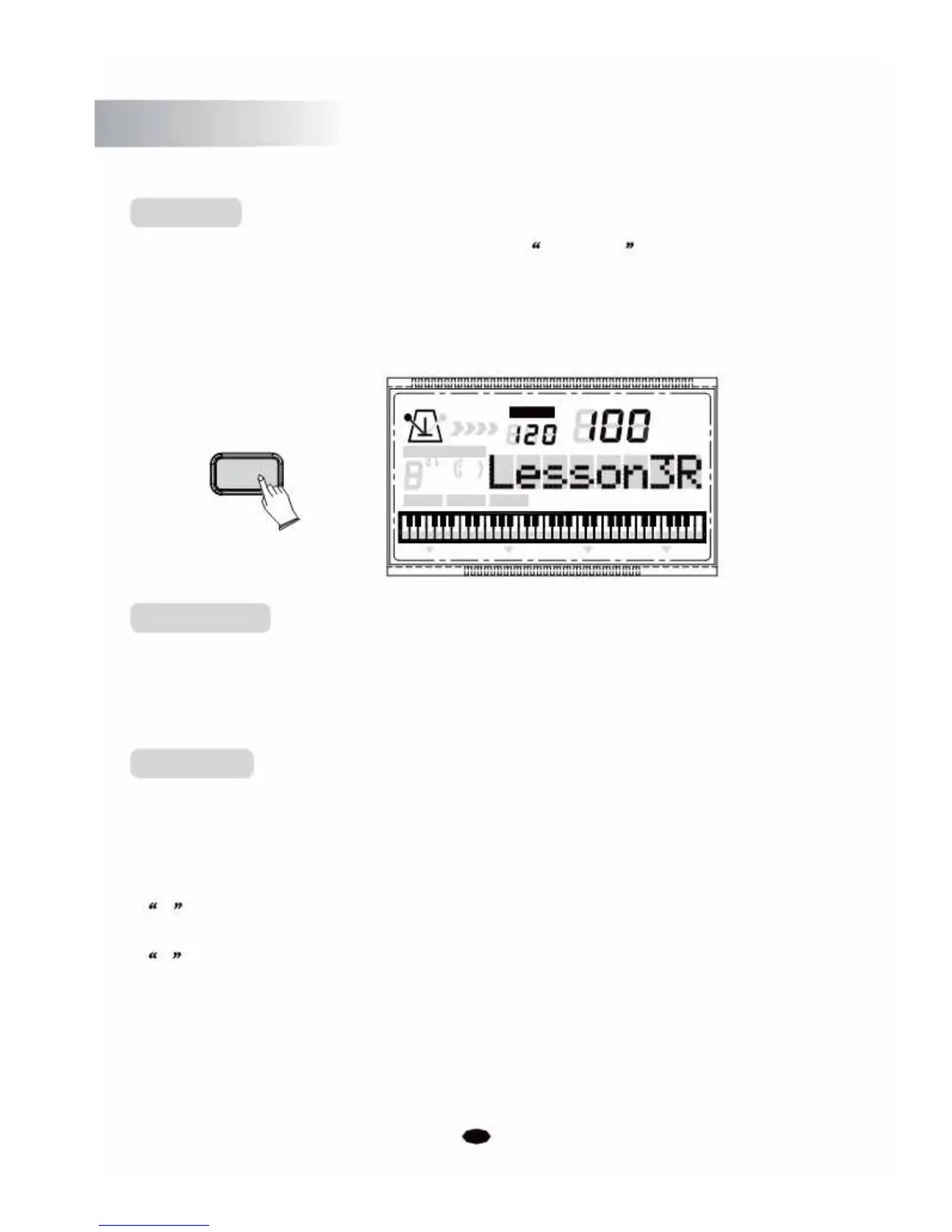
Press the [3 STEPS] button repeatedly to select Lesson3R to enter the step three
mode. You can play the song with the instrumentation playing. Now you can play this
song by yourself.
If you pause your playing for 5 seconds, the current learning LEFT/RIGHT melody will
automatically play.
TEMPO
VOICE
STYLE
3 STEPS
SONG
CHORD TYPE
dim 6
119
513
m
M
7
augsus4
CHORD SPLIT
DUAL
TOUCHEFFECT SUSTAIN VIBRATO
LCD Display
When the 3 Step Learning function is enabled, the LCD will display the note position
which should currently sound. If you correctly play the notes as shown on the LCD,
it's corresponding note name will disappear from the LCD.
Left/Right
Press the [3 STEPS] button. The LCD will display:
Lesson 1R
. To select the
learning mode by pressing the [3 STEPS] button repeatedly until the desired
mode is
active.
Then press the [LEFT/RIGHT] button again to select the Left or Right mode:
R : Right learning mode.
L : Left learning mode.
Press the [DEMO/PLAY] button to enter the Learing mode.
32



 To Next Page