Auto Accompaniment
Starting a Style
Immediate Start
Press the [START/STOP] button to start the style.
START
TEMPO
VOICE
/STOP
STYLE
CHORD TYPE
SONG
dim 6
119
513
m
M
7
augsus4
CHORD SPLIT DUAL TOUCHEFFECTSUSTAIN VIBRATO
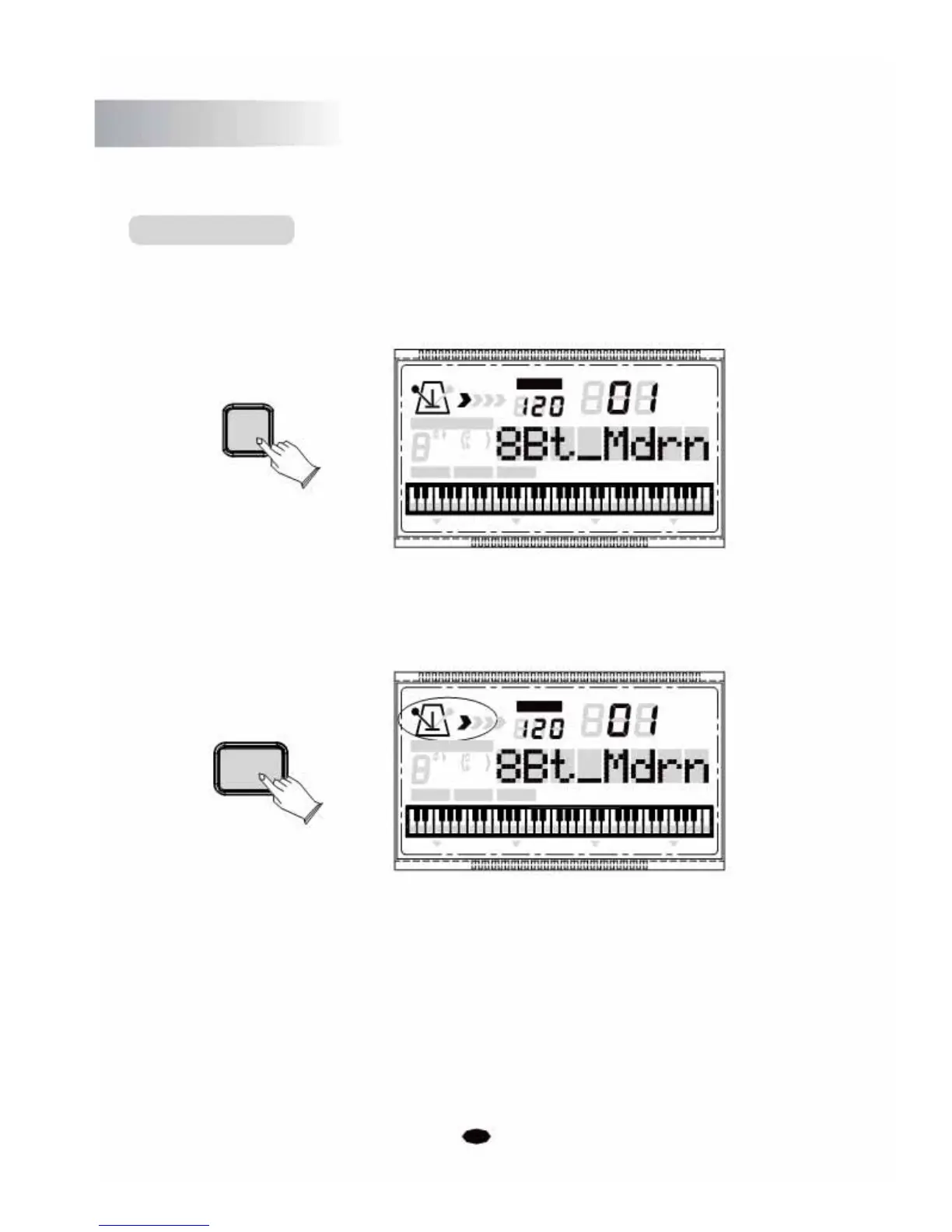
Use Synchro Start
Press the [SYNCHRO/FILL IN] button to enter the sync start "waiting" mode, then the
accompaniment will start when you play the first chord on the auto accompaniment section
of the keyboard.
TEMPO
VOICE
SYNCHRO
STYLE
/FILL IN
SONG
CHORD TYPE
dim 6
119
513
m
M
7
augsus4
CHORD SPLIT DUAL TOUCHEFFECTSUSTAIN VIBRATO
Start the Accompaniment with an Introduction
Any of your instrument accompaniment patterns can be started with an appropriate
introduction by pressing the [INTRO/ENDING] button.
If you press the [SYNCHRO/FILL IN] button and then press the [INTRO/ENDING] button,
the accompaniment will start from the introduction as soon as a chord is played in the auto
accompaniment section of the keyboard.
16



 To Next Page