Auto Accompaniment
TEMPO
SYNCHRO INTRO/
/FILL IN ENDING
CHORD TYPE
dim 6
119
513
mM7
augsus4
CHORD SPLIT DUAL TOUCH
Stopping the Style
You can do this in one of two ways.
Stop immediately
The accompaniment can be stopped at any time by pressing the
[START/STOP] button.
Stop with Ending
VOICE
STYLE
SONG
EFFECT SUSTAIN VIBRATO
START
/STOP
Press the [ INTRO/ ENDING] button, the style stops after the ending section is finished.
INTRO/
ENDING
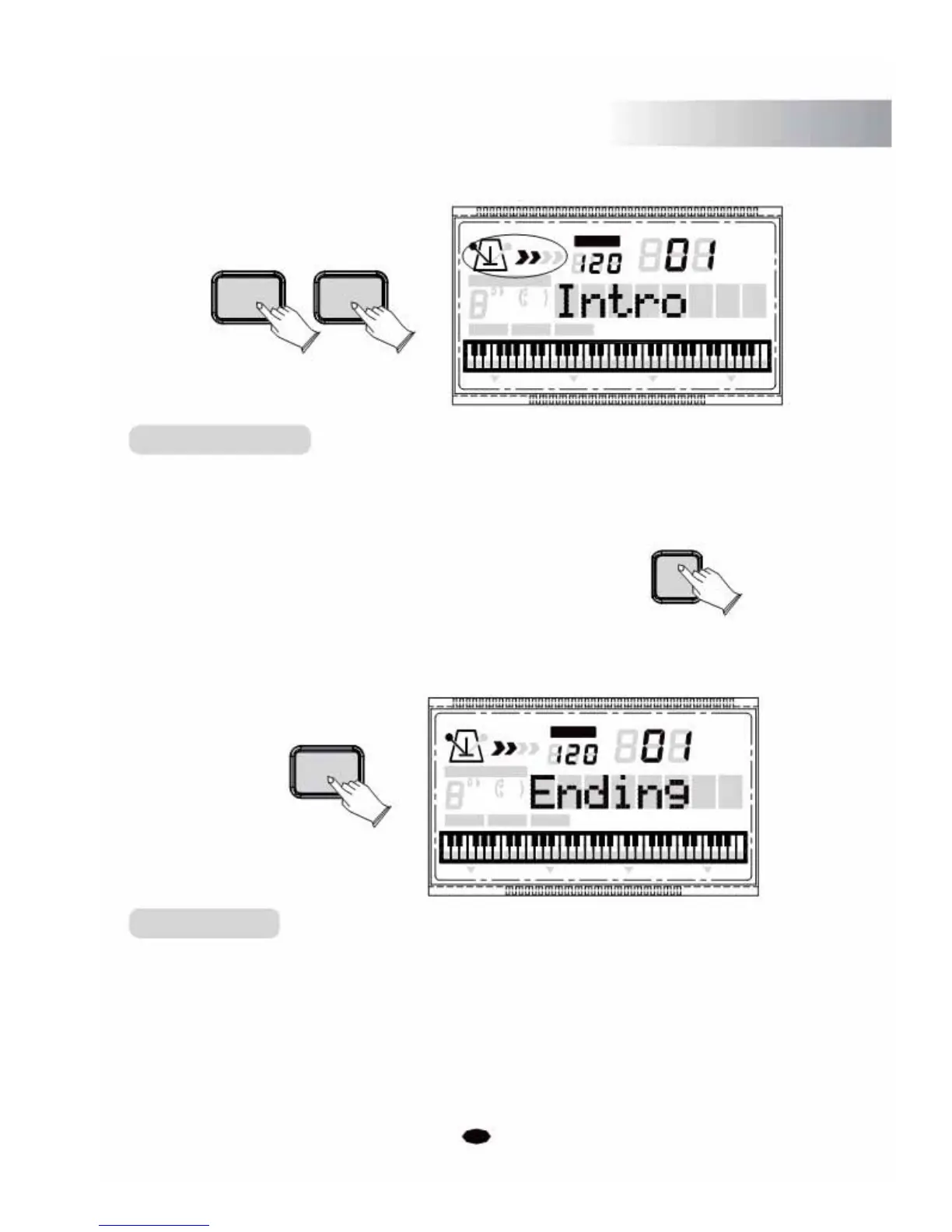
Intro/Ending
1. Intro
If you press the [INTRO/ENDING]
2. Ending
If you press the [INTRO/ENDING]
TEMPO
VOICE
STYLE
CHORD TYPE SONG
dim
6119
513
mM7
augsus4
CHORD SPLIT DUAL TOUCH EFFECT SUSTAIN VIBRATO
button, the accompaniment will start with an Intro.
button, the accompaniment will stop with an Ending.
17



 To Next Page