Auto Accompaniment
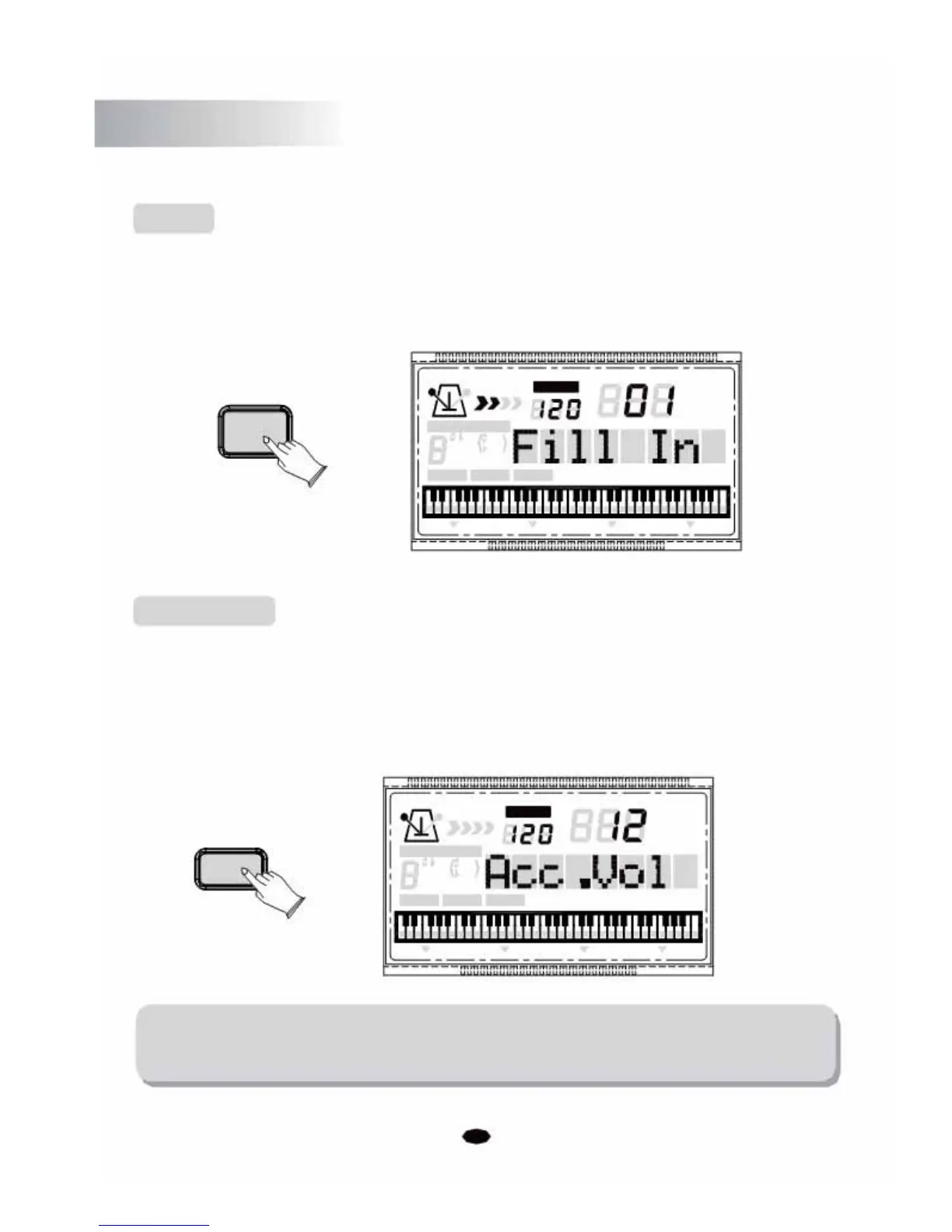
Fill In
Whilst a style is playing, pressing the [SYNCHRO/FILL IN] button will trigger a one
measure/bar drum fill in pattern. After the fill in pattern the main style will resume.
SYNCHRO
/FILL IN
CHORD TYPE
dim
6119
513
mM7
augsus4
CHORD SPLIT
Acc Volume
TEMPO
VOICE
STYLE
SONG
DUAL TOUCH EFFECT SUSTAIN VIBRATO
The volume of the auto accompaniment can be adjusted in the range of 00~31.
Press the [ACC.VOLUME] button, then the LCD will display: Acc.Vol. Then use the [+]
and [-] buttons or the numeric buttons toincrease or decrease the value.
TEMPO
VOICE
STYLE
ACC.VOLUME
SONG
CHORD TYPE
dim 6
119
513
m
M
7
augsus4
CHORD SPLIT DUAL TOUCHEFFECTSUSTAIN VIBRATO
NOTE:
If you don't press any button within 3 seconds of entering the ACC VOLUME setting
mode, it will exit this menu automatically.
18



 To Next Page