-12 -11 -10 -9 -8 -7 -6 -5 -4 -3 -2 -1
0
+1 +2 +3 +4 +5 +6 +7 +8 +9 +10 +11 +12
The examples below illustrate how to use the table above:
- To Transpose the instrument to the key of E above C, press the Transpose [+] button 4 times.
- To Transpose the instrument to the key of A# below C, press the Transpose [-] button 2 times.
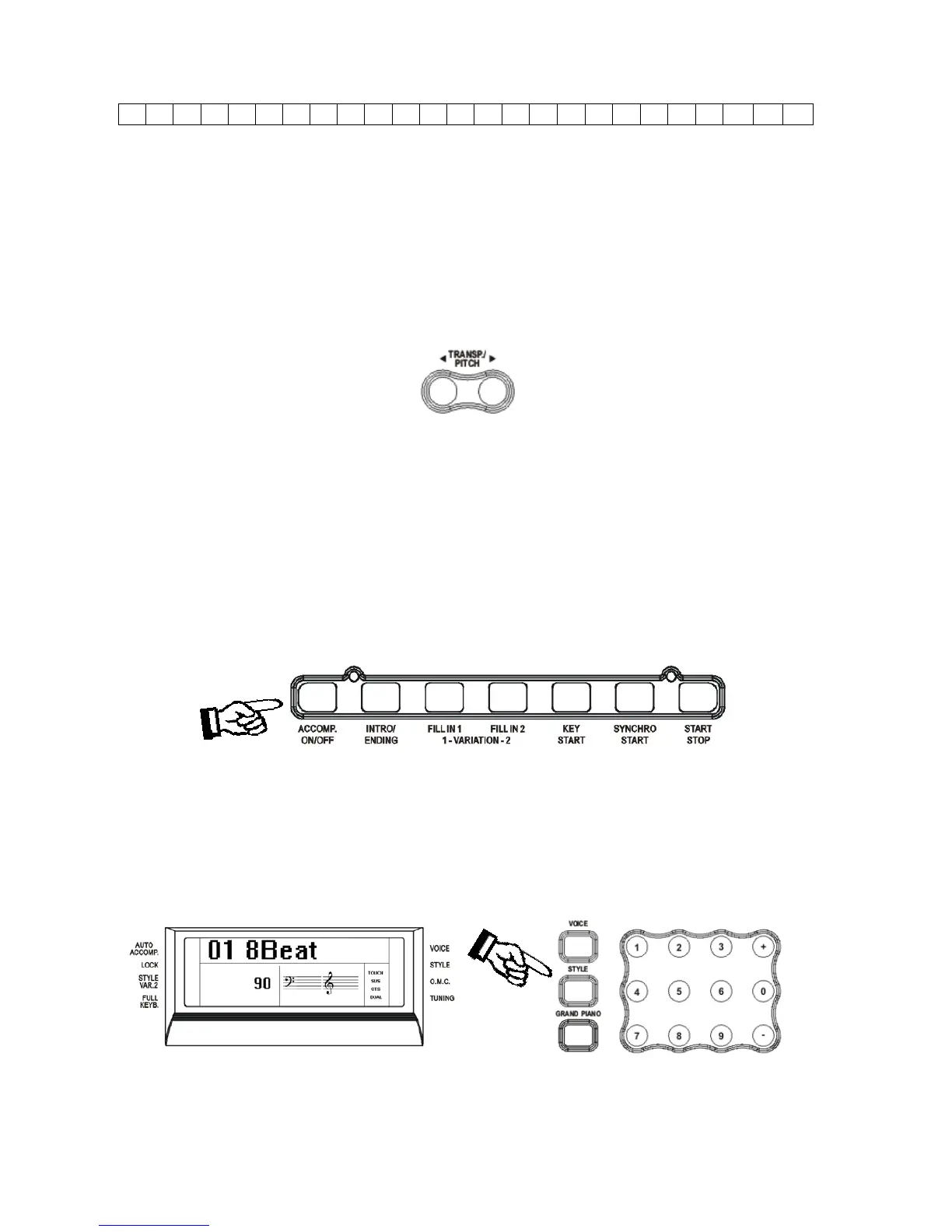
Press the [TRANSP/PITCH] buttons at the same time to restore the instrument to the key of C0.
PITCH – FINE TUNING
The PITCH feature enables the player to tune the pitch of the instrument to match other
instruments.
Press the two buttons for a few seconds and the display will display: PITCH
Use the + and – buttons to set the desired Pitch value. The PITCH value on the display can be
changed between –64 and +63.
Press the [TRANSP/PITCH] buttons at the same time to set the default value (0).
AUTO ACCOMPANIMENT SECTION
Your instrument has 260 (01-260) accompaniment styles which can be used to provide fully-
orchestrated Auto Accompaniment.
When the Auto Accompaniment function is turned ON, the left part of the keyboard will be used
to play automatic accompaniments with orchestrated chords and bass lines, the right part of the
keyboard is available for playing the melody.
SELECT A STYLE
Press the [STYLE] button to enter the style select function. The current style number and name
will appear on the Display
Press the numeric key-pad buttons or the [+/-] buttons to select the desired style number with the
13



 To Next Page