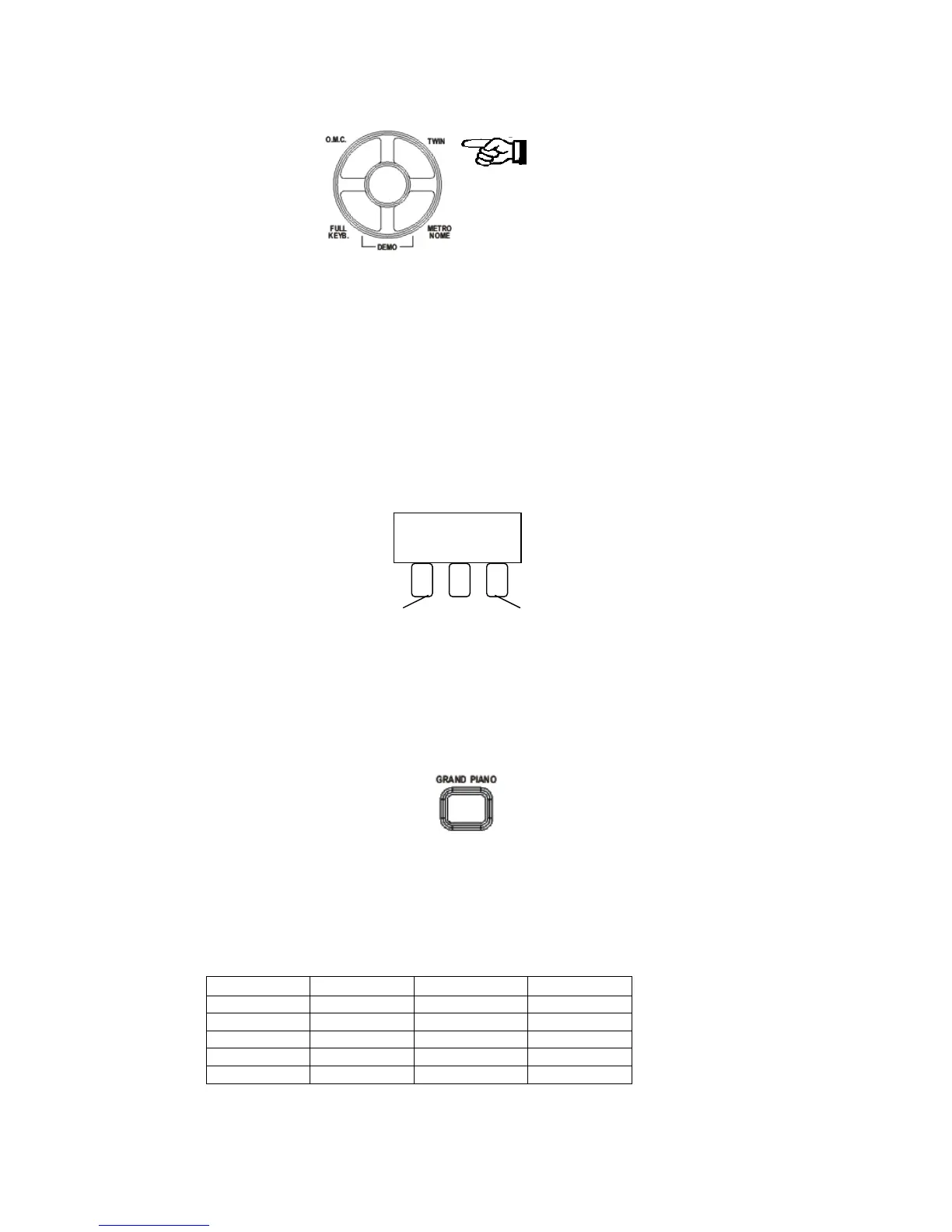
TWIN MODE
Press the [TWIN] button to select TWIN mode. In this mode, the keyboard will be separated into
two playing areas.
Right: from C#3 to C7
Left: from A-1 to C3
This will be very helpful when the instrument is used by two players at the same time (example:
Teacher and Student) and they will be able to play the same piano sound in the same octave.
Press [TWIN] button again to exit the Twin mode.
While the TWIN feature is selected using the optional 3 lever pedal, the pedals automatically
switch to a different configuration where there are 2 Sustain pedals, one for the left and one for
the right part of the keyboard.
Sustain Sustain
Left Right
The middle pedal remains set with the feature of the last selected setting, Sostenuto or Start/Stop
(see related paragraph).
GRAND PIANO
When pressed the [GRAND PIANO] button resets the instrument to the Grand Piano sound.
DRUM KITS AND EFFECTS
Your instrument has 8 different Drum kits that can be played on the keyboard when selecting
voice numbers - 477 through to 484.
Sound No. Drum Kit Sound No. Drum Kit
477 Standard 482 Jazz
478 Room 483 Brush
479 Power 484 Classic
480 Electric 485 Effects
481 Dance
The Sound number 485 is the Sound Effects preset.
10



 To Next Page