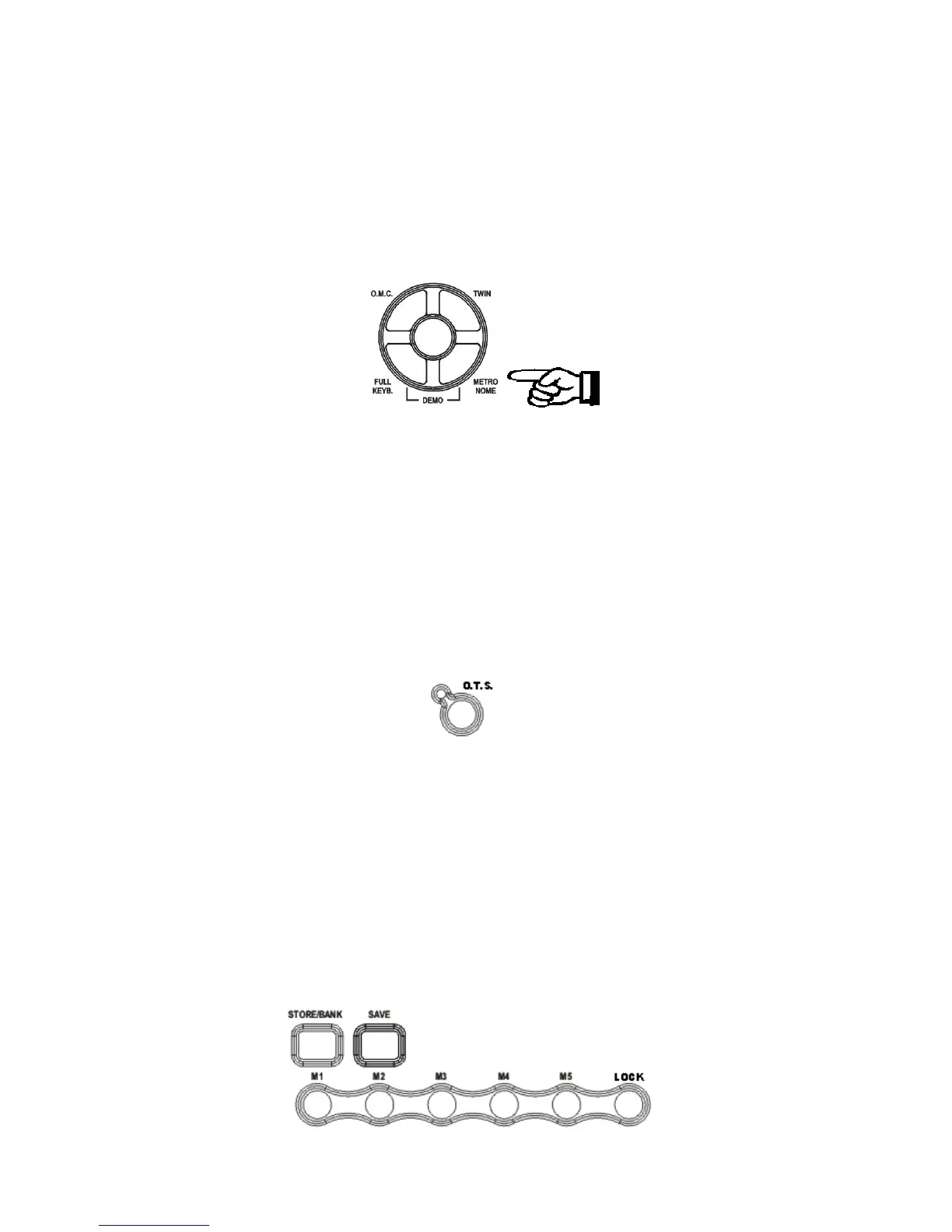
To set the tempo before starting a rhythm, tap on the button 4 times.
METRONOME
The Metronome is a convenient feature for practice, and it can also provide a rhythmic guide
when recording.
The metronome sound is alternately turned on and turned off by pressing the [METRONOME]
button.
The Time Signature of the metronome can be set by using the [+/-] buttons when turning on the
metronome function and while the Time Signature value is indicated on the display.
To set the Time Signature (1/4, 2/4, 3/4, 4/4, 6/4, 3/8, 6/8, 9/8 ) press the [METRONOME]
button and the Time Signature set for the metronome will be indicated on the display, use the
[+/-] buttons to select the new value.
To change the Tempo use the [- TEMPO +] buttons to set the desired tempo speed.
To set the tempo of metronome, please see details in the TEMPO section.
OVERALL TOUCH SETUP – OTS
This function enables the instrument to set an appropriate registration for each rhythm.
When a style is selected and the OTS is activated (the icon is activated on the display), a nice
registration for both the left hand and right hand parts will be automatically selected. The OTS
will also select the optimum tempo for the style selected. An indicator illuminates in the
Message Display when the system is activated. When the registration is changed with the OTS
activated, the instrument will accept the changes but the registration will not be changed in the
internal memory.
A good way to start exploring the instrument is to listen to the OTS registrations. By selecting
the desired rhythm with the OVERALL TOUCH SET-UP system ON, you will hear 260 nice
registrations. The OTS system can be switched ON and OFF by pressing the [O.T.S] button.
REGISTRATION MEMORY
19



 To Next Page