GETTING STARTED
PREPARATION
This section contains information about setting up your instrument and preparing to play. Be sure
to go through this section carefully before using this instrument.
POWER SUPPLY
Plug the DC output cable from the power adapter into DC IN jack on the rear panel of your
instrument, and then plug the AC cable of your power adapter into a convenient wall AC power
socket.
1. Turn on the instrument by pressing the POWER ON/OFF switch located on the back panel.
2. Set the MASTER VOLUME to the desired level. The MASTER VOLUME controls the
overall volume for the entire instrument.
USING HEADPHONES OR AN EXTERNAL SOUND SYSTEM
A standard stereo headphone set can be plugged into the PHONES socket for private practice or
late-night playing. The internal speaker system is automatically switched off when the
headphone set is plugged into the PHONES socket. There are two sockets available on the rear
panel that allow the use of two headphone sets at the same time.
The LINE OUT (Left and Right) sockets can be used to deliver the output of the sound to an
external amplifier, stereo sound system, mixing console, or tape recorder.
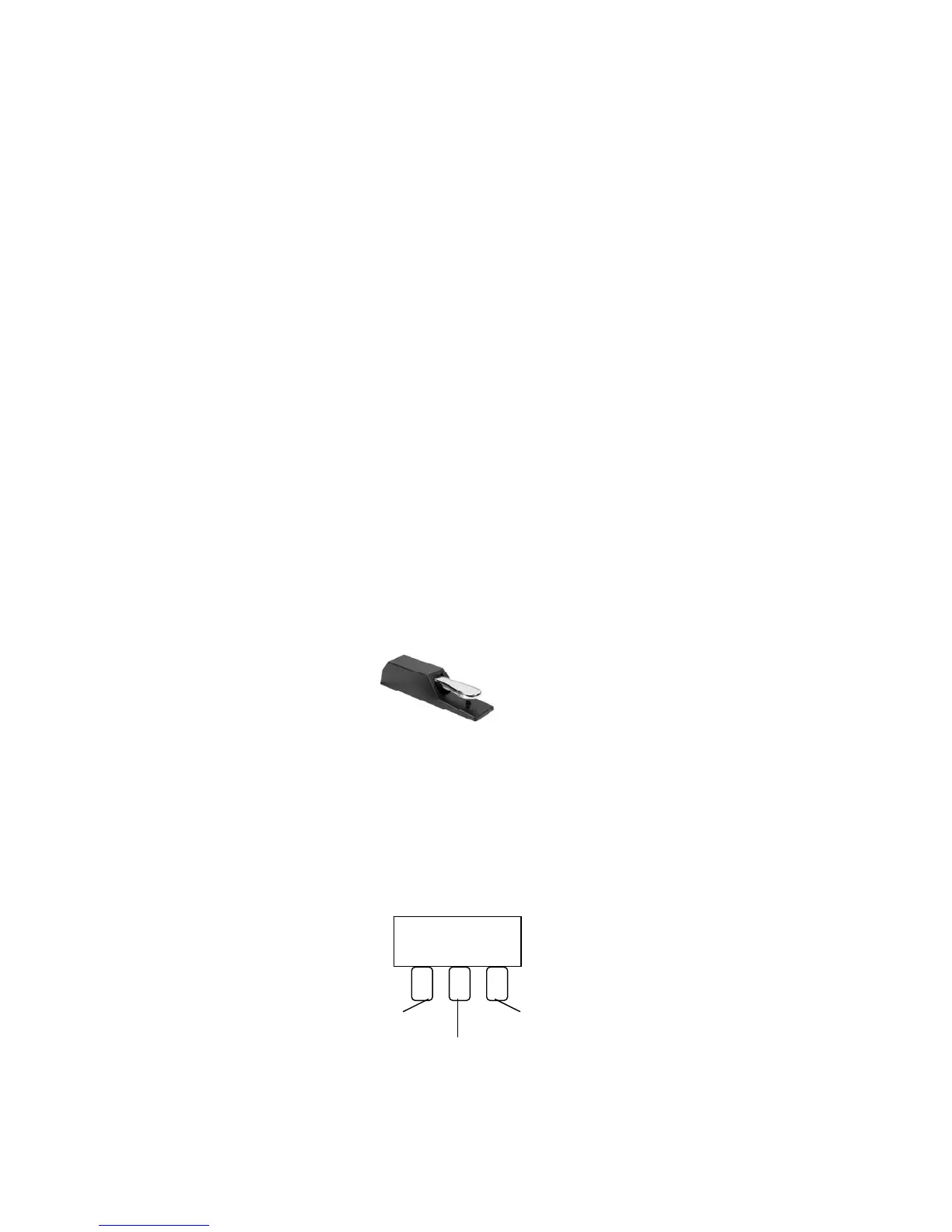
SUSTAIN PEDAL (supplied)
The Stage Ensemble is supplied with a Sustain pedal.
Connect it to the Pedal Input number 2 to obtain the Sustain effect when used.
It has the same function as the ''sustain'' pedal on an acoustic piano.
It provides sustain and lets the sound slowly decay after the keys have been released.
SOFT/SOSTENUTO/SUSTAIN PEDAL (optional)
If necessary the Stage Ensemble can be used with an optional 3 Pedals pedalboard.
Insert the mono jack to the Pedal Input number 1 and the stereo jack in the Pedal Input number 2.
Soft Sustain
Sostenuto
The instrument now works with a set of three pedals giving the following functions:
SOFT: gives the piano voices a ''softer'' sound.
4



 To Next Page