SELECTING AND PLAYING THE VOICES
Your instrument has 476 sounds in the internal sound library numbered from 01 to 476, and
8 Drum Kits numbered from 477 to 484. Sound 485 is the SOUND EFFECT bank preset.
The available sounds can be played in three different modes: Right 1, Right 2 and Left.
Right 1 - plays a single voice over the entire range of the keyboard.
Right 2 - mixes two different voices together for rich, complex sounds.
Left - allows the player to select one sound for the Left part and up to two sounds for the
Right part of the keyboard.
The complete list of the available Sounds is available in the SOUND LIST pages at the end of
this manual.
The first 128 sounds are listed according to the GM sound list from 1 to 128. From 129 to 476
the sounds are listed according to the ORLA XM Sound List that incorporates all the standard
General MIDI (GM) sounds plus all ORLA sound variations.
In GM mode the instrument allows the player to select the sounds according to standard GM
mapping. Most players remember the GM sound numbers, so this may be easier for them.
In the XM mode the complete sound list is available including not only all the GM sounds but
also the many sound variations especially developed by the expert team of ORLA musicians.
SOUND VOLUME
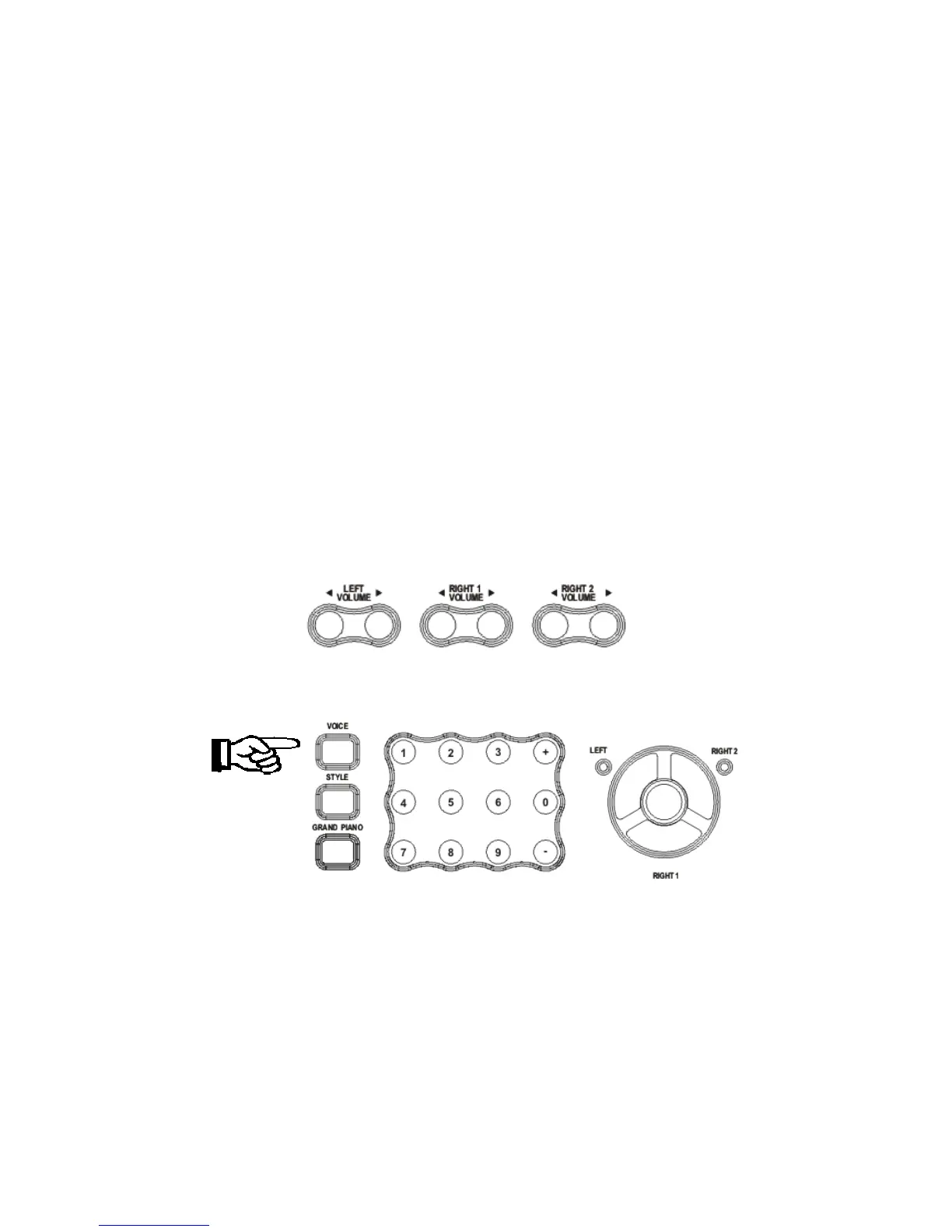
The volume of each section can be controlled with the related volume buttons.
The volume range is from 00 (no sound) to 127 (maximum volume).
SELECT A SOUND
Press the [VOICE] button - the voice mode is selected and the current voice number and name
will display on the Message Display section. By pressing the VOICE button several times you
can see that it automatically selects RIGHT1, RIGHT2, and LEFT (the related LED is blinking).
Press the numeric key-pad buttons or the [+/-] buttons to select the desired voice number
according to the Voice List.
To select a sound numbered between 1 and 99, for example 65 Soprano Sax:
OPTION 1: Press the [+/-] buttons until the number 65 is displayed.
OPTION 2: Use the numeric key-pad buttons as detailed below:
- Press the number 6 button and then the number 5 to select the sound.
- The sound number 65 Soprano Sax is now selected.
7



 To Next Page