The instrument can store 5 groups x 4 banks of panel settings. By pressing the corresponding
memory button, you can recall these settings rapidly. You can customize the panel settings to
accommodate your performance and store them to the registration memory positions.
These settings will not be lost, even if the power is turned OFF.
STORING THE PANEL SETTINGS
It is possible to load up to 20 panel registrations using the 5 Memory (M1 – M5) positions and
4 memory banks.
By pressing the [STORE/BANK] button four times, you can select 4 different banks. The display
shows the available memory banks [1 to 4 MmryBank].
The following panel settings can be saved: Left/Right Sounds, Volume levels, Pan settings,
Tempo, Octave, Effects, Style and keyboard mode. Other global parameters are also memorized.
- Select the desired style, tempo, sounds, volume and effects.
- Select the Memory Bank where to store the new settings by pressing a few times the
[STORE/BANK] button, for example BANK 3.
- Press and hold [STORE/BANK] button, and then press one of the [M1-M5] buttons to
show where to store the panel setting, for example M1.
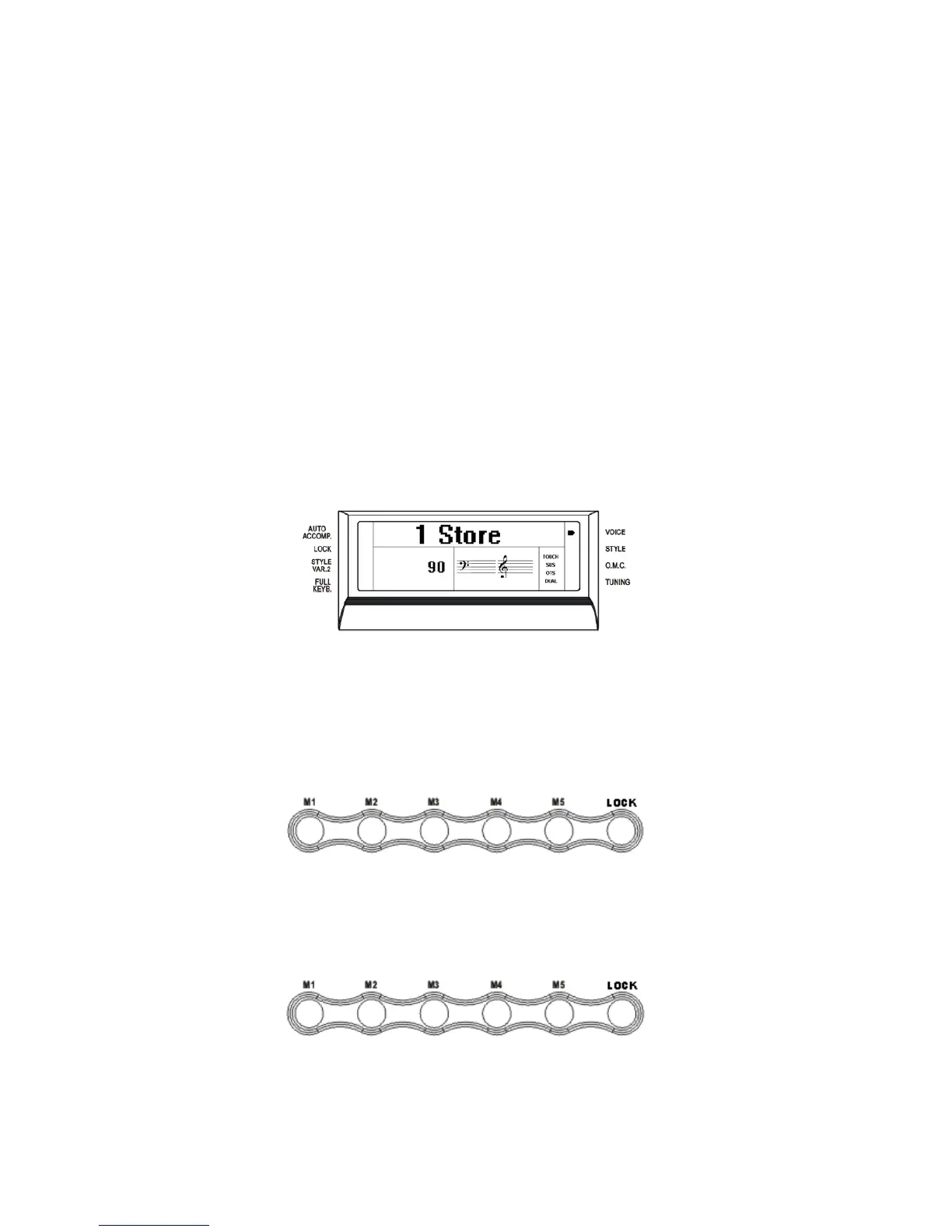
- The LCD displays
The current panel settings are now stored in the memory in position BANK 3 – M1.
It is possible to repeat this procedure for all available positions.
RECALLING THE SETTINGS
By pressing the [M1-M5] buttons, the information you have stored previously can be recalled.
Press [STORE/BANK] button to access the Memory banks (press a few times).
The LCD displays the panel settings and memory position number.
LOCK
Pressing the [LOCK] button turns the LOCK function ON/OFF. When the LOCK function is
ON, the registration sounds stored in each memory location can be recalled, while the style
accompaniment settings will be LOCKED. The display shows the related indicator arrow:
20



 To Next Page