SOSTENUTO: this allows only the notes pressed on the keyboard before the Sostenuto
pedal is activated to sustain, and subsequent notes played afterwards will
not sustain.
SUSTAIN: has the same function as the ''sustain'' pedal on an acoustic piano. It
provides sustain and lets the sound slowly decay after the keys have been
released.
If the optional 3 Pedals pedalboard is used it is possible to program the Soft and Sostenuto pedals
to control the Start /Stop and Fill In features of the style section.
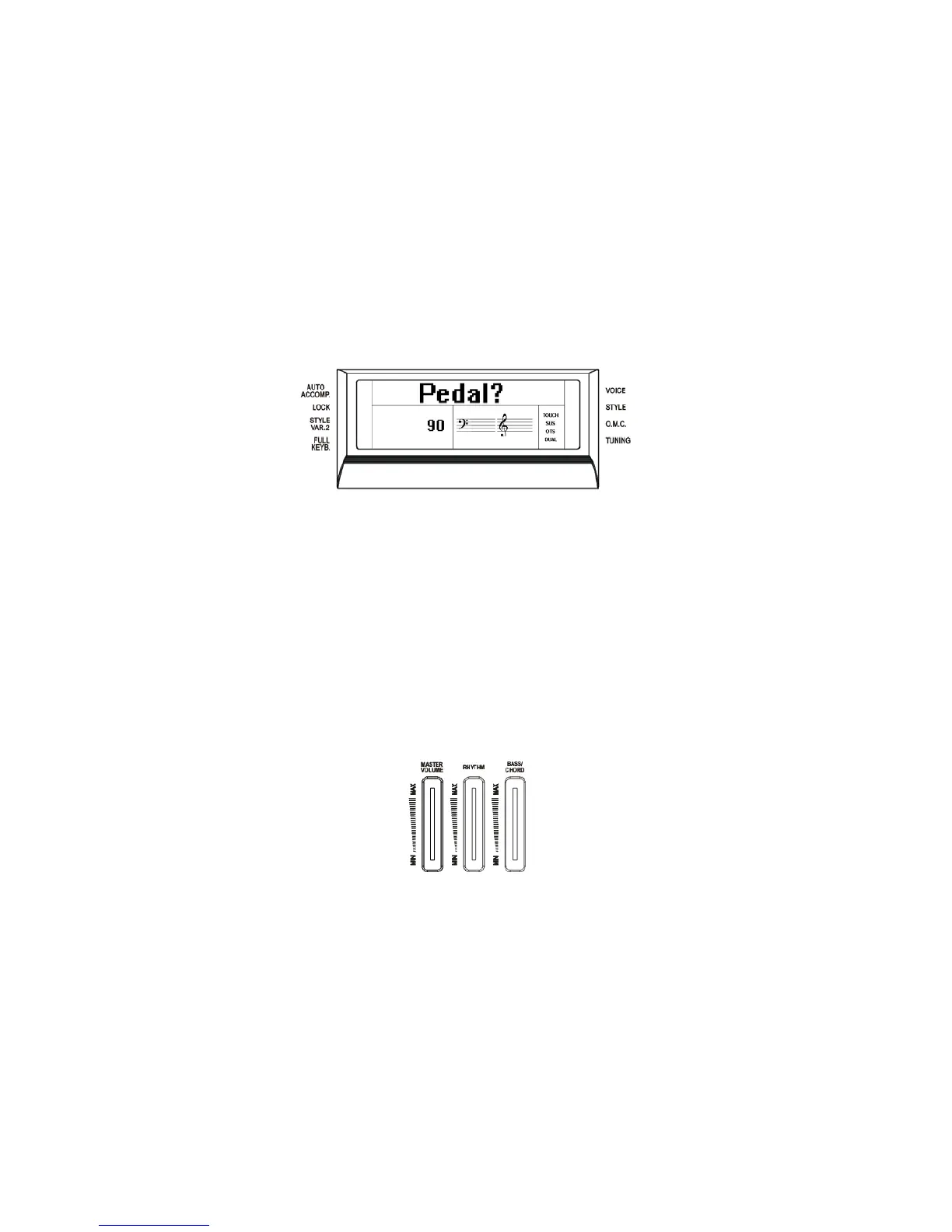
- Press the [FUNCTION] button a few times to select PEDAL on the display:
- Press [ENTER] button to confirm the function. The display indicates the current status.
- Use the [+/-] buttons to select Normal or Custom.
In Normal mode the pedals will be used for Soft and Sostenuto.
In Custom mode the pedals will be used for Start/Stop and Fill In.
The display will return to the normal display mode and the Pedal Mode is now set.
VOLUME SLIDERS
The Master Volume slider controls the overall volume of the instrument. It controls the volume
also when connected to a headphone set.
The Rhythm Volume slider controls the Drum Sounds volume when playing the automatic
accompaniment.
The Bass/Chord Volume slider controls the Auto Accompaniment volume when playing the
automatic accompaniment.
5



 To Next Page