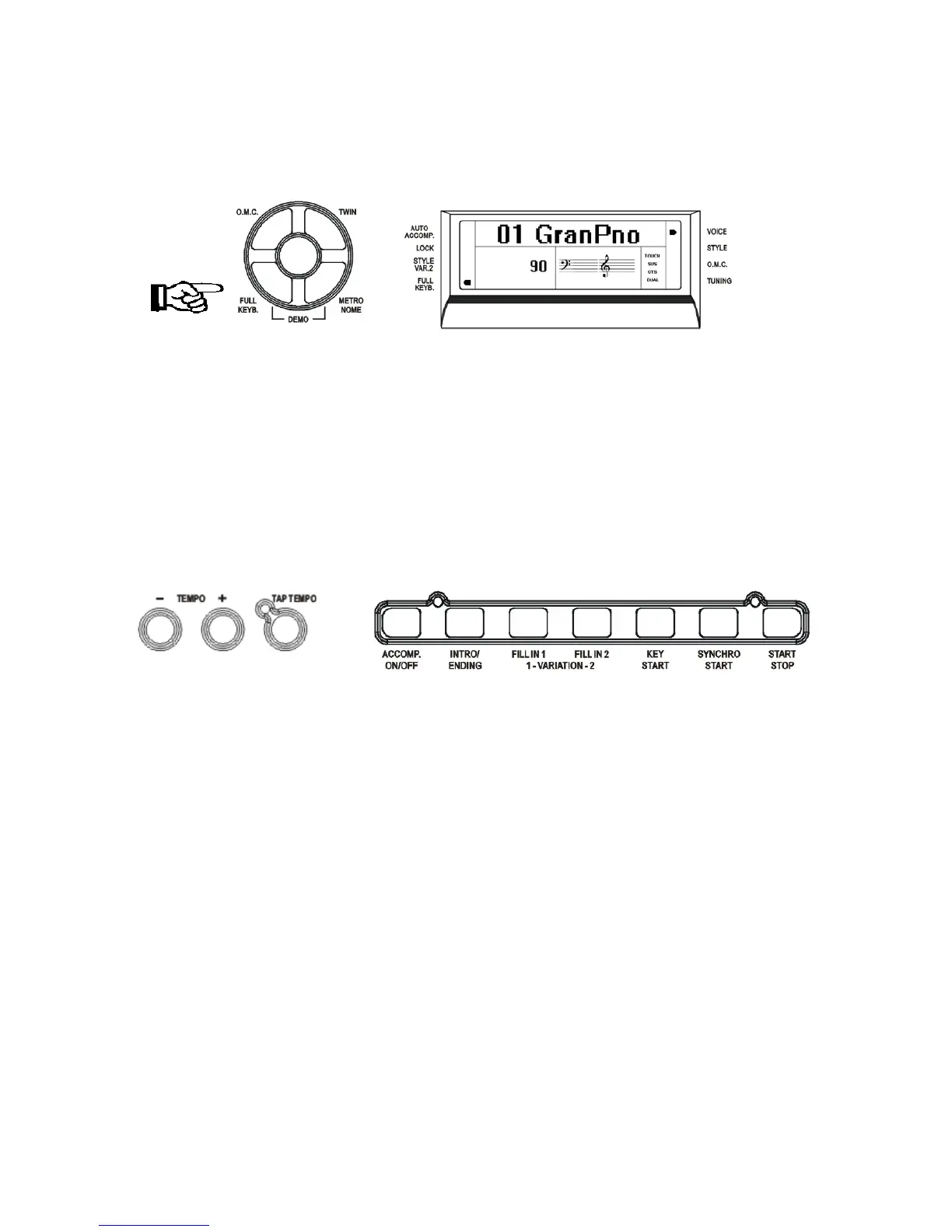
FULL KEYBOARD
This feature allows you to play automatic chords over the full length of the keyboard.
Press the button and dedicated arrow will indicate it on the display.
When in full keyboard mode the chords played by the Auto Accompaniment System will not be
displayed on the screen.
AUTO ACCOMPANIMENT SELECT AND CONTROLS
A different accompaniment style can be selected at any time while the accompaniment is
playing. The style number and name on the Message Display will change as soon as the selection
is made, but the new style will start from the beginning of the next bar. If the Auto Set Up
function is not activated, the tempo will not change when the new style is running.
Your instrument provides a range of accompaniment features:
Start/Stop, Auto Accompaniment, Intro/Ending, Fill-In 1, Fill-In 2, Key Start, Synchro
Start, Start/Stop.
AUTO ACCOMPANIMENT
Press the [ACCOMP. ON/OFF] button to activate the Auto Accompaniment feature. The
indicator will appear on the display. Press it again to deactivate.
INTRO/ENDING
If you press this button before you start the rhythm, the normal rhythm pattern will be preceded
by a special introduction (INTRO). However, if you press the button when the rhythm is already
running, the instrument plays a final variation (ENDING) and the rhythm section will stop
automatically.
All of your instrument accompaniment patterns can be started with an appropriate introduction
by pressing the [INTRO/ENDING] button, once the style has been selected. When the INTRO
finishes playing, the accompaniment will change to the main style pattern.
If you press one of the [SYNCHRO START] buttons and then the [INTRO/ENDING] button,
the accompaniment will start from the introduction as soon as a chord is detected.
17



 To Next Page