To select a sound numbered higher then 99, for example 123 Sea Shore, press the [+/-] buttons
until the number 123 is selected on the display.
To select the sound 123 using the numeric key-pad buttons:
- Press the number 1 button and hold it until the number 1 appears on the display.
- Press then the number 2 and the number 3 buttons in quick succession to select the sound.
- Sound number 123 Sea Shore is now selected.
SELECT RIGHT 1 SOUND
Press the [VOICE] button to select the sound of RIGHT 1. Select the desired sound as explained
above. The name of the RIGHT 1 sound will be indicated on the display.
To change the sound again, use the numeric key-pad buttons or the [+/-] buttons to select the
desired voice number according to the Voice List.
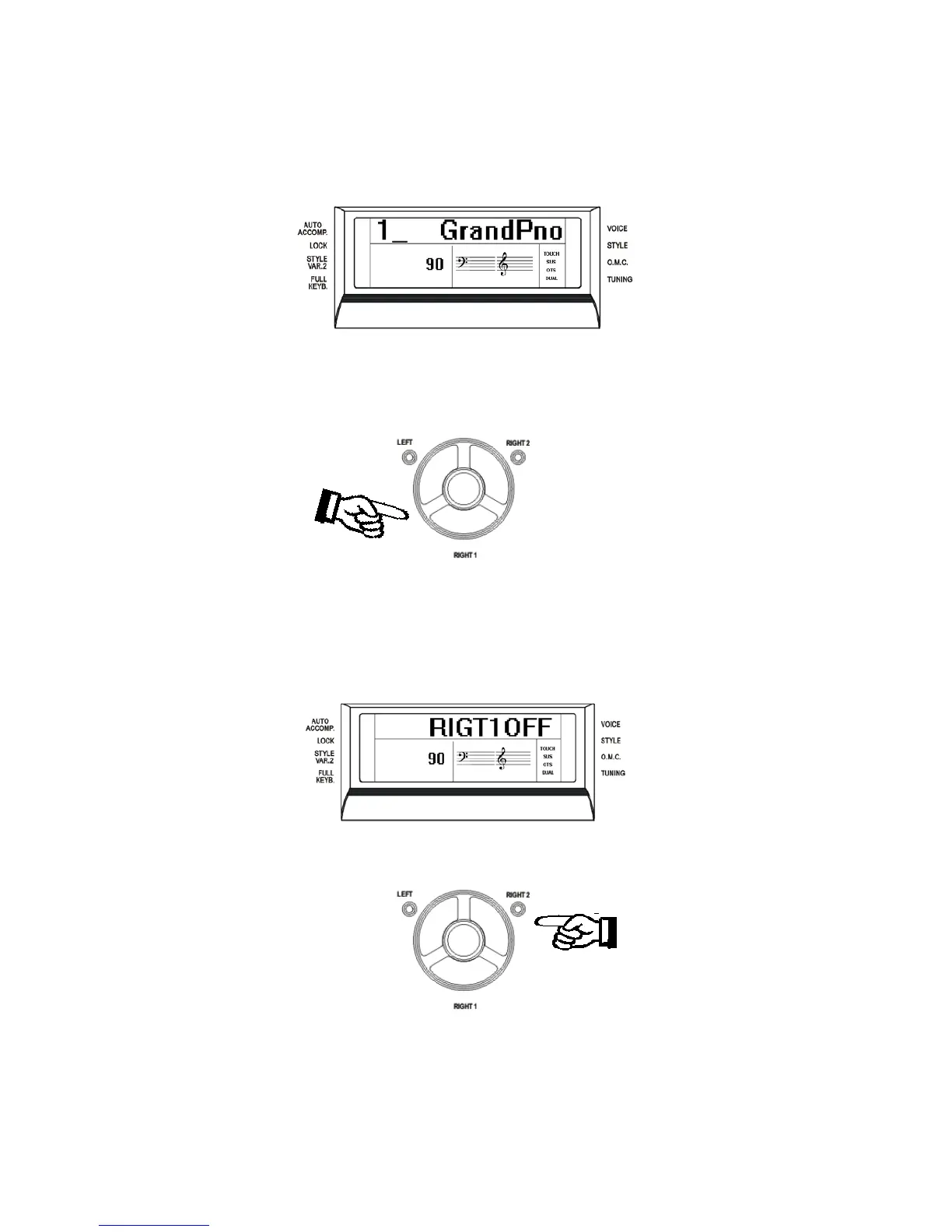
Press the [RIGHT 1] button to switch the section ON or OFF. When you select the RIGHT1
sound OFF the display will show:
SELECT RIGHT 2 SOUND
Press the [RIGHT 2] button and its LED is now blinking. In this mode you can play two different
sounds at the same time on the right part of the keyboard. The name of the RIGHT 2 sound will
be indicated on the display for a few seconds also indicating the RIGHT 2 sound selected at
present.
8



 To Next Page