When the RIGHT 2 sound is indicated on the display and its LED is blinking, the sound can be
changed. Press the numeric key-pad buttons, or the [+/-] buttons to select the desired voice
number according to the Voice List.
Press the [RIGHT 2] button to switch this section ON or OFF.
SELECT LEFT SOUND
Press the [LEFT] buttons to select the LEFT voice. This will enter the instrument in SPLIT
MODE and automatically divide the keyboard into two parts. The current voice number and
name will display on the Message Display section.
The keyboard is now divided in two sections: Left and Right.
When the LEFT sound is indicated on the display the sound can be changed (remember, the
instrument gives approximately 4 seconds to input data). Press the numeric key-pad buttons or
the [+/-] buttons to select the desired voice number according to the Voice List.
Press the [LEFT] button to switch this section ON or OFF.
Note: It is possible to play the LEFT Sound together with the Auto Accompaniment.
SELECT THE SPLIT POINT
The default position of the Split point is G2 located below the [DEMO] buttons.
The Split Point can be set to any other key as follows:
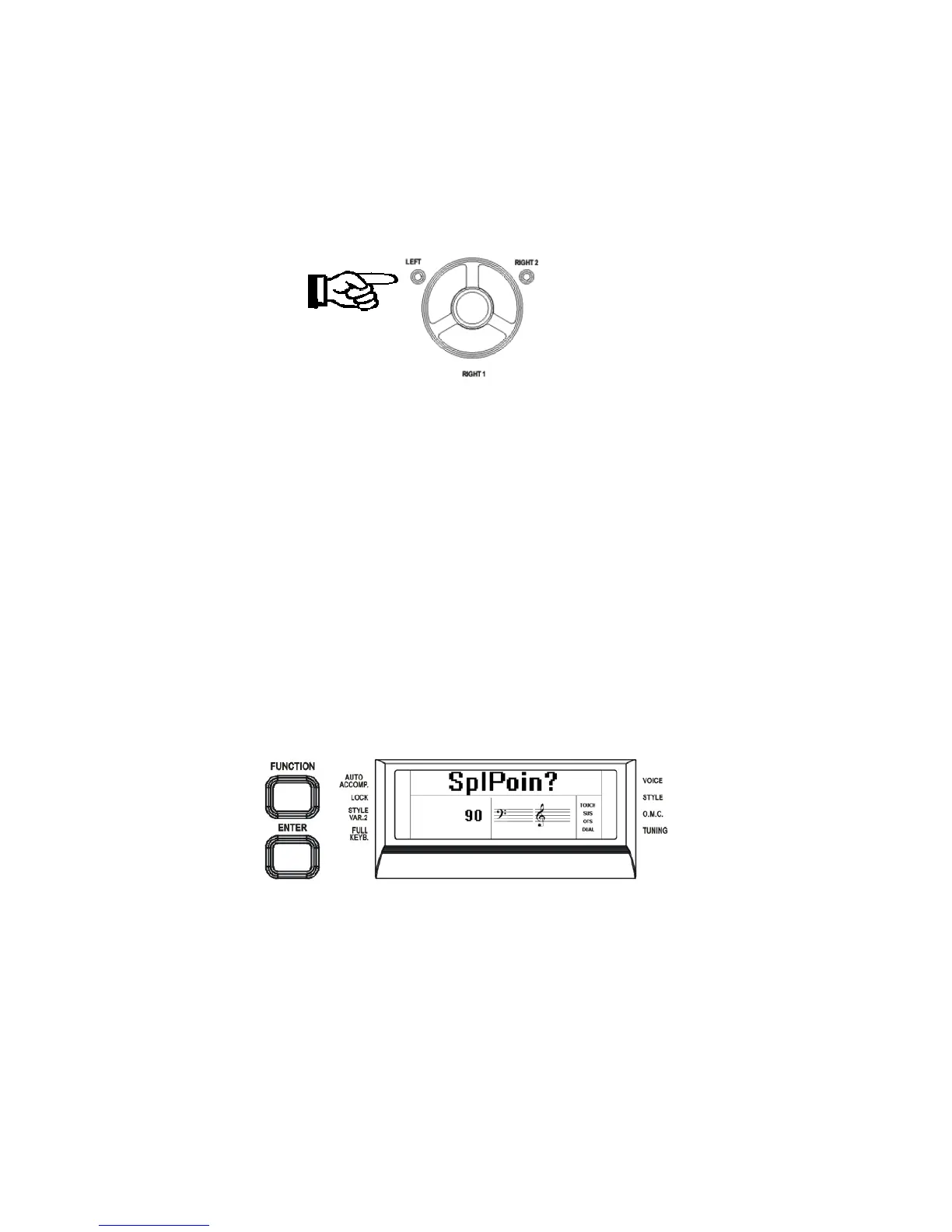
- Press the [FUNCTION] button a few times to select on the display:
- Press [ENTER] button to confirm the function. The display indicates the current Split
Point position: 34 SplPoint.
- Use the [+/-] buttons to set the Split Point Value. The default value is 34 that corresponds
to note G2.
- To set the Split Point on the C2 position, change the value to 27.
The display will return to the normal display mode and the new Split Point is now set.
The new Left Sound Split Point will remain active until the instrument is switched OFF.
9



 To Next Page