20
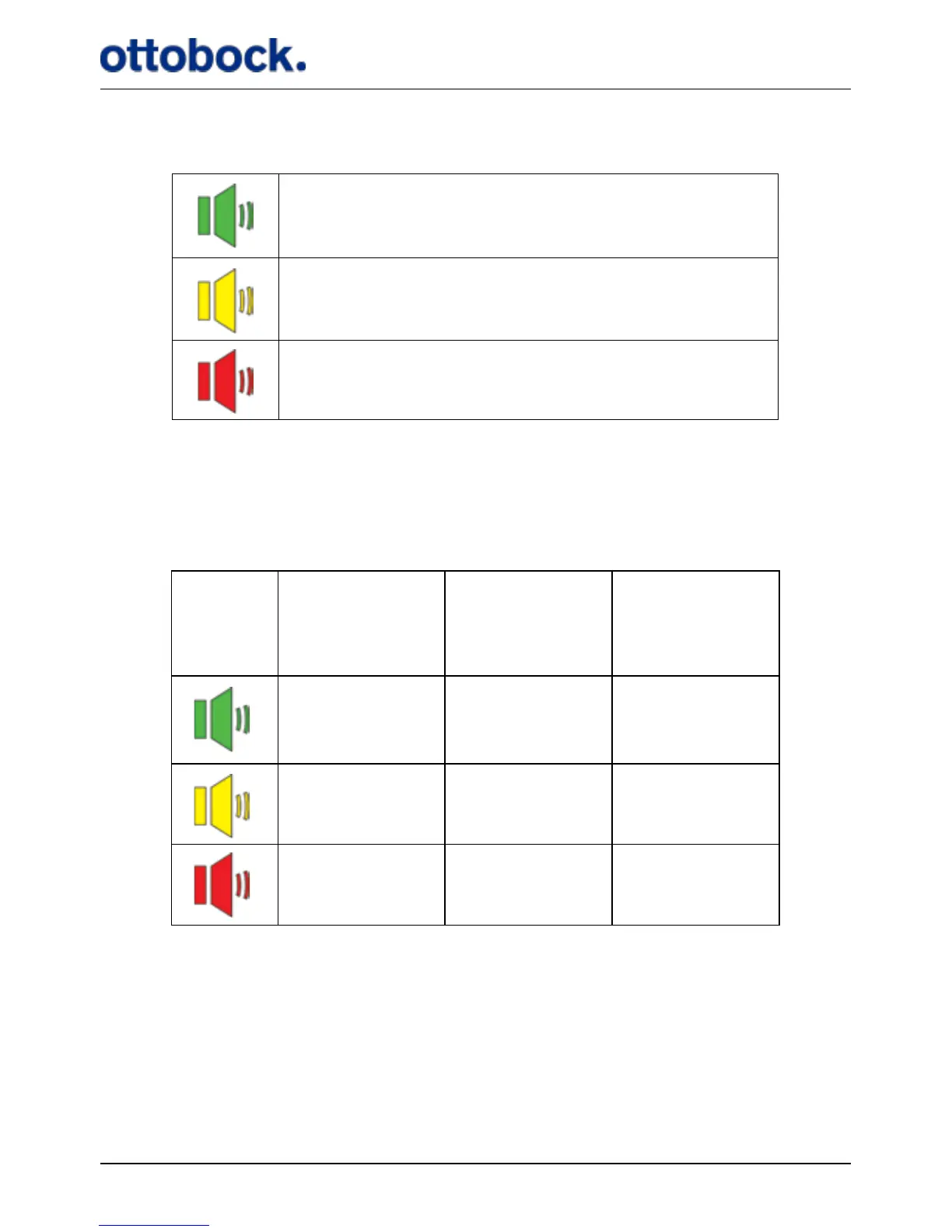
The mute button has three settings:
As default, all sounds are activated and therefore the mute light indicator is green.
If you press the mute button once, the light indicator turns yellow and if you press
it once more, it turns red. The settings of the various audio signals are listed in
Table 1.
Warnings cannot be muted, only audio signals. See section 7.7.2 on page 43 for
explanation of the audio signals
All sounds are on.
All sounds are on, except for the Heel Switch feed-
back.
All sounds are o, except for warnings.
Table 1: Mute settings
Stimulation
Intensity
maximum or
minimum
Heel Switch
feedback
Indicator
check
On On On
On O O
O O O


 To Next Page