Page 33
Service Instructions B500
Settings/substitution/replacement
4.4.1.13 Control system accessories
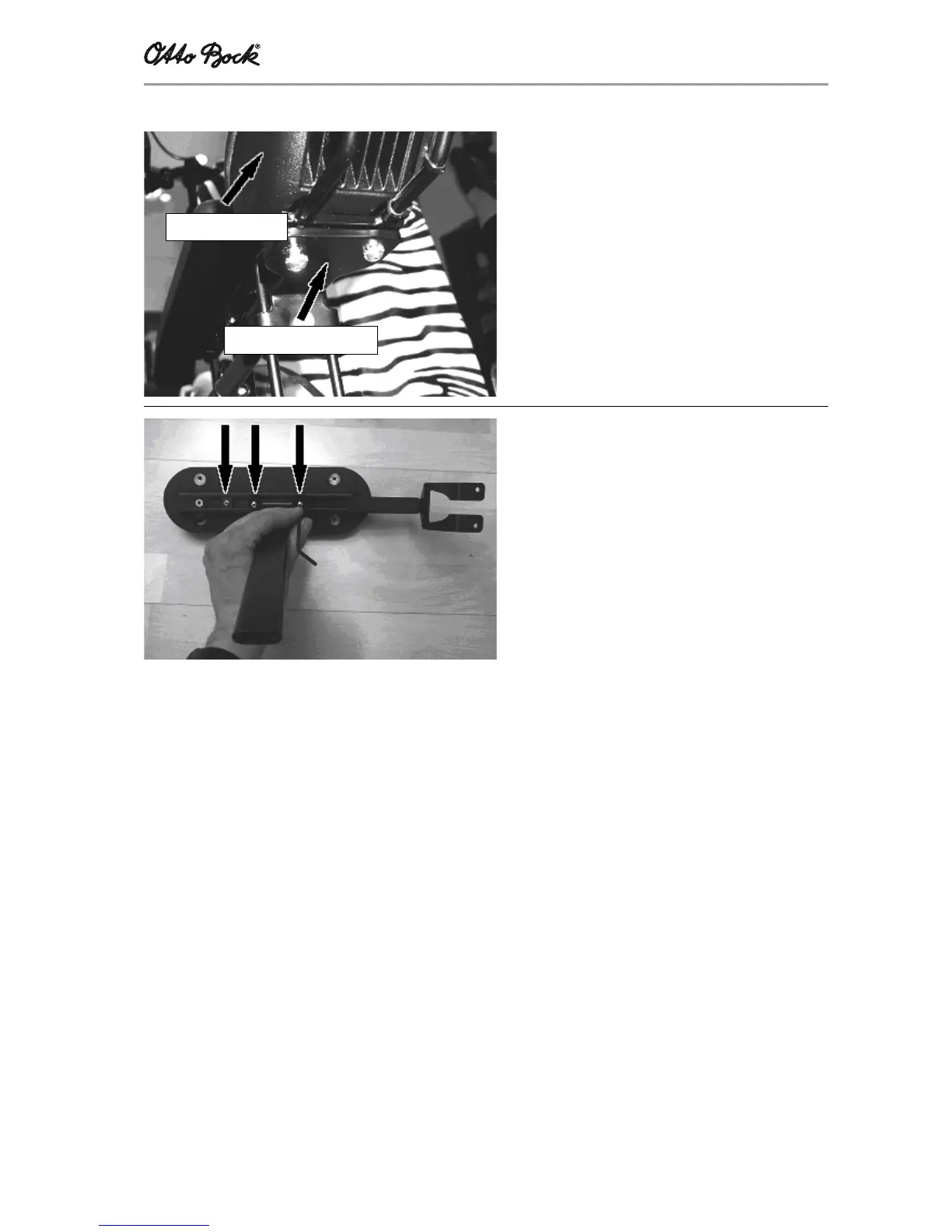
Guard
Install the guard under the operator panel:
- Clamp the guard between operator panel and
operator panel support
- Secure using the two screws
Operator panel support
Fasten all operator panel supports for the B500 to
the arm rest below the arm support:
- Unscrew the operator panel
- Remove the lateral element from the retainer
- Undo/tighten the three headless setscrews
- Move the operator panel support to a new
position, or remove it completely
Operating panel
Operator panel support














 To Next Page