16
OutBack Power Systems Inc.
Power-Up Screen
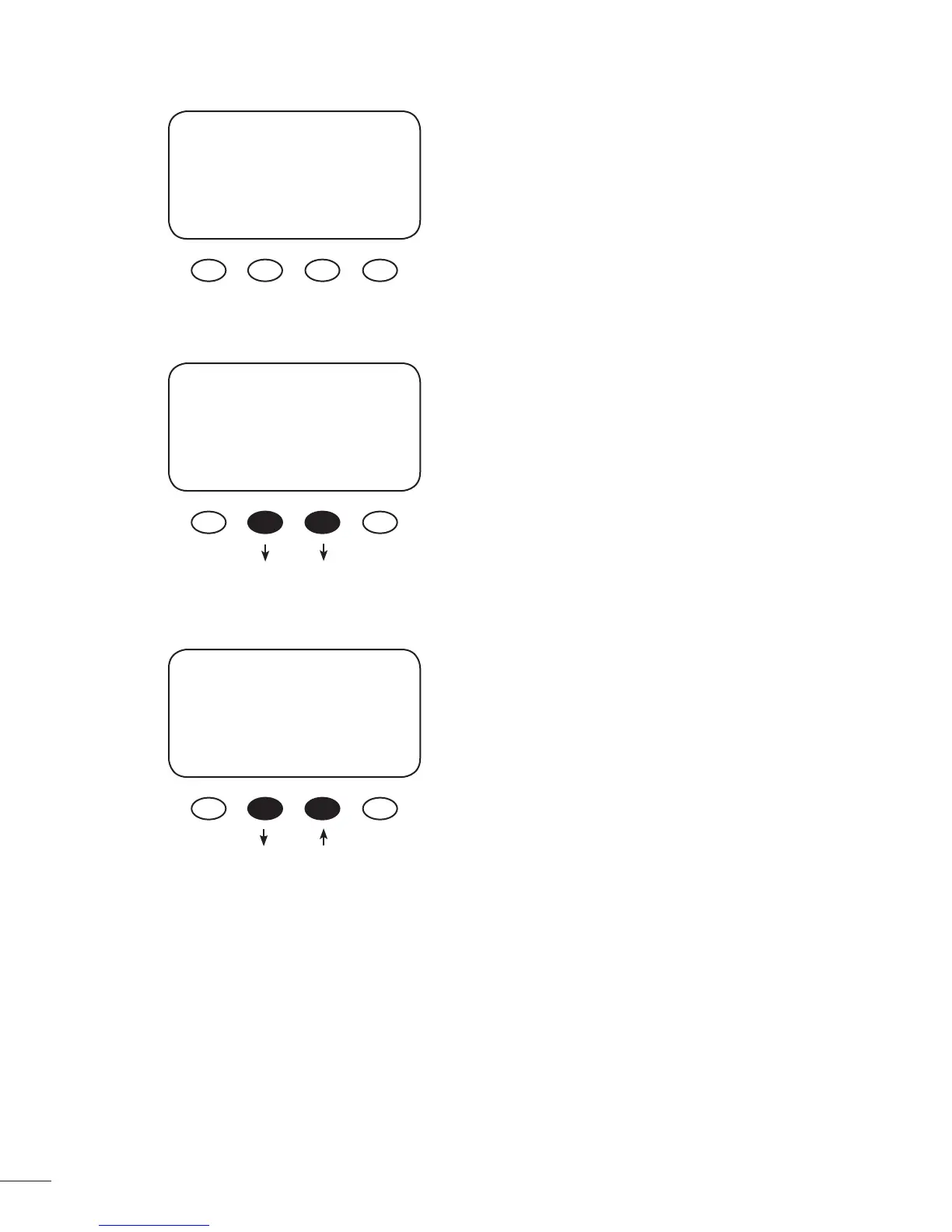
Release both soft keys when the OutBack Power
Systems screen appears. The selected battery voltage
appears in the upper righthand corner. The BATTERY
VOLTAGE screen will appear next.
Note: The MX60 designation in the lower left corner
will read MX60AU for Australian versions and MX60ES
for Spanish versions.
“^^” indicates the selected battery voltage. Press
the “” or <ENTER> soft keys to proceed to the
PASSWORD screen, which prevents unauthorized
changes to the system.
Password Screen
Press the “ – “ soft key until the password 141 shows
on the screen. Press the <ENTER> soft key to return
to the BATTERY VOLTAGE.
Note: 141 is the password for all OutBack products
displayed on a screen.
OutBack 12V
Power
Systems
MX60
BATTERY VOLTAGE
12 24 36 48 60
^^
EXIT ENTER
PASSWORD
***150***
ENTER - +
Press Either Key



 To Next Page