26
OutBack Power Systems Inc.
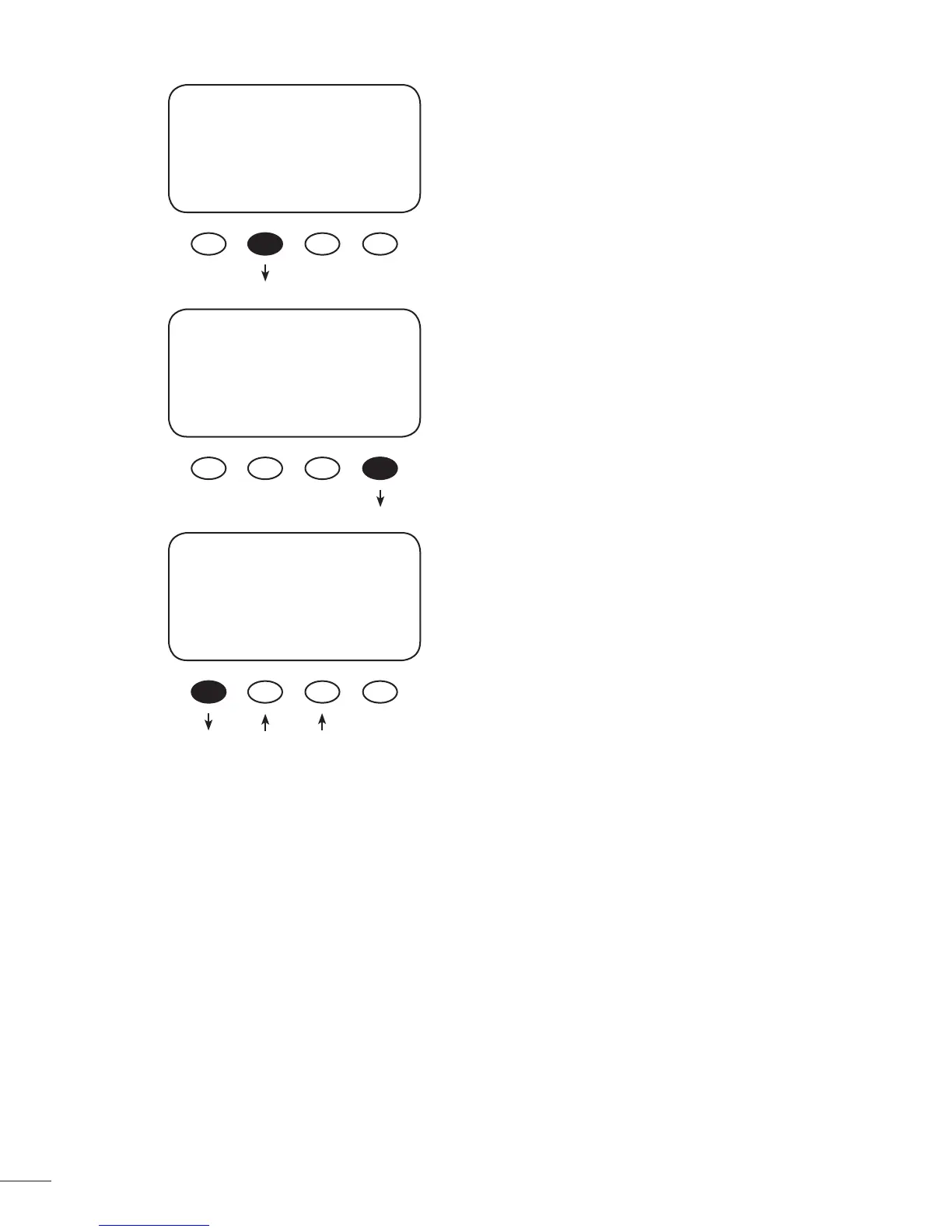
Press the <NEXT> soft key to advance to the PV
Trigger soft screen.
When the PV input is too high and exceeds the
user-determined VOLT set point, the AUX MODE PV
Trigger activates. Press the <VOLT> soft key to adjust
the voltage.
Adjust the voltage within a range of 20V - 150V
by pressing the < - > or < + > soft key. Press the
<BACK> soft key when nished to return to the PV
Trigger screen
AUX MODE
Vent Fan
On
EXIT NEXT VOLT
AUX MODE
PV Trigger
Off
EXIT NEXT TIME VOLT
PV VOLTS
> 140
BACK - +



 To Next Page