32
OutBack Power Systems Inc.
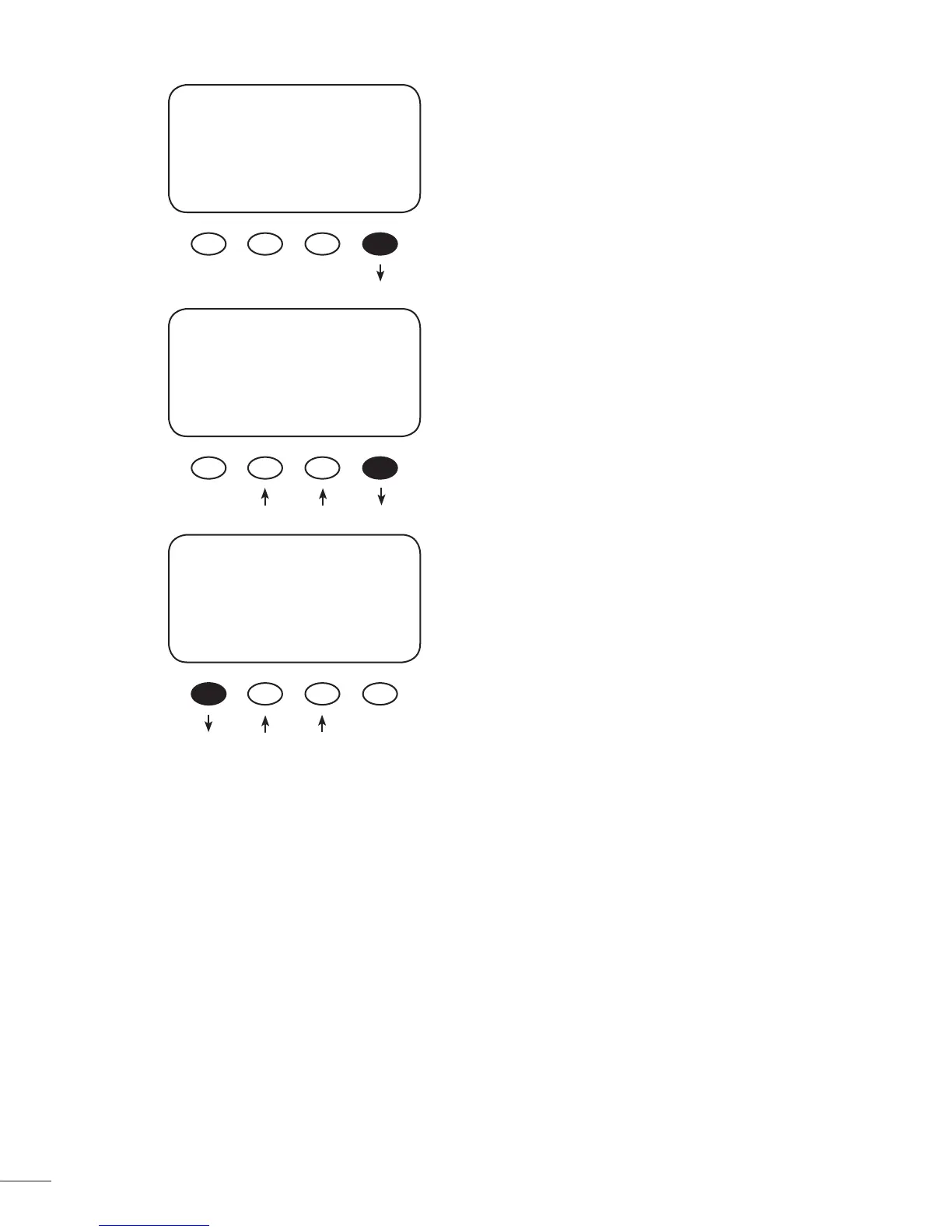
In the Low Batt Disconnect screen, press the <VOLT>
soft key to adjust the battery voltage disconnects
set point.
Press either the < - > or the < + > soft key to adjust
the disconnect voltage. Press the <ReCon> soft key
to open the RE-CONNECT VOLTS screen.
Press either the < - > or the < + > soft key to adjust
the RE-CONNECT VOLTS value. The AUX Output
activates when the voltage goes above this setting
after the timer has counted back to zero. Press the
<BACK> soft key to return to the Low Batt Discon-
nect screen.
AUX MODE
Low Batt Disconnect
On
EXIT NEXT TIME VOLT
DISCONNECT VOLTS
<13.6
BACK - + ReCon
RE-CONNECT VOLTS
>14.4
BACK - + DisV



 To Next Page