35
OutBack Power Systems Inc.
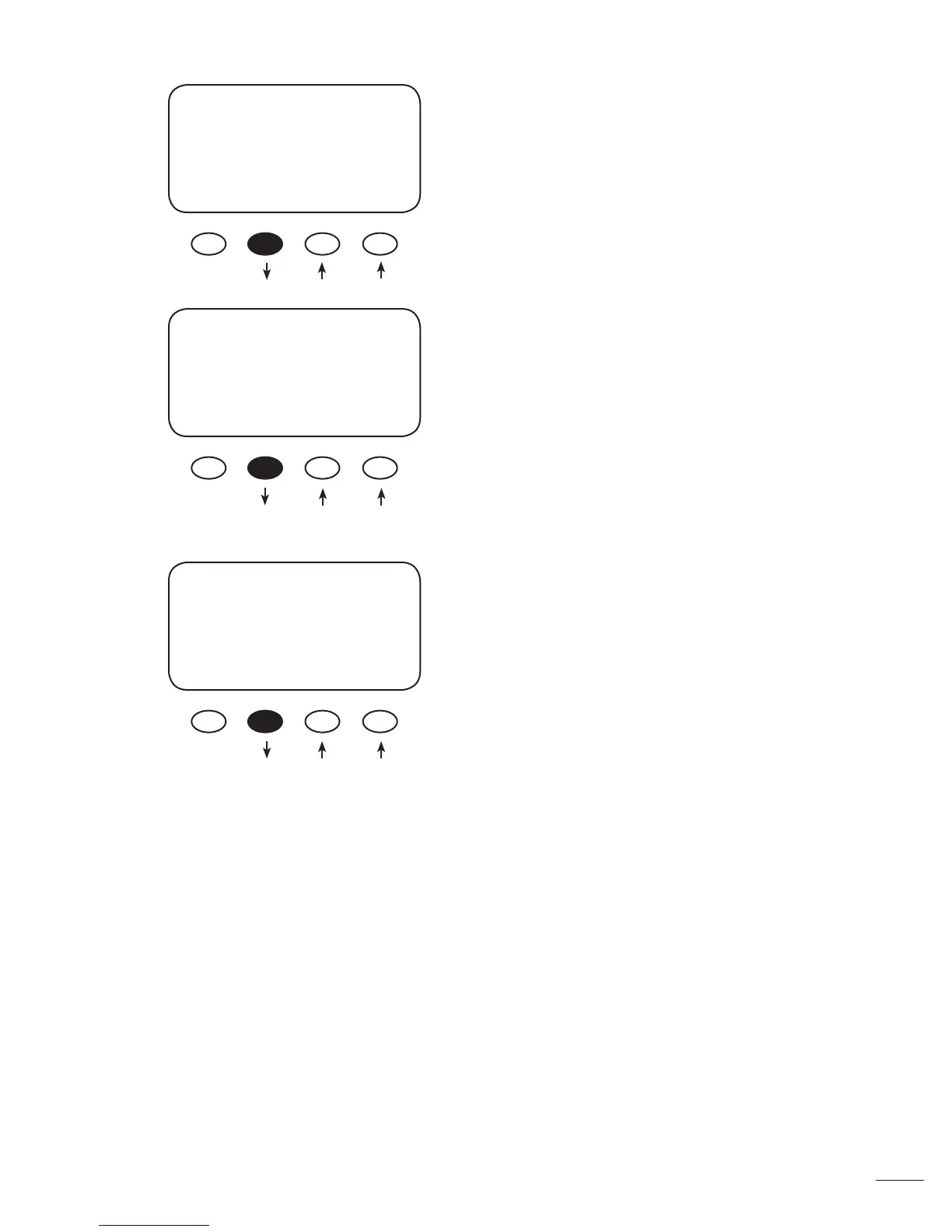
Press either the < –EQV> or <+EQV > soft key to
change the EQ voltage, following your battery man-
ufacturer’s recommendations. Note that the factory
default EQ voltage is set low, the same as the factory
default Absorb voltage. Press the <NEXT> soft key to
view the BATTERY EQUALIZE Time screen.
Press either the <-HRS> or <+HRS> soft key to set
the desired equalization time, up to a seven hour
maximum, always following your battery manufac-
turer’s recommendations. Press the <NEXT> soft key
to view the battery equalization start screen
• Press the <START> soft key to manually begin
an equalization cycle. To stop the cycle, press the
<STOP> soft key.
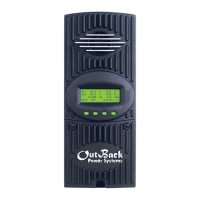
• EQ-MPPT display indicates the MX60 is trying to
reach the target equalize set point.
• Equalize time “EQ 0:00” in Hours:Minutes displays
after the equalize set point is reached.
• The incomplete equalization cycle continues into
the next day unless the MX60 is powered o or
manually stopped. The remaining EQ time can be
viewed in the Log2 Menu.
• EQ cycle terminates when EQ time period is
reached.
• After equalizing, an EQ DONE message displayed
and a Float cycle begins.
Press the <AUTO> soft key to view the auto equaliza-
tion screen.
BATTERY EQUALIZE
Volts
15.0
EXIT NEX -EQV +EQV
BATTERY EQUALIZE
Time
01 Hours
EXIT NEXT -HRS +HRS
BATTERY EQUALIZE
01 Hrs 15.0 Volts
Check water level
BACK AUTO START STOP
Manual Mode



 To Next Page