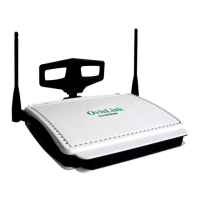
OvisLink
- 3
Internet
Orange (10M)
Green (100M)
Connected and linked to
a Cable/xDSL Modem.
Glows orange with
10Mbps Internet
connection; green with
100Mbps.
Receiving/
Sending data
1 (LAN)
2 (LAN)
3 (LAN)
4 (LAN)
Green
Turns green when
linked to a local
network.
Receiving/
Sending data
A,B,C,D
(MAIL
ALERT)
Orange Flashing frequency (F) vs. Email amount (N)
F = 1 when N < 5
F = 2 when 5 ? N < 10
F = 3 when 10 ? N < 20
F = 4 for the rest of conditions.
WLAN Green Flashing for Receiving/Sending data
Table 1: LED Indicators
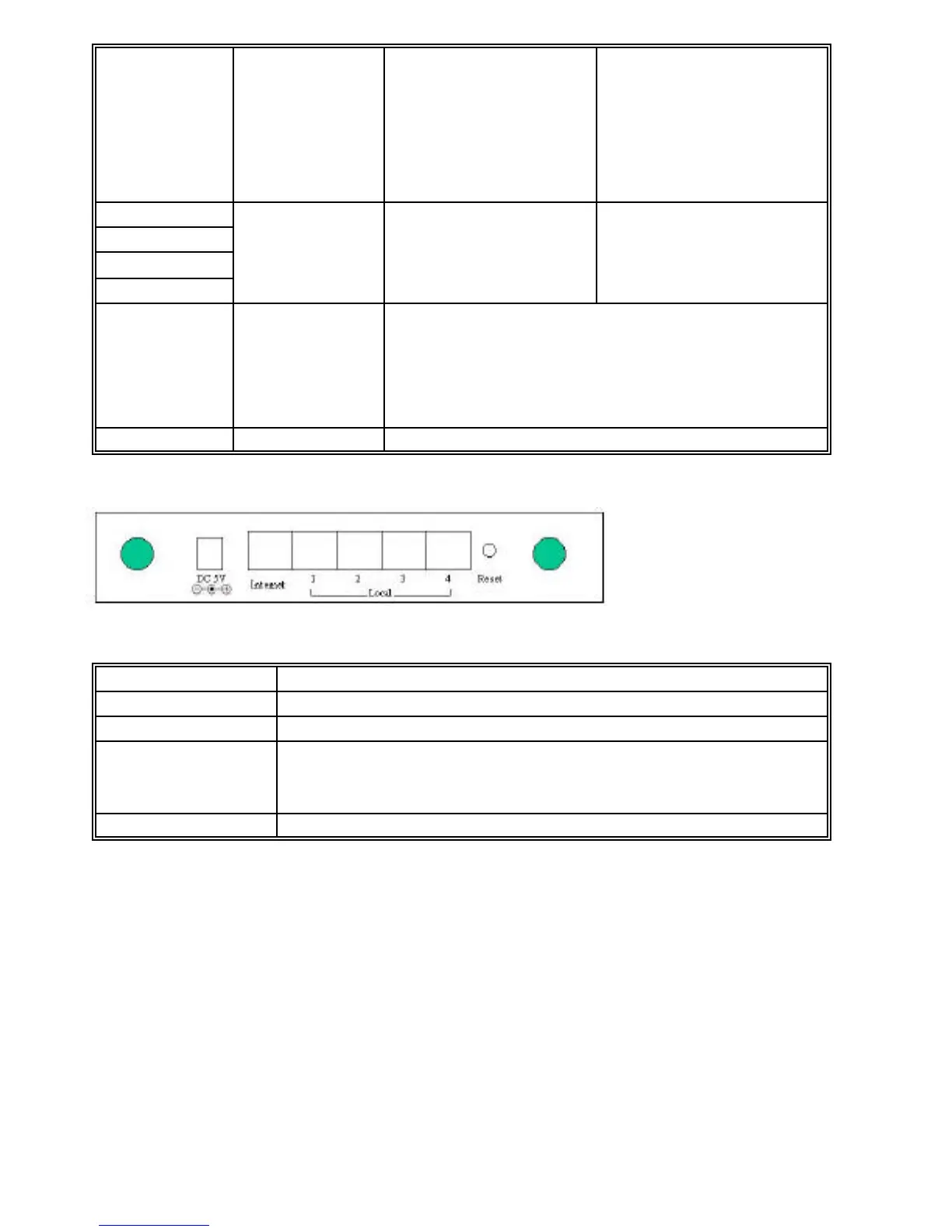
Figure 3: Ports on the Rear Panel
Port/button Functions
DC 5V Connects to a power adapter plug.
Internet Connects to a Cable/xDSL modem.
Local (1-4) Four RJ-45 dual-speed (10/100Mbps) auto-sensing ports for
connecting with either 10Mbps or 100Mbps Ethernet
connections.
Reset Press to restore factory settings.
Table 2: Connections Ports



 To Next Page